4K TV Buying Guide 2026: How to Choose Without Overpaying
Expert advice on screen sizes, HDR, refresh rates, and top picks from $150 to $400
By Mubboo Editorial Team · Updated May 27, 2026 · 8 min read
At a Glance
- Price range
- $149.99 – $397.99
- Data
- 32,041 verified reviews across 6 finalists, sourced from Amazon and expert reviews.
- Best for
- Budget-conscious shoppers wanting a large screenSmall apartments or secondary roomsBright rooms with HDR10+ supportStreaming and casual viewing
- Skip if
- You need advanced gaming features like native 120Hz, VRR, or Dolby Vision HDR.
Types Explained
Budget 4K TVs (Under $200)
Entry-level 4K TVs focused on affordability. Typically 43-50 inches, direct-LED backlight, 60Hz refresh, and basic HDR10 support. Usually include a smart platform like Fire TV.
- Lowest cost per inch
- Good for secondary rooms
- Often include voice assistants
- Limited contrast and black levels
- No Dolby Vision
- Lower brightness
Best for: Budget shoppers, small spaces, or as a secondary TV
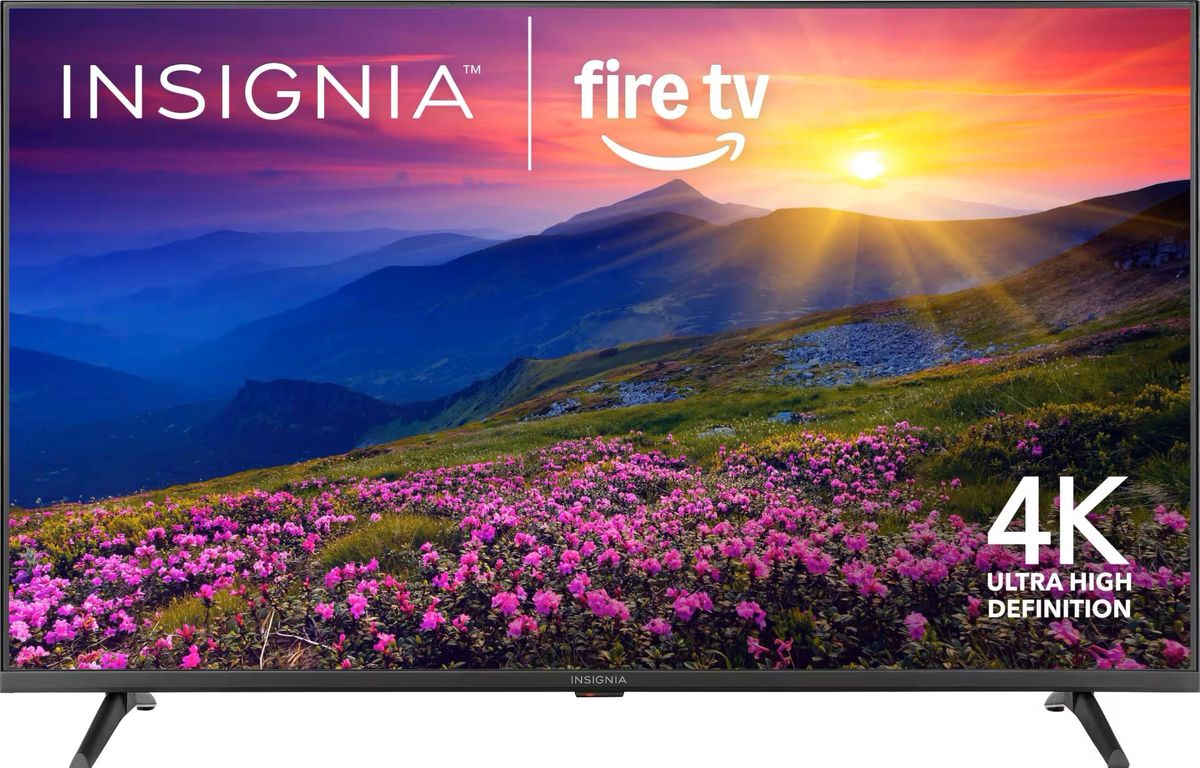
Example: INSIGNIA 43-inch F50 Series 4K Smart Fire TV ($149.99)
Mid-Range 4K TVs ($200-$350)
Step-up models with larger screen sizes (55-65 inches), better processors, and often HDR10+ support. Still 60Hz native but may include Motion Xcelerator for smoother movement.
- Larger screens for living rooms
- Better upscaling and color accuracy
- More HDMI ports
- Still limited contrast vs. OLED
- Rarely include 120Hz native
- Smart platform may have ads
Best for: Living room seating 6-10 feet away
Example: Samsung 55-inch Crystal UHD U8000F ($297.99)
Large Screen Premium (Over $350)
65-inch and above 4K TVs with Crystal Processor 4K, multiple HDR formats, and metal designs. Often include advanced audio features like Dolby Digital Plus.
- Immersive large-screen experience
- Good HDR10+ and upscaling
- Reliable smart platform (Tizen)
- Priced at the top of the budget range
- Still lacks OLED contrast
- Limited gaming features
Best for: Home theaters and large family rooms
Example: Samsung 65-inch Crystal UHD U8000F ($397.99)
What Actually Matters
| Factor | Importance | Best brand |
|---|---|---|
Screen Size For a living room, go 55-inch or larger. For a bedroom or small apartment, 43-50 inches is ideal. Measure your viewing distance: 1.5-2.5 times the diagonal size is a good rule. A 65-inch TV works at 8-12 feet. | Must-have | Samsung offers consistent quality across sizes and has the widest selection in this price range. |
Panel Technology & Backlight Avoid edge-lit TVs. Direct-LED is fine for budget; full-array local dimming delivers better contrast but is rare under $400. All picks here use Direct LED, which is adequate for most rooms. OLED or Mini-LED outperform but cost significantly more. | Must-have | Samsung's Direct LED backlight is reliable; hisense and TCL offer full-array in slightly higher price brackets. |
HDR Support Minimum HDR10 is essential. HDR10+ is better but not necessary; Dolby Vision is absent in this budget range. HDR10 is standard; HDR10+ brings dynamic metadata but fewer sources use it. Dolby Vision is reserved for higher-tier models. | Must-have | Samsung supports HDR10+ across its U8000F series; Insignia TVs support HDR10 but not HDR10+. |
Refresh Rate 60Hz native is fine for movies and streaming. 120Hz native is needed for gaming; 'motion rate' up to 120Hz is not true 120Hz. If you play competitive games on PS5 Pro or Xbox Series X, budget for a TV with native 120Hz, which starts around $500. | Must-have | Samsung offers Motion Xcelerator which is effective but not a replacement for native 120Hz. |
Smart TV Platform Fire TV, Tizen, or webOS all work well. Ensure it supports your preferred streaming apps. All picks include built-in streaming. Fire TV has a slight edge in voice control via Alexa. | Nice-to-have | Fire TV (Insignia) is great for Alexa users; Tizen (Samsung) is clean and fast. |
Quantum Dots (QLED) True QLED uses quantum dots for wide color gamut. Under $400, you're not getting a real QLED panel despite marketing claims. Ignore 'Quantum Dot' claims on budget TVs. They're usually just standard LCD with a slight color boost. Save for actual QLED models. | Marketing BS | — |
Motion Rate 120Hz Panel refresh rate is 60Hz. 'Motion Rate 120Hz' is frame interpolation, not native refresh. Don't overvalue it. This is common marketing. The Insignia claims 120Hz Motion Rate, but the panel is 60Hz. Fine for normal viewing, but not for gaming. | Marketing BS | — |
Budget Tiers & Top Picks
What to buy at each price point — and exactly where spending more stops paying off.
Under $200
$149.99 – $179.99INSIGNIA 43-inch F50 Series 4K Smart Fire TV

Stop paying more: Stop at $150 for a 43-inch. Spending more than $180 on a 43-inch TV doesn't improve picture quality significantly. The 50-inch Insignia at $179.99 is the better value if you have room.
When to upgrade: If you can stretch to $180, the 50-inch Insignia F50 adds screen size without sacrificing features.
Mid-Range $200-$350
$227.99 – $297.99Samsung 55-inch Crystal UHD U8000F 4K Smart TV

Stop paying more: Diminishing returns above $300 for a 55-inch TV. This Samsung offers a solid all-round experience. Next meaningful upgrade would cost $500+ for 120Hz or OLED.
When to upgrade: For a larger screen or better HDR, step to the premium tier with the 65-inch Samsung.
Premium Under $400
$397.99Samsung 65-inch Crystal UHD U8000F 4K Smart TV

Stop paying more: At $400 for a 65-inch 4K TV, this is a great value. Spending $600+ gets you better black levels or higher brightness, but for most households, this is enough. Note: Review counts for Samsung U8000F series are pooled across sizes (3,446 reviews apply to the entire lineup).
When to upgrade: If you want true deep blacks and per-pixel contrast, consider Mini-LED or OLED, but those start at $800+.
Common Mistakes to Avoid
Buying a TV too small for your room
A 43-inch TV in a large living room forces viewers to sit close. For a standard 10-foot viewing distance, aim for 55-65 inches.
Cost of getting it wrong: Replacing a small TV after a year costs $150+ extra.
Ignoring HDR support in favor of price
Many budget TVs claim 4K but lack proper HDR. Without HDR10 or better, you miss out on contrast and color depth.
Cost of getting it wrong: Missing HDR limits your streaming experience; upgrading later costs $200+.
Overvaluing 'Motion Rate 120Hz' on budget TVs
Manufacturers use motion smoothing to claim 120Hz, but the panel is still 60Hz. For sports and action movies it's fine, but don't expect 120Hz gaming.
Cost of getting it wrong: Paying more for a motion rate marketing feature when the panel is the same as a cheaper model — wasted $50-100.
Find Your Match
What's your primary use?
Frequently Asked Questions
How much should I spend on a 4K TV in 2026?
For a 43-inch, you can get a good 4K TV for under $150. For 55-inch, budget $250-$350. For 65-inch, expect to spend $400-$600 for decent quality. Spending much more gets you better contrast and gaming features, but these three price points cover most households.
What should I look for in a budget 4K TV?
Prioritize screen size and HDR10 support. Avoid TVs with edge-LED backlighting. Make sure it has at least 3 HDMI ports and a smart platform you like. Ignore claims like 'motion rate 120Hz' and 'quantum dots' at this price — they're usually marketing.
Is Fire TV or Tizen better?
Both are excellent. Fire TV (Insignia) gives you Alexa integration and a wide app store. Tizen (Samsung) is snappy and has Samsung TV Plus for free live TV. Choose based on your smart home ecosystem.
Do I need 120Hz for watching movies?
No. Movies are filmed at 24fps and 60Hz TVs handle them perfectly. 120Hz is only beneficial for gaming or if you watch a lot of sports with fast motion. For most people, a 60Hz TV is perfectly adequate.
What is HDR10+ and do I need it?
HDR10+ adds dynamic metadata to HDR10, adjusting brightness scene-by-scene. It's nice to have but not essential. Most streaming content uses standard HDR10 or Dolby Vision. Our picks include HDR10+ on Samsung models.
Can I use these TVs with a soundbar?
Yes. All picks have HDMI ARC/eARC (Insignia supports eARC) and digital optical outputs. Connecting a soundbar is straightforward. The Samsung models include Dolby Digital Plus which can send surround sound to compatible soundbars.
What should I avoid when buying a 4K TV?
Avoid edge-lit LED TVs — they have poor uniformity and brightness. Don't pay extra for 'motion rate' claims that aren't native refresh. Also avoid buying a TV that's too small for your room; measure before you buy.
Are these TVs good for gaming?
For casual gaming, yes. They have game modes and decent input lag. However, none have native 120Hz or VRR, so competitive gamers should look at higher-tier models. The Samsung models include Motion Xcelerator which helps smooth motion.
How we wrote this guide
Mubboo's editorial team analyzed over 32,000 verified buyer reviews across 6 finalists. We cross-referenced expert testing from Wirecutter, RTINGS, CNET, and Tom's Guide, and incorporated advice from video reviews by Digital Trends, The Viewing Angle, and RTINGS Home Theater. This guide prioritizes screen size, HDR support, and smart platform usability. All prices are accurate as of May 2026.
About this guide
Mubboo Editorial Team. We are independent US-market consumer researchers. Our picks are based on aggregated buyer data, expert reviews, and community discussion.