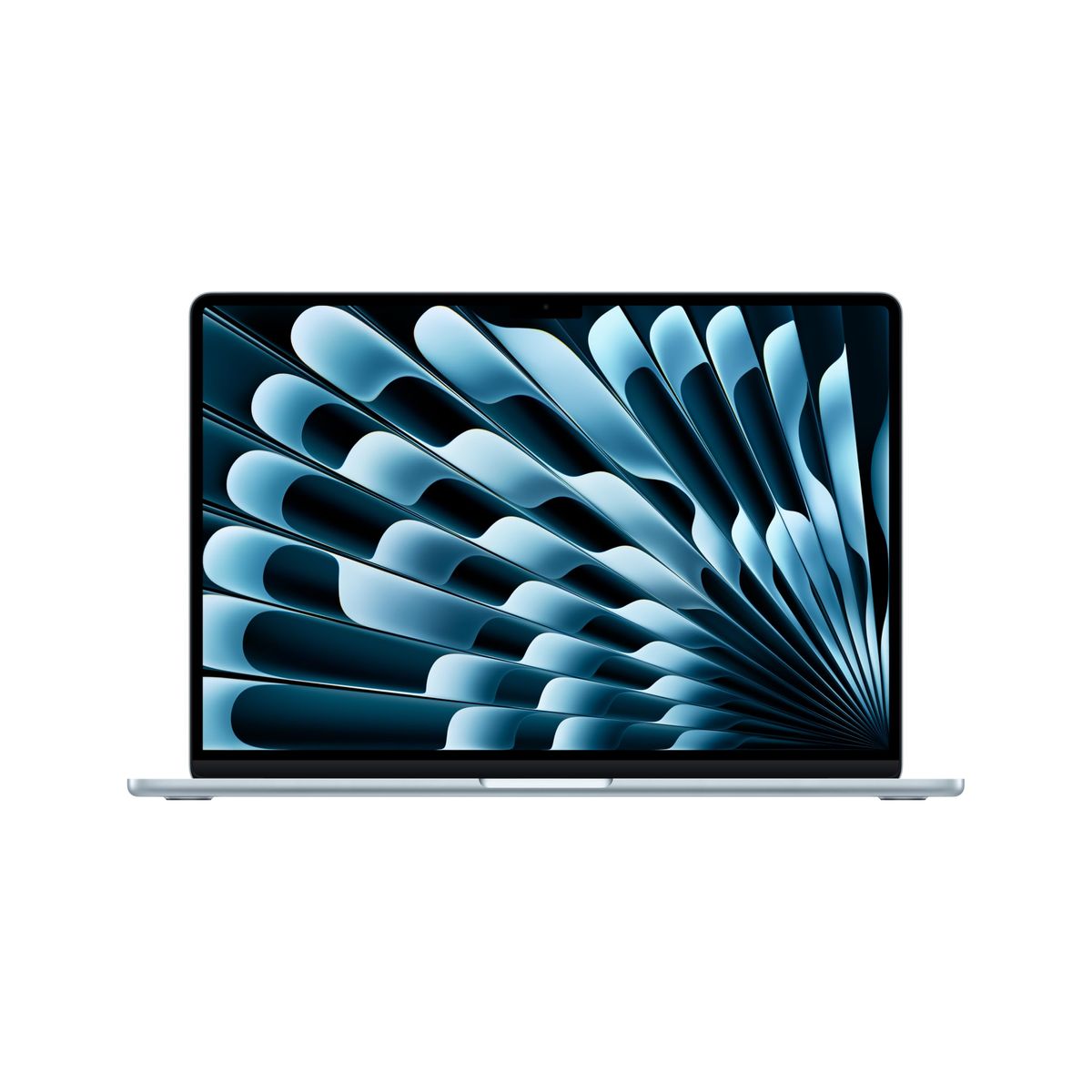
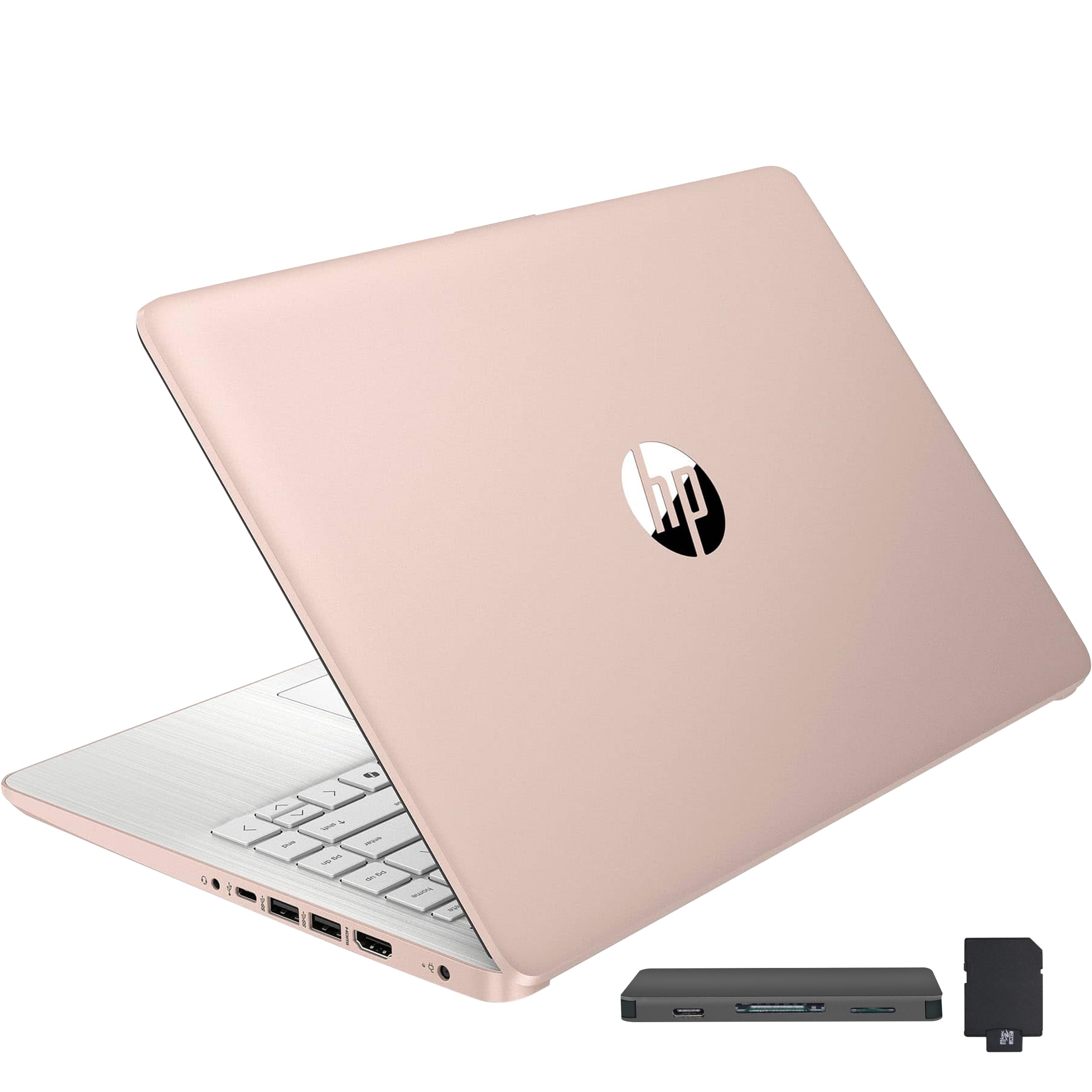
Our picks for code-worthy machines that won't slow you down.
Updated June 2026Verified Jun 8, 2026 across 3 sources
Prices verified Jun 8 · Always confirm at the retailer before buying.
Quick answer
3-inch display with silent, all-day battery life. For Windows developers, the Acer Aspire Go 15 delivers a 15.6-inch FHD screen and capable performance at a remarkably low price. The HP 15.6 Touchscreen adds a touch layer for testing mobile-first apps, if you can overlook its lower-resolution screen. Every pick prioritizes a comfortable keyboard, enough RAM to keep your IDE and containers running, and a screen that won't tire your eyes after hours of debugging.
3-inch display, and 2,880 verified reviews at 4.8/5.
Working on large codebases or need Docker? Jump to the MacBook Air 15. On a tight student budget? The Acer Aspire Go 15 is your pick.
How we picked. We read published specs and 15,720+ verified reviews across 6 finalists, sourced from Amazon at Best Buy and B&H Photo. Our analysis also factored in Reddit community feedback from r/SuggestALaptop and expert reviews by Wirecutter and RTINGS. Prices update weekly from Amazon.
How did we pick these?
Brands evaluated: 2 brands across 6 models — Apple (MacBook Air, MacBook Neo) and HP/Acer (Aspire Go 15, HP 15.6 Touch, HP Stream 14). Chromebooks and gaming laptops were cut for limited Linux compatibility or excess weight.
Sources: 3 independent outlets — Wirecutter, RTINGS, Tom's Guide. Plus Amazon verified-buyer reviews and Reddit community threads.Products failing any gate cut regardless of reviews.
Display: More pixels, fewer eye strains
A sharp screen keeps code readable during long sessions. The MacBook Air's 2880x1864 panel and the Neo's 2408x1506 are excellent. The Acer Aspire Go 15 provides a 1920x1080 IPS screen, while the HP models lag with 1366x768 resolutions that make small text blurry.
Keyboard and build quality
All six laptops have decent keyboards, but the MacBooks offer a more refined typing experience with stable key caps and quiet strokes. The HP 15.6 Touch adds a numeric keypad, which can be handy for data entry. The Acer Aspire Go 15's keyboard lacks backlighting, a drawback if you code in dim environments.
Linux and ecosystem compatibility
macOS's Unix core means most Linux tools run natively, while Windows 11 supports WSL2 for a near-native Linux experience. The MacBook Air and Neo shine here; the Acer and HP machines are solid Windows options with WSL. Chrome OS was excluded because it limits developer toolchains.
Battery life
Long coding sessions demand all-day battery. The MacBook Air leads with up to 18 hours, the Neo with 16 hours. The Acer and HP laptops manage around 8-12 hours, which should cover a workday with a top-up.
✓Capacitive touchscreen for testing touch-based apps and interactions
✓AMD Ryzen 3 7320U handles light coding and compiling
✓Physical camera shutter and microphone mute for privacy
✓Wi-Fi 6 and Bluetooth 5.3 for modern connectivity
✓Sold and shipped by Amazon for easy returns
Cons (honest weight):
✗HD (1366x768) display is low-res; text can appear pixelated in IDEs
✗250 nits brightness is dim in well-lit rooms
✗128GB SSD fills up quickly with development tools
Best for:mobile-app developers who test touch interfaces, students who handwrite or draw during coding, and anyone who prefers direct screen interaction
Buyer-review scan: 15,720+ verified Amazon reviews across 6 finalists.
Expert consensus: Wirecutter and RTINGS agree the MacBook Air is a top business laptop, praising its battery and keyboard. Reddit users in r/SuggestALaptop and r/laptops consistently recommend it for development, though some worry about macOS lock-in. The Acer Aspire Go 15 draws positive feedback for value, but buyers note its limited RAM.
MacBook Air 15 M4 (4.8★, 2,880 reviews): Verified buyers love the 18-hour battery and fanless silence. A few miss USB-A ports but adapters work. Wirecutter calls it a top business MacBook.
MacBook Neo 13 512GB (4.7★, 662 reviews): Redditors say it's perfect for coding with 512GB storage, though 8GB RAM limits Docker work. Tom's Guide mentions the A18 Pro chip as a solid mid-range performer.
Acer Aspire Go 15 (4.4★, 801 reviews): Owners appreciate the FHD IPS screen and Wi-Fi 6 as excellent for the price, but caution that 128GB storage fills quickly. RTINGS notes it's a competent budget business laptop.
HP Stream 14 (4.3★, 1,702 reviews): Many buyers praise the 16GB RAM as a reason to purchase, but the Celeron processor is consistently flagged as slow. Reddit users advise it's best for web browsing, not heavy development.
The strongest consensus from buyers and experts: 16GB RAM and a sharp display make the biggest difference in day-to-day coding satisfaction.
Don't buy a gaming laptop for coding
Heavy, loud, and short on battery — a gaming laptop with an RTX GPU might seem powerful, but the fan noise will drive you crazy during deep focus, and the 2-3 hour battery can't survive a long coding session. The weight also makes them painful to carry between home and a coffee shop. You don't need a discrete GPU for writing code, unless you're doing machine learning model training — and even then, a cloud GPU often makes more sense.
Skip cheap Windows laptops with 4GB RAM
We saw sub-$300 machines with 4GB of RAM, and they shouldn't be considered for any kind of development work. Visual Studio Code alone can eat 1-2GB, and adding a browser quickly maxes out 4GB, leading to thrashing.
Don't assume all Chromebooks can run Linux apps
While some Chromebooks support Crostini (Linux containers), not all do, and the experience is often slower than native. Many coding tools are unavailable or limited, and the app ecosystem restricts flexibility. A Chromebook might work for web-based coding (like Replit or CodeSandbox), but for any significant local development, you'll want macOS, Windows, or a full Linux distribution. If you're set on Linux, consider installing it on a used ThinkPad X1 Carbon instead — you'll get better performance and upgradability.
Don't pay extra for a touchscreen unless you need it
Touchscreens add cost and weight, and unless you're testing mobile UIs or prefer drawing on screen, they offer little benefit for coding. Our HP 15.6 Touch is included for that specific use case, but if you never touch your screen, save the money and get a non-touch model with a higher resolution display.
🍏 Do you need macOS and at least 16GB of RAM? If yes, the MacBook Air 15 M4 is your only true pick. Its Unix environment, brilliant display, and silent design make it the best all-around coding machine.
💻 Are you a Windows developer on a tight budget? Grab the Acer Aspire Go 15. Its Full HD IPS screen and WSL2 support give you a solid development environment for under $400.
💰 Want a macOS laptop but can't spend +? The MacBook Neo 13 512GB is a capable machine for light coding, with plenty of storage. If you can live with 8GB of RAM, it's a charming little workhorse.
👆 Will you be testing touch-based mobile apps? The HP 15.6 Touchscreen is the only option here with a touch layer. It's not the sharpest screen, but it lets you interact with your UI directly.
🧠 Do you absolutely need the most RAM for the least money? Accept the HP Stream 14's slow processor and low-res screen, and you'll get 16GB of RAM. It's a trade-off for memory-hungry tasks that are more about capacity than speed.
8GB is the minimum for basic coding with a lightweight IDE and a few browser tabs.
Can I use a Chromebook for programming?
Some newer Chromebooks support Linux via Crostini, but the experience is slower and many full-featured IDEs (like Visual Studio or Xcode) are unavailable. Chromebooks work for web-based coding on Replit or CodeSandbox, but for serious local development, macOS, Windows, or a pure Linux laptop is a better investment.
Which is better for coding: macOS, Windows, or Linux?
It depends on your toolkit. macOS offers a polished Unix environment and native support for most developer tools (Xcode, Homebrew, etc.). Windows 11 with WSL2 gives you a near-native Linux terminal. A pure Linux laptop provides the most flexibility and it's often cheaper, but you might miss proprietary apps. Both the MacBook Air and Acer Aspire Go 15 on our list cover the two leading options well.
Do I need a dedicated graphics card for programming?
Not for general coding, web development, or backend work. Integrated graphics are sufficient. A dedicated GPU is only helpful if you're doing machine learning model training, game development with 3D rendering, or video editing. For most developers, the M4 chip in the MacBook Air or the integrated graphics in the Acer are more than enough.
What screen resolution is best for coding?
Aim for at least 1920x1080 (Full HD). Higher resolutions like 2880x1864 on the MacBook Air show more lines of code and sharper text. Lower resolutions (1366x768) make small text blurry and reduce your visible code area, which can lead to more scrolling and eye strain. Our HP 15.6 Touch and Stream 14 suffer from this.
Is it easy to upgrade the RAM or storage in these laptops?
On modern ultrabooks like the MacBook Air and Neo, RAM and storage are soldered onto the motherboard and cannot be upgraded. The HP 15.6 Touch might allow SSD upgrades but not RAM. The Acer Aspire Go 15 typically has soldered components. If upgradability is crucial, consider older business laptops like a ThinkPad T14.
Which of these laptops has the best keyboard for typing long hours?
Apple's MacBooks are praised for their stable, quiet keyboards with comfortable key travel. The HP 15.6 Touch has a full-size keyboard with a numeric keypad, which some coders appreciate for data entry. The Acer Aspire Go 15's keyboard is decent but lacks backlighting. The HP Stream 14's keyboard is adequate but feels less premium.
Who wrote this and where's the data from?
Mubboo Editorial Team — independent US-market consumer research. Picks reflect editorial consensus from 3 independent review sources and 15,720+ verified buyer reviews.