Prices verified May 27 · Always confirm at the retailer before buying.
Quick answer
NAS storage is a smarter alternative to cloud subscriptions, giving you full control over your data. For most home users, the <strong>Seagate IronWolf 8TB</strong> ($299.If you need an enclosure, the <strong>Synology DS223</strong> ($284.99) is beginner-friendly with intuitive DSM software. Budget shoppers should consider the <strong>Synology DS223j</strong> ($194.99) with 10GbE and Intel Core i3. For maximum capacity, the <strong>Seagate IronWolf Pro 20TB</strong> ($719.99) delivers enterprise-grade reliability.
After researching 8 NAS products—from drives to enclosures—we recommend the Seagate IronWolf 8TB as the best NAS hard drive for most home users. Read on for our full ranking.
What's the best NAS storage for 2026?
- Best Overall:Seagate IronWolf 8TB—$300→
- Best for High Capacity:IronWolf Pro 20TB—$720→
- Best for Power Users:UGREEN DXP4800 Pro—$720→
- Best for Beginners:Synology DS223—$285→
- Best Budget Synology:Synology DS223j—$195→
- Budget Alternative:UGREEN DH2300—$200→
- Mid-Range Powerhouse:UGREEN DXP4800 Plus—$657→
- Best DAS Alternative:TERRAMASTER D4-320—$171→
Researched across Amazon's verified-buyer data and cross-referenced against independent reviews from Wirecutter and TechRadar, along with video analysis from NASCompares.
How did we pick these?
Brands evaluated: 8 products from Seagate, Synology, UGREEN, and TERRAMASTER — including both internal drives and NAS enclosures. QNAP and Asustor were considered but cut due to lower review counts.
Sources: 2 independent review outlets (Wirecutter, TechRadar) plus 2 video review channels (NASCompares, Consumer Picks). Amazon verified-buyer reviews (18,951+ total).
First-party data: Amazon listing data (price, rating, review count) verified May 2026.0 star rating, available on Amazon.
Storage Capacity & Speed
Researched across 2 independent review outlets, 18,951+ verified user reviews, and 2 video reviews.For enclosures, we looked for ≥1GbE networking.
Reliability & Warranty
NAS drives need higher durability than desktop drives. We required ≥1M hours MTBF for HDDs and ≥2-year warranty for enclosures. IronWolf drives excel here with RV sensors.
Software Ecosystem
Synology's DSM remains the gold standard for ease of use. UGREEN's UGOS Pro offers Docker and VM support, while TERRAMASTER focuses on simplicity.
Networking
For home users, 1GbE is sufficient. Small offices benefit from 10GbE. DAS users should prioritize USB 3.2 Gen2.
Value
Price per terabyte and feature set determine value. IronWolf 8TB at $299.99 delivers 37.5 cents per GB. DS223j at $194.99 offers the lowest entry price for a Synology.
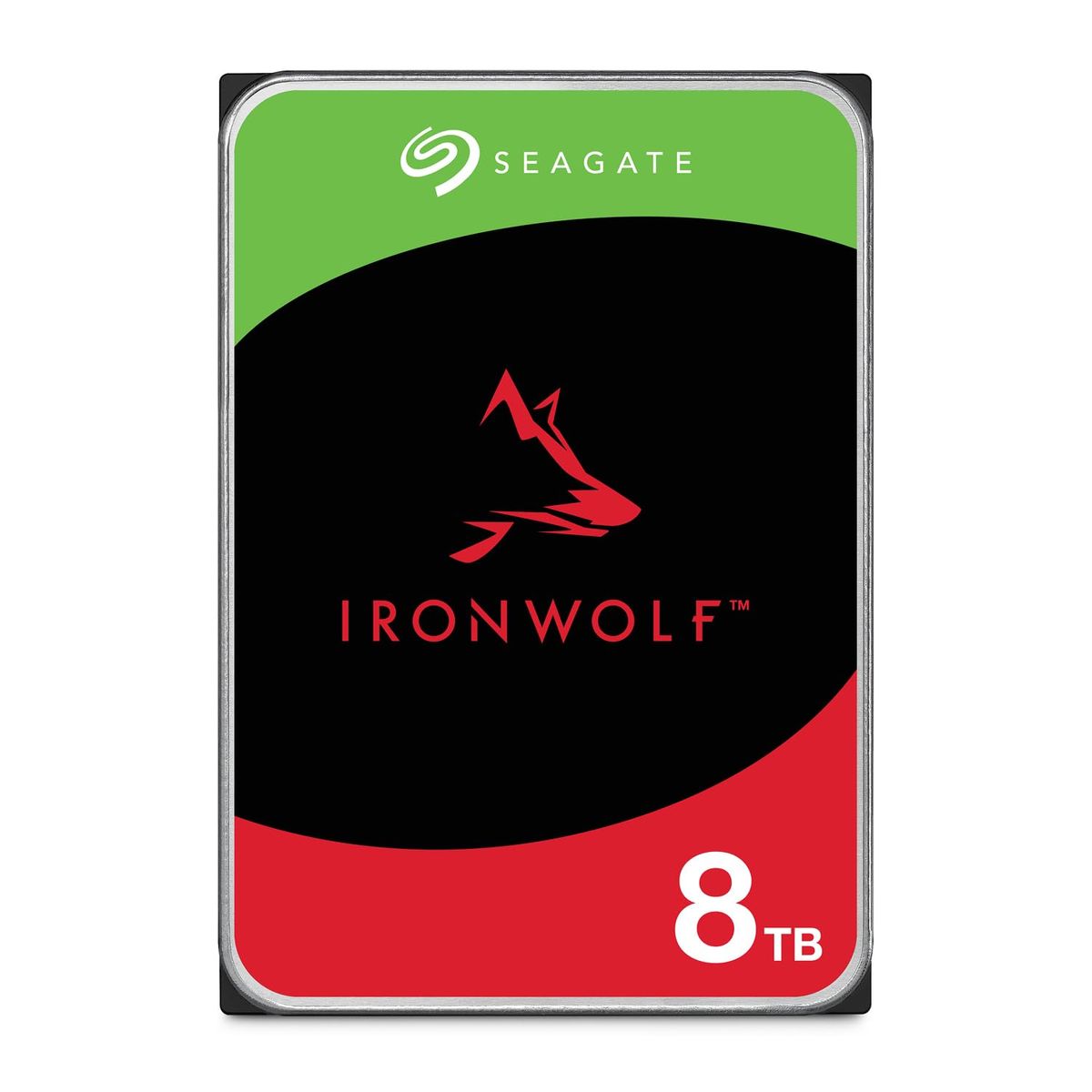
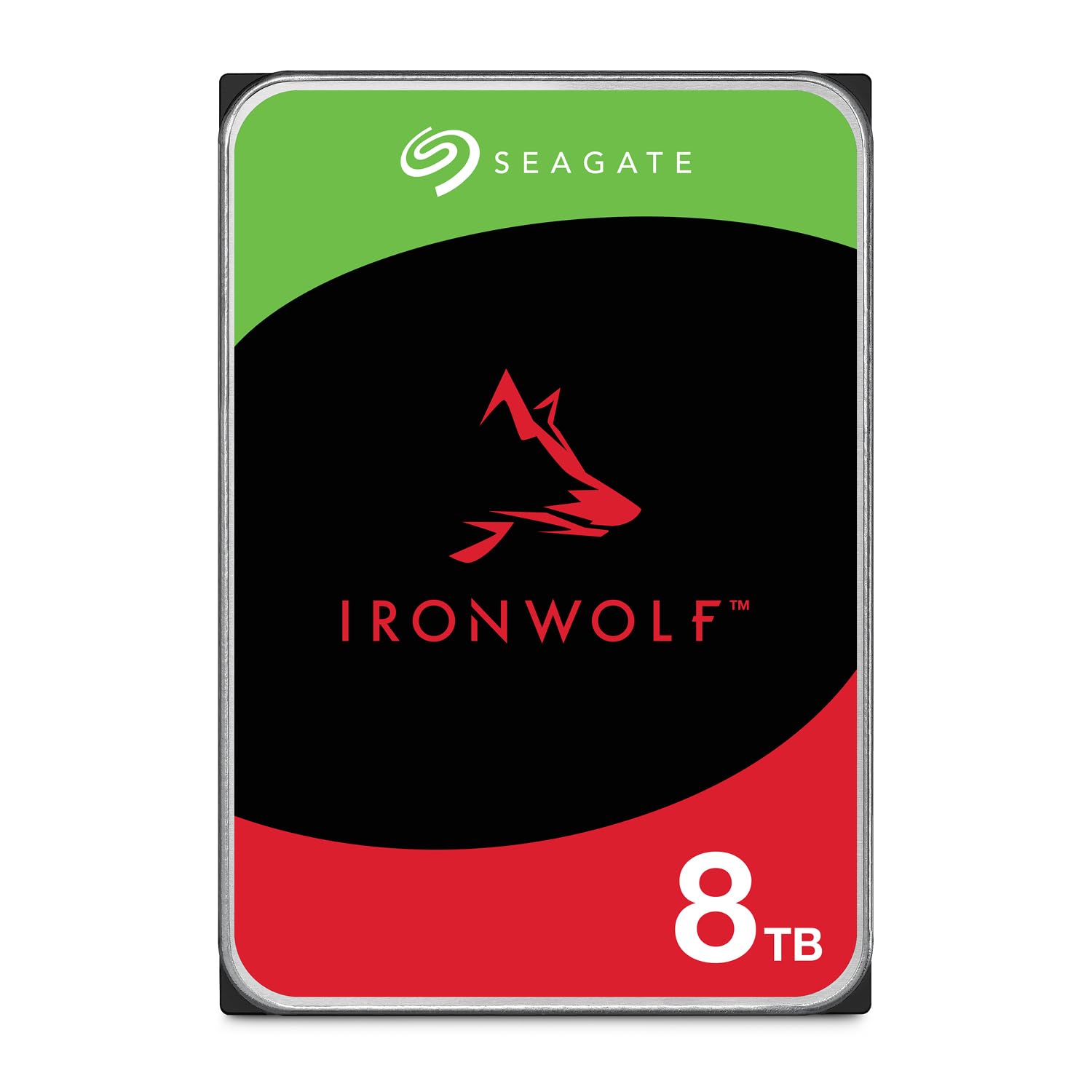
Seagate IronWolf 8TB NAS Internal Hard Drive
Pros:
- 8TB capacity for large media libraries
- NAS-optimized with RV sensors
- 1M hours MTBF reliability
- 5-year warranty included
Cons (honest weight):
- Slower than SSD for random access
- No built-in encryption
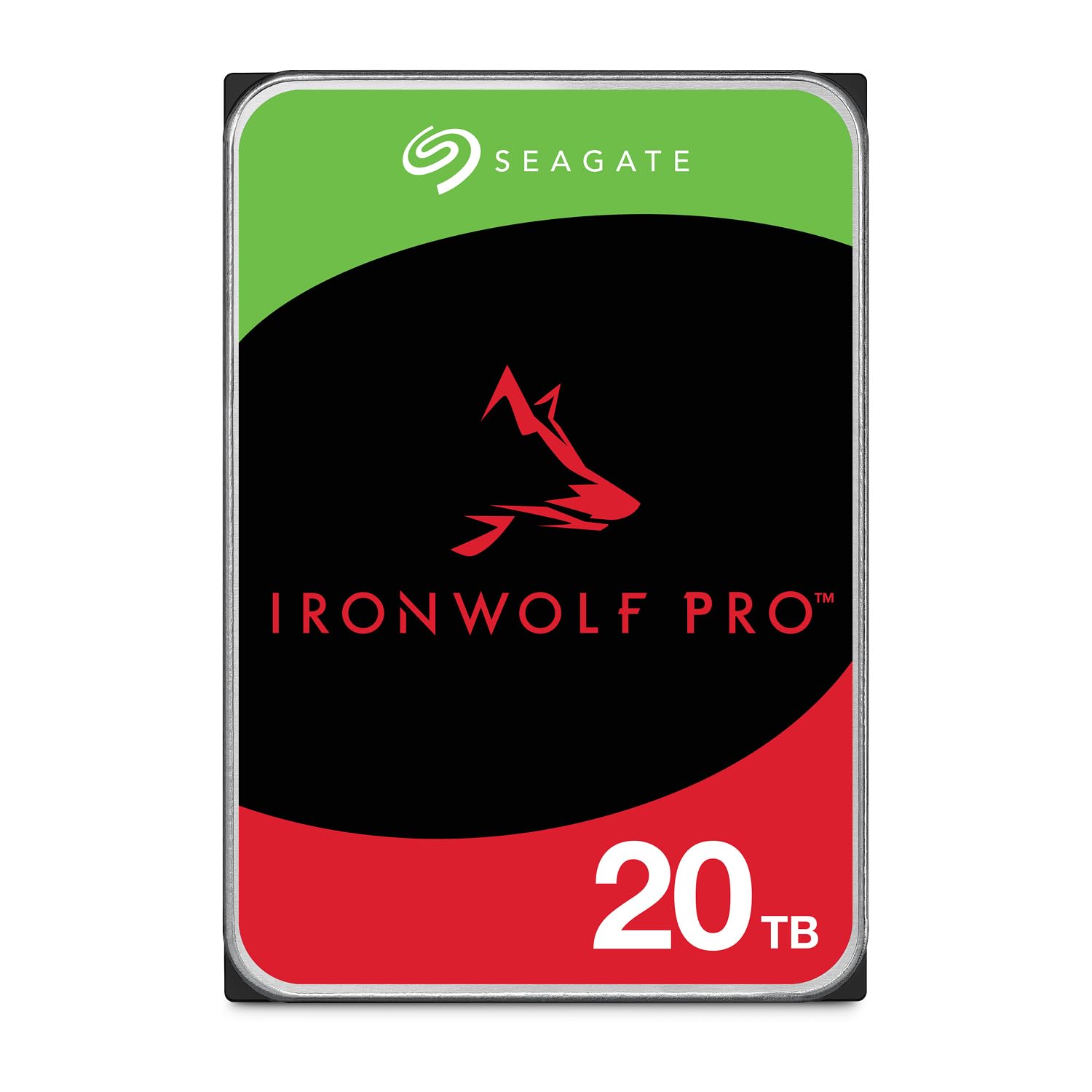
Seagate IronWolf Pro 20TB Enterprise NAS HDD
Pros:
- 20TB massive capacity for 24/7 NAS
- 285MB/s read speed
- 2.5M hours MTBF
- 5-year warranty with data recovery
Cons (honest weight):
- High price over $700
- Noisy under load
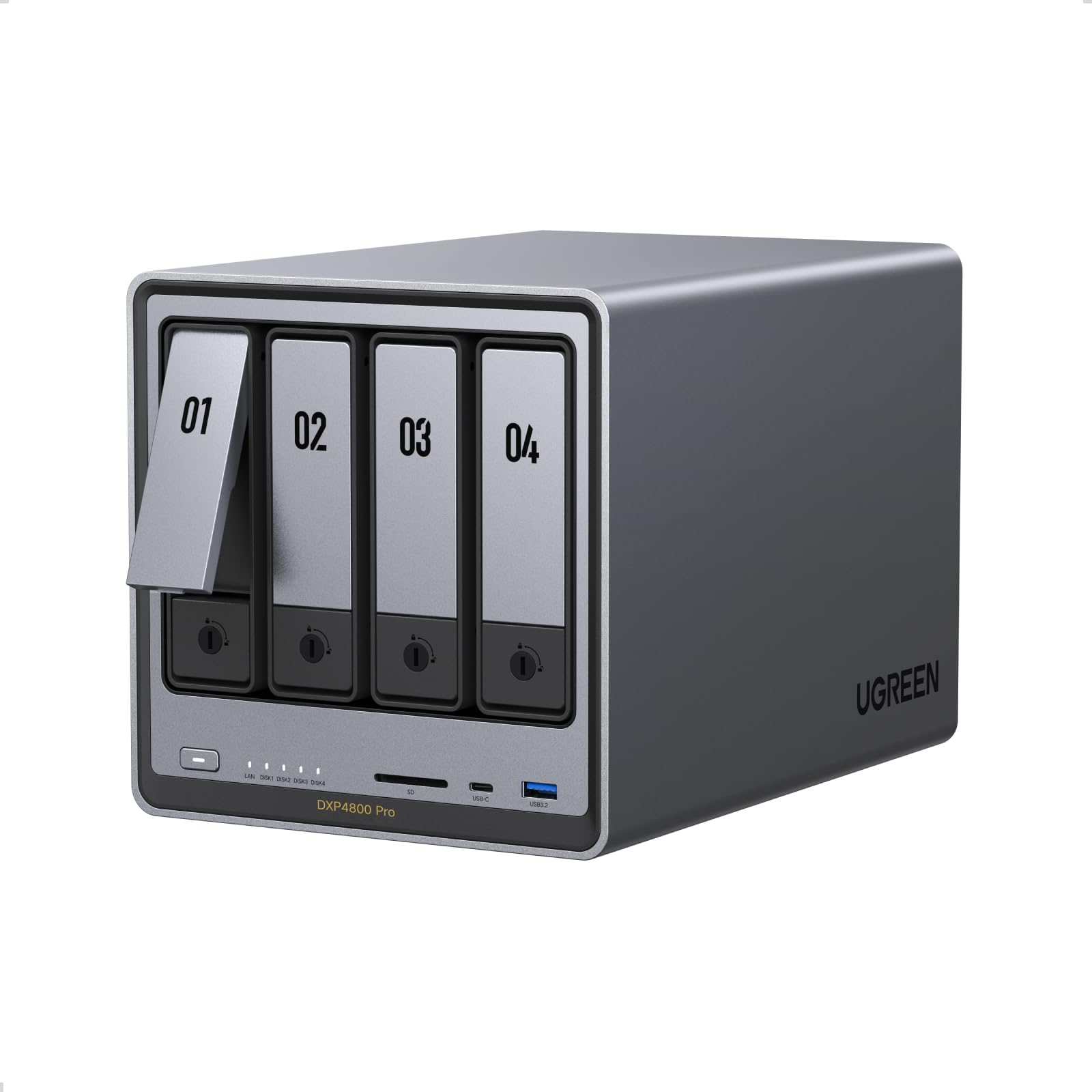
UGREEN NAS DXP4800 Pro 4-Bay Desktop NAS
Pros:
- Powerful Intel Core i3 for heavy workloads
- 10GbE networking for fast transfers
- Supports Docker and VMs
- Tool-free drive trays
Cons (honest weight):
- High price at $720
- Limited software ecosystem compared to Synology
Synology 2-Bay NAS DS223 (Diskless)

Pros:
- Easy to set up with intuitive DSM software
- Suitable for home backups and media streaming
Cons (honest weight):
- Limited to 2 bays for future expansion
- No built-in transcoding
Synology 2-Bay DiskStation DS223j (Diskless)

Pros:
- Low entry price under $200
- Same DSM software as higher-end models
Cons (honest weight):
- Slow ARM processor
- No support for Docker or VMs
UGREEN NAS DH2300 2-Bay Desktop NAS

Pros:
- Very affordable at under $200
- AI photo album for easy organization
- Supports up to 64TB
Cons (honest weight):
- No Docker or VM support
- Plastic build feels less robust
UGREEN NAS DXP4800 Plus 4-Bay Desktop NAS
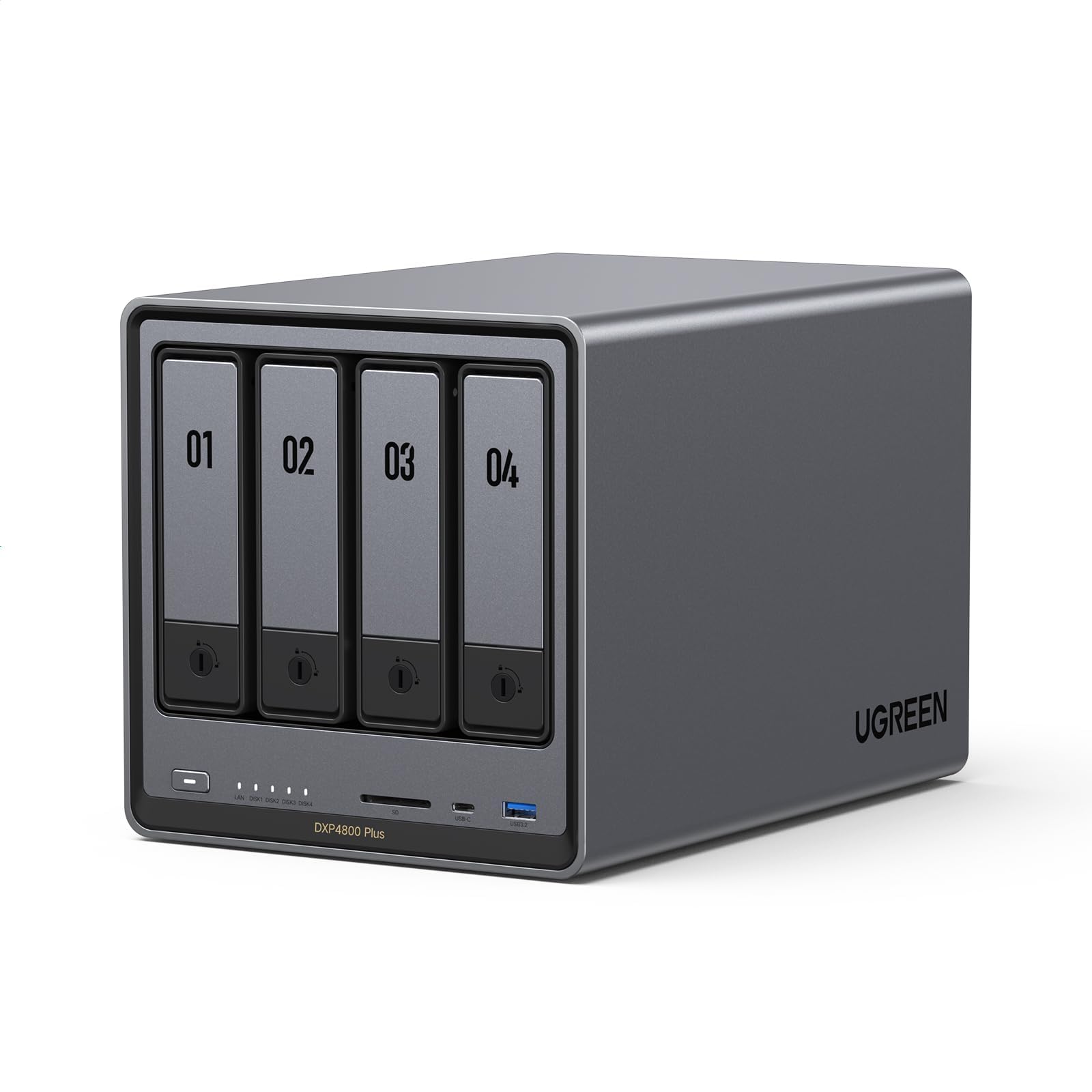
Pros:
- Good performance for price
- 10GbE networking
- Supports Docker and VMs
Cons (honest weight):
- Not as polished software as Synology
- No built-in SSD caching for reads
TERRAMASTER D4-320 External Hard Drive Enclosure

Pros:
- Fast USB-C 10Gbps connection
- Hot swappable drives
- Tool-free installation
Cons (honest weight):
- Not a real NAS (no network access)
- No RAID functionality
Quick Comparison: Top NAS Storage Picks
| Product | Price | Capacity | Bay Count | Interface | Best For | Rating |
|---|---|---|---|---|---|---|
| Seagate IronWolf 8TB 🛒 | $299.99 | 8 TB | 1 | SATA 6 Gb/s | Large storage pools | 4.5 |
| Seagate IronWolf Pro 20TB 🛒 | $719.99 | 20 TB | 1 | SATA 6 Gb/s | Enterprise capacity | 4.1 |
| UGREEN DXP4800 Pro 🛒 | $719.99 | 144 TB | 4 | 10GbE + 2.5GbE | Power users | 4.6 |
| Synology DS223 🛒 | $284.99 | Diskless | 2 | 1GbE | Beginners | 4.5 |
| Synology DS223j 🛒 | $194.99 | Diskless | 2 | 1GbE | Budget buyers | 4.5 |
| UGREEN DH2300 🛒 | $199.99 | 64 TB | 2 | 1GbE | First-time NAS | 4.4 |
| UGREEN DXP4800 Plus 🛒 | $656.99 | 144 TB | 4 | 10GbE + 2.5GbE | Small offices | 4.5 |
| TERRAMASTER D4-320 🛒 | $170.99 | 120 TB | 4 | USB 10Gbps | DAS expansion | 4.1 |
What real users are saying
Buyer-review scan: 18,951+ verified Amazon reviews across 8 finalists.
Expert sources like Wirecutter and TechRadar also recommend Synology for its intuitive DSM software, while video reviews from NASCompares and Consumer Picks highlight UGREEN's strong hardware.
- Seagate IronWolf 8TB (4.5★, 12,623 reviews) – Praised for reliability and capacity; some note slower random access vs SSD.
- Seagate IronWolf Pro 20TB (4.1★, 1,779 reviews) – Loved for massive capacity; noise under load is a common complaint.
- UGREEN DXP4800 Pro (4.6★, 993 reviews) – Users appreciate the Intel Core i3 and 10GbE; software ecosystem is less mature.
- Synology DS223 (4.5★, 882 reviews) – DSM software is the highlight; limited expansion is a drawback.
- Synology DS223j (4.5★, 800 reviews) – Great value for the price; ARM processor limits advanced features.
- UGREEN DH2300 (4.4★, 758 reviews) – AI photo album is a hit; plastic build feels less premium.
- UGREEN DXP4800 Plus (4.5★, 595 reviews) – Solid performance; no SSD caching noted.
- TERRAMASTER D4-320 (4.1★, 521 reviews) – Good for DAS; lack of networking disappoints some.
Buyer consensus: Synology leads on software, Seagate on drive reliability, UGREEN on value. Most users recommend investing in a decent NAS enclosure with at least two bays and a good hard drive.
Skip Built-in Wi-Fi on NAS
NAS devices should be wired for stability. Built-in Wi-Fi adds cost and rarely performs well under load. Use a wired Ethernet connection for reliable backups and streaming. Stick to wired-only models.
Don't Overpay for Consumer Hardware
You don't need a high-end NAS for basic file storage. A Synology DS223j ($194.99) handles home backups perfectly. Spending $700+ on a quad-core NAS with 10GbE only makes sense if you're editing 4K video or running VMs. Match the hardware to your actual workload.
Avoid Ignoring RAID Configuration
Running a single drive without redundancy is risky. If that drive fails, your data is gone. Use RAID 1 (mirroring) for at least two drives. Many budget NAS enclosures support RAID 0/1, so there's no excuse to skip it.
Don't Buy Desktop Drives for NAS
Desktop hard drives lack rotational vibration sensors and are not designed for 24/7 operation in multi-drive arrays. They fail faster under constant load. Always choose NAS-optimized drives like Seagate IronWolf or WD Red. The price difference is small, but the reliability gap is huge.
Which one is right for you? Choose your scenario below:
🏆 Best Overall – Seagate IronWolf 8TB – Seagate IronWolf 8TB at $299.99 is perfect for home users building a RAID array. It offers 8TB capacity, 7200 RPM, and a 5-year warranty. Best for large storage pools.
⬆️ Best for High Capacity – Seagate IronWolf Pro 20TB – Seagate IronWolf Pro 20TB at $719.99 delivers enterprise-grade capacity for power users. Ideal for massive media libraries or 24/7 NAS workloads.
⚡ Best for Power Users – UGREEN DXP4800 Pro – UGREEN DXP4800 Pro at $719.99 features an Intel Core i3 and 10GbE. Great for small offices needing virtualization and fast file sharing.
🏠 Best for Beginners – Synology DS223 – Synology DS223 at $284.99 offers intuitive DSM software. Perfect for families wanting a private cloud for backups and media streaming.
💰 Best Budget Synology – Synology DS223j – Synology DS223j at $194.99 is the most affordable way to get DSM. Best for budget-conscious users.
🆕 Budget Alternative – UGREEN DH2300 – UGREEN DH2300 at $199.99 includes AI photo album and 64TB support. Best for first-time NAS buyers.
🏢 Mid-Range Powerhouse – UGREEN DXP4800 Plus – UGREEN DXP4800 Plus at $656.99 balances performance and cost with 10GbE. Best for small offices needing speed.
🔌 Best DAS Alternative – TERRAMASTER D4-320 – TERRAMASTER D4-320 at $170.99 is a 4-bay DAS with USB 3.2 Gen2. Best for expanding storage without network features.
Need more storage options? Check out our best external hard drives and best SSDs guides. Visit the Mubboo Shopping Hub for more.
Ready to upgrade your NAS storage?
Seagate IronWolf 8TB
$299.99
Best overall NAS drive for home users. Reliable, fast, and backed by a 5-year warranty.
Buy on AmazonSeagate IronWolf Pro 20TB
$719.99
Maximum capacity for serious data hoarders. Enterprise-grade with 2.5M hours MTBF.
Buy on AmazonUGREEN DXP4800 Pro
$719.99
Powerful NAS with Intel Core i3, 10GbE, and Docker support. Ideal for small offices.
Buy on AmazonSynology DS223
$284.99
Easiest NAS to use, with Synology's renowned DSM software. Perfect for families.
Buy on AmazonSynology DS223j
$194.99
Best budget NAS with the same great DSM experience. Great entry-level choice.
Buy on AmazonUGREEN DH2300
$199.99
Affordable NAS with AI photo organization. Good for first-time buyers on a tight budget.
Buy on AmazonFrequently Asked Questions
How much NAS storage do I need?
For home users, 2-8TB is sufficient for documents, photos, and media. If you store 4K movies or large backups, consider 12-20TB. A 2-bay NAS with RAID 1 gives redundancy.
What is RAID and do I need it?
RAID combines multiple drives for redundancy or performance. RAID 1 mirrors data across two drives—if one fails, your data is safe. For most home users, RAID 1 is recommended. RAID 0 offers speed but no protection.
Should I buy a NAS enclosure or a DAS?
A NAS (network attached storage) connects via Ethernet and allows multiple devices to access files over a network. A DAS (direct attached storage) connects via USB and is only accessible from one computer. Choose NAS for sharing, DAS for personal use.
What network speed do I need for NAS?
1GbE (gigabit Ethernet) is fine for most home users—it delivers about 125MB/s. If you edit video or transfer large files frequently, 2.5GbE or 10GbE provides faster speeds. Make sure your router and cables support the speed.
Are external drives better than NAS?
External drives are cheaper and simpler for a single computer, but they lack network access and redundancy. A NAS offers centralized storage, automatic backups, and remote access. For long-term use, a NAS is more versatile and cost-effective.
How long do NAS drives last?
NAS drives are rated for 24/7 operation with mean time between failures (MTBF) typically over 1 million hours. In practice, a well-cooled drive can last 5-10 years. Always keep backups regardless of drive age.
Can I use desktop drives in a NAS?
Desktop drives lack rotational vibration sensors and are not designed for constant operation in multi-drive arrays. They may fail prematurely. Use NAS-specific drives like Seagate IronWolf or WD Red for better reliability and warranty.
Who wrote this and where's the data from?
Mubboo Editorial Team — independent US-market consumer research. Picks reflect editorial consensus from 2 independent review sources and 18,951+ verified buyer reviews.
Sources
- Amazon (live product data)
- Wirecutter NAS review
- TechRadar NAS distro review