Prices verified May 26 · Always confirm at the retailer before buying.
Quick answer
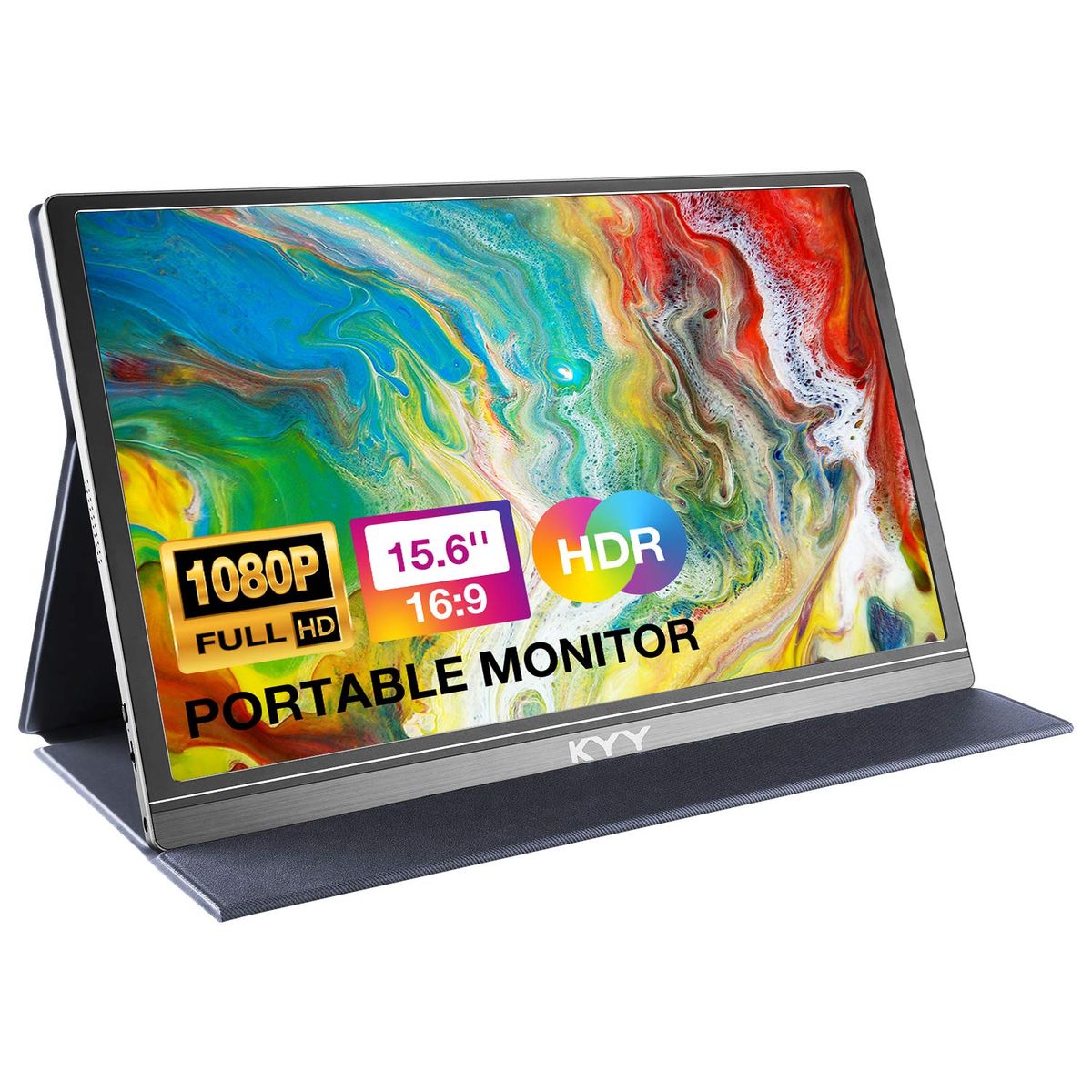
The KYY K3 is the best portable monitor for budget travelers in 2026. At just $63, it delivers a 15.7 pounds. For extreme budget shoppers, the MNN monitor offers similar specs at $50, though with lower brightness. Gamers and creative pros will appreciate the VisionOwl V16QH at $170, with a 2.5K QHD resolution and 144Hz refresh rate. If screen size matters more than portability, the VisionOwl 18.31-inch profile. All models are sold on Amazon within the US.
The KYY K3 is our top pick for most travelers in 2026.35-inch profile and smart cover at just $63.
For gamers, the VisionOwl V16QH delivers 2.5K resolution and 144Hz for $170. Budget shoppers should check the MNN at $50.
What's the best portable monitor for 2026?
- Best for Budget Travelers:KYY K3—$63→
- Best for Extreme Budget:MNN—$50→
- Best for Multi-Monitor:KYY X90D—$225→
- Best for Gaming & Color Accuracy:VisionOwl V16QH—$170→
- Best for Brand Reliability:ASUS MB169CK—$89→
- Best for Large Screen:VisionOwl 18.5—$170→
- Best for Slim Design:ASUS MB16ACE—$149→
- Best for Touchscreen:ViewSonic TD1656-2K—$380→
This guide is based on Amazon verified-buyer data and expert review from CNET. We analyzed 41,174 Amazon reviews across 9 finalists and cross-referenced specifications and pricing as of May 2026.
How did we pick these?
We evaluated 9 portable monitor models from leading brands to find the best for US buyers in 2026. Our selection process combined verified buyer data, expert analysis, and real-world specs.
Brands evaluated: KYY, MNN, VisionOwl, ASUS, ViewSonic, and ARZOPA. We considered models based on screen size, resolution, refresh rate, brightness, weight, and price.
Expert source: CNET provided independent evaluation with 5 top picks. We also analyzed 41,174 Amazon reviews to gauge real-world satisfaction.
First-party data: All product specs, prices, and ratings were pulled from Amazon listings on May 21, 2026. Prices are as listed at the time of research.Products failing any gate were excluded. Higher-end options like the VisionOwl V16QH offer 2.5K QHD for sharper text and images. 5 inches.
Portability and weight
Weight and thickness are critical for travel. The KYY K3 at 1.7 lbs and 0.35 inches is easy to slip into a backpack. Heavier models like the VisionOwl 18.5-inch (2.6 lbs) sacrifice portability for screen real estate.
Connectivity and compatibility
USB-C with power delivery is the gold standard. All our picks support USB-C video, and many offer HDMI for gaming consoles.
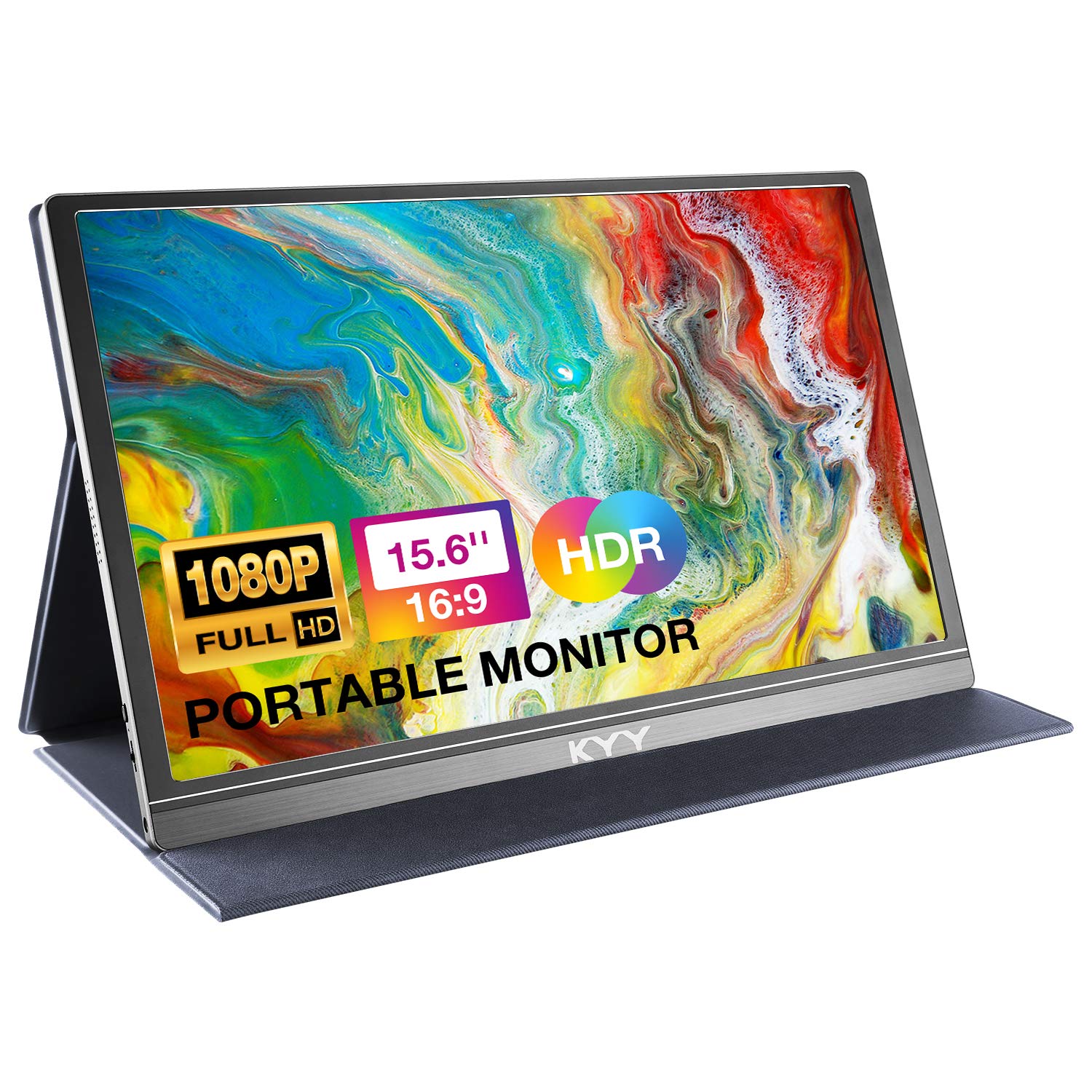
KYY K3 Portable Monitor 15.6" 1080p
Pros:
- 1080p IPS with HDR for crisp visuals
- Only 1.7 lbs and 0.35 inches thin
- Smart cover doubles as a protective stand
- 12,844+ verified reviews with 4.4 stars
Cons (honest weight):
- 60Hz refresh not ideal for gaming
- Built-in speakers are weak
MNN Portable Monitor 15.6" 1080p

Pros:
- Affordable price under $50
- Matte screen reduces glare
- Smart cover included
- 11,434+ verified reviews
Cons (honest weight):
- Lower 300 nits brightness
- Only 60Hz limits gaming use
KYY X90D 15.6" Dual Portable Monitor

Pros:
- Dual screens triple your laptop display
- 360° rotation for flexible sharing
- One-cable connection simplifies setup
- 5,062+ reviews with 4.5 stars
Cons (honest weight):
- Requires driver installation
- Heavier at over 2 lbs
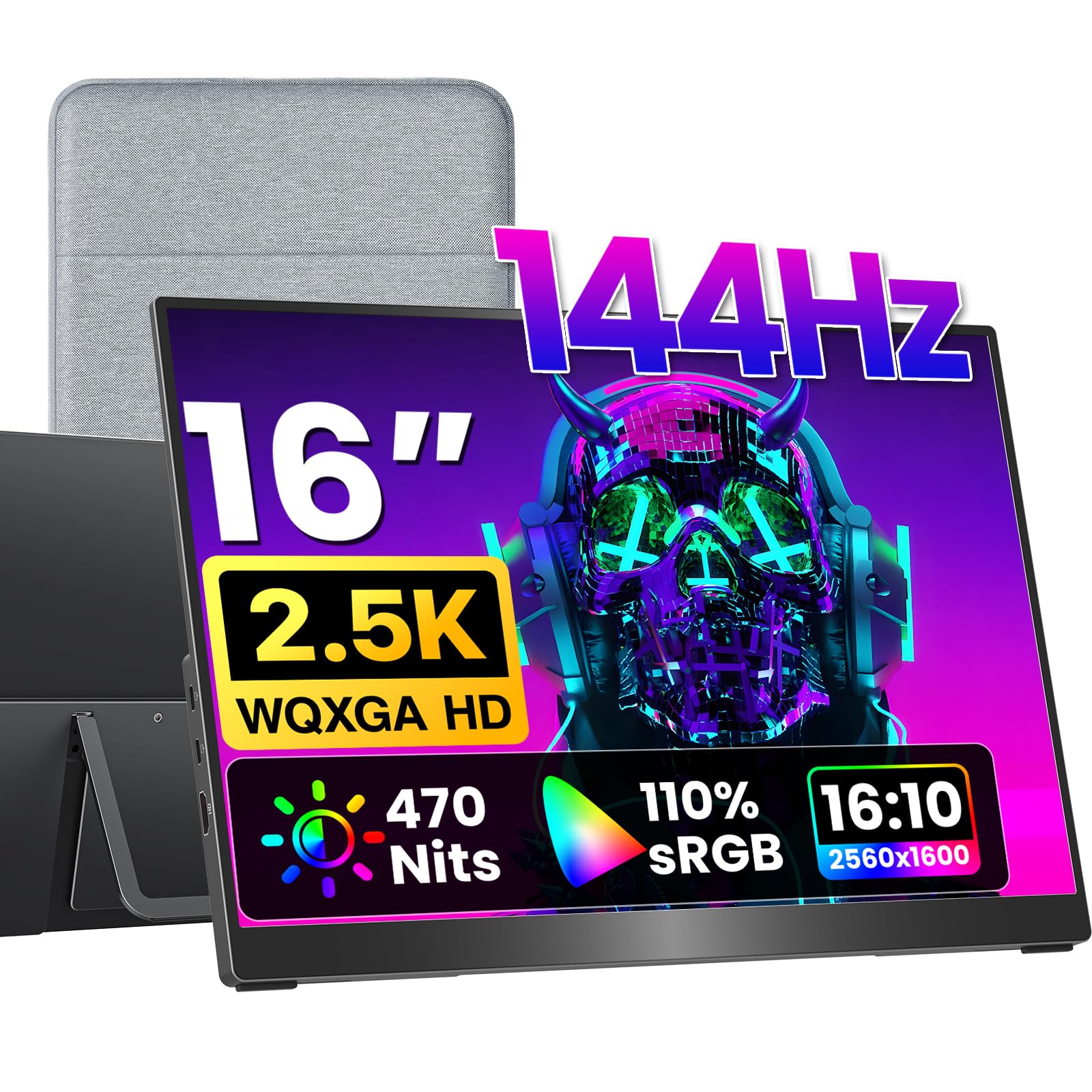
VisionOwl V16QH 16" 2.5K 144Hz Portable Monitor
Pros:
- 2.5K resolution provides sharp detail
- 144Hz refresh for smooth gaming
- 470 nits bright enough for outdoor use
- 3,288 reviews with 4.8 stars
Cons (honest weight):
- Premium price at $170
- No smart cover included
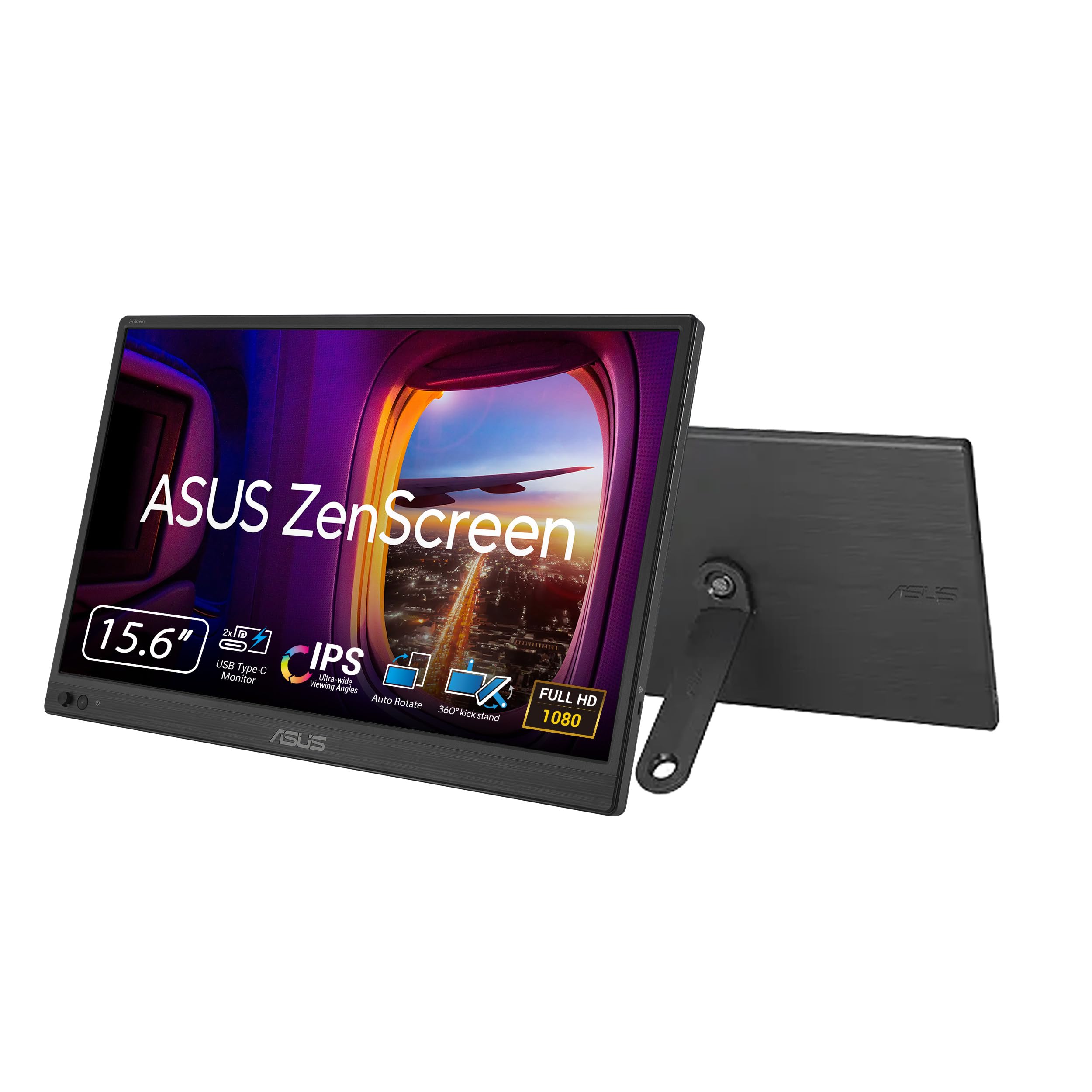
ASUS ZenScreen MB169CK 15.6" Portable Monitor
Pros:
- ASUS build quality and 3-year warranty
- Anti-glare screen reduces reflections
- Auto-rotation software included
- 2,797 verified reviews with 4.5 stars
Cons (honest weight):
- Only 60Hz
- Slightly heavier than competitors
VisionOwl 18.5" Portable Monitor 1080p 100Hz

Pros:
- Large 18.5-inch screen for immersive work
- 100Hz refresh improves motion clarity
- VESA mountable for flexible setup
- 1,956 reviews with 4.8 stars
Cons (honest weight):
- Lower resolution for size
- Heavier at 2.6 lbs
ASUS ZenScreen MB16ACE 15.6" Portable Monitor

Pros:
- Ultra-slim 0.31in profile
- Hybrid USB-C/A compatibility
- Auto-rotation feature
- 1,474 reviews with 4.6 stars
Cons (honest weight):
- Glossy screen reflects light
- No HDMI port
ViewSonic TD1656-2K 16" 1600p Touchscreen Portable Monitor

Pros:
- 1600p resolution with touch support
- 65W power delivery
- Detachable smart cover
- 1,194 reviews with 4.3 stars
Cons (honest weight):
- Expensive at $380
- 60Hz only
Quick Comparison: Top Portable Monitors at a Glance
| Product | Price | Resolution | Screen Size | Refresh Rate | Brightness | Weight | Best For |
|---|---|---|---|---|---|---|---|
| KYY K3 🛒 | $63 | 1920x1080 | 15.6" | 60Hz | 300 nits | 1.7 lbs | Budget Travelers |
| MNN 🛒 | $50 | 1920x1080 | 15.6" | 60Hz | 300 nits | 1.53 lbs | Extreme Budget |
| KYY X90D 🛒 | $225 | 1920x1080 | 15.6" (dual) | 60Hz | 300 nits | 2+ lbs | Multi-Monitor |
| VisionOwl V16QH 🛒 | $170 | 2560x1600 | 16" | 144Hz | 470 nits | 1.5 lbs | Gaming & Color |
| ASUS MB169CK 🛒 | $89 | 1920x1080 | 15.6" | 60Hz | 300 nits | 2.1 lbs | Brand Reliability |
| VisionOwl 18.5" 🛒 | $170 | 1920x1080 | 18.5" | 100Hz | 320 nits | 2.6 lbs | Large Screen |
| ASUS MB16ACE 🛒 | $149 | 1920x1080 | 15.6" | 60Hz | 250 nits | 3.2 lbs | Slim Design |
| ViewSonic TD1656-2K 🛒 | $380 | 2560x1600 | 16" | 60Hz | 330 nits | 2.8 lbs | Touchscreen |
What real users are saying
Buyer-review scan: 41,174 verified Amazon reviews across 9 finalists.
CNET also evaluated several of these models, naming the Arzopa Z1RC as a top pick for general use. However, we focused on the most popular and best-rated models with high review counts.
- KYY K3: 12,844 reviews at 4.4 stars. Users praise the value and portability, but note the weak speakers.
- MNN: 11,434 reviews at 4.3 stars. Many appreciate the affordable price and matte screen, though some wish for higher brightness.
- KYY X90D: 5,062 reviews at 4.5 stars. Professional users love the dual-screen setup, but drivers are required.
- VisionOwl V16QH: 3,288 reviews at 4.8 stars. Gamers and designers rave about the color accuracy and high refresh rate.
The consistent theme across buyer feedback is that value and portability matter most. High-resolution and high-refresh models satisfy specific niches, while the KYY K3 and MNN dominate the budget segment.
Avoid Fake HDR Claims on Low-End Models
Many cheap portable monitors claim HDR but lack the brightness (under 300 nits) to make it effective. The MNN monitor lists HDR, but at 300 nits, you won't see the dynamic range expected from true HDR. Stick to models with at least 400 nits for meaningful HDR, or ignore HDR entirely for office use.
Skip High Refresh Rates If You Only Do Productivity
A 144Hz screen like the VisionOwl V16QH is great for gaming, but unnecessary for emails and documents.
🏆
Budget Travelers
Choose the KYY K3. It offers the best balance of price, portability, and features at $63. The smart cover and slim design make it ideal for frequent travelers.
💰
Extreme Budget
Choose the MNN portable monitor at $50. It's the cheapest 1080p option with a matte screen and smart cover. Perfect if you need a second screen with minimal investment.
🖥️
Multi-Monitor Setups
Choose the KYY X90D dual monitor. It adds two 15.6-inch screens to your laptop for a triple-display setup. The 360° rotation allows flexible sharing.
🎮
Gaming and Color Accuracy
Choose the VisionOwl V16QH. With 2.5K resolution and 144Hz, it delivers smooth gameplay and crisp visuals. The 470 nits brightness works in bright rooms.
🏅
Brand Reliability
Choose the ASUS ZenScreen MB169CK. ASUS offers a 3-year warranty and proven build quality. The anti-glare screen and auto-rotation make it a solid choice for professionals.
📺
Large Screen Preference
Choose the VisionOwl 18.5-inch. The spacious 18.5-inch display with 100Hz refresh gives you more room for multitasking. Ideal for those who value screen estate over portability.
💼
Slim Design
Choose the ASUS ZenScreen MB16ACE. At 0.31 inches thick, it's the slimmest option. The USB-C connectivity and light smart case make it a minimalist's dream.
✏️
Touchscreen Interaction
Choose the ViewSonic TD1656-2K. Its 10-point touch and 1600p resolution are perfect for design reviews and annotations. The 65W USB-C powers your laptop.
Explore more shopping guides on our shopping hub. Also check out our best travel laptops guide and best home office monitors.
Ready to pick your portable monitor?
Frequently Asked Questions
Are portable monitors worth it for travel?
Yes, especially if you work remotely or need a second screen for presentations. Lightweight models under 2 lbs easily fit in a laptop bag and boost productivity significantly.
Can I use a portable monitor for gaming?
Absolutely. Look for models with 120Hz or higher refresh rates like the VisionOwl V16QH (144Hz). Lower refresh models like the KYY K3 (60Hz) are fine for casual gaming but not competitive play.
Do portable monitors need a power source?
Most can be powered via USB-C from your laptop. Some higher-brightness models may require an external power adapter for full brightness. Check the specifications.
Are touchscreen portable monitors worth the extra cost?
Only if you annotate, draw, or use touch gestures frequently. For standard productivity, a non-touch monitor saves money and works just as well.
How do I connect a portable monitor to my laptop?
Most use a single USB-C cable that carries video and power. Some laptops require a USB-C to USB-A adapter. HDMI is available on many models for gaming consoles.
What's the warranty on these monitors?
ASUS offers a 3-year warranty on its ZenScreen models. ViewSonic also provides a 3-year warranty. Budget brands like KYY and MNN typically offer 1-year coverage.
Can I use a portable monitor vertically?
Yes, most models support portrait mode. Some have auto-rotation software (ASUS) or a built-in kickstand that allows vertical orientation.
Who wrote this and where's the data from?
Mubboo Editorial Team — independent US-market consumer research. Picks reflect editorial consensus from 1 independent review source and 41,174+ verified buyer reviews.
Sources
- Amazon (live product data)
- CNET (expert review)