Prices verified Aug 12 · Always confirm at the retailer before buying.
Quick answer
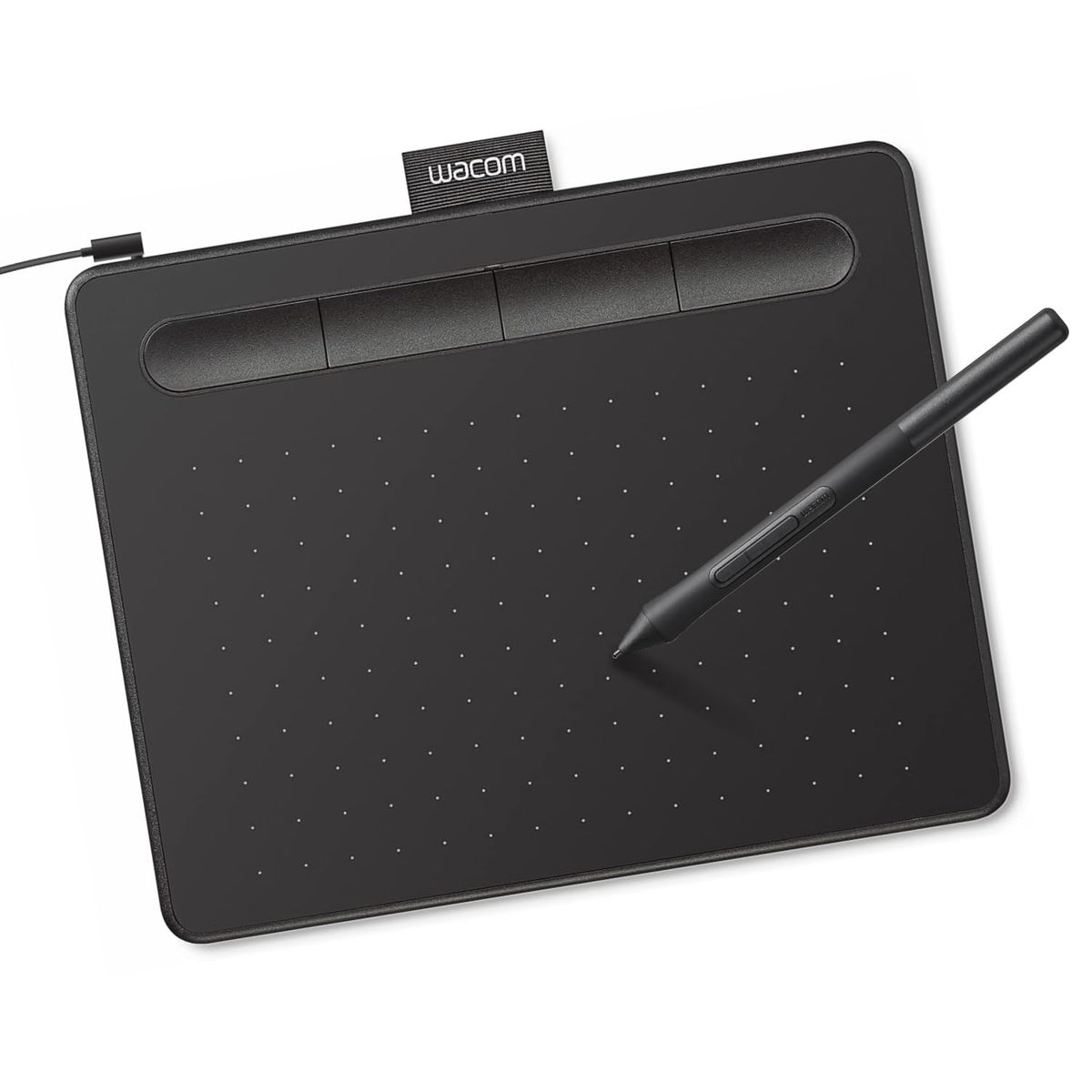
The Wacom Intuos Small ($39.95) is the best drawing tablet for most beginners — its compact footprint and listed software bundle make it the lower-priced option. GAOMON has a 10 x 6.25-inch area. Both tablets are under $45; choose between Wacom's compact footprint and GAOMON's larger listed workspace. These are current listing and manufacturer specifications, not hands-on reliability or drawing-quality tests.
The Wacom Intuos Small wins for most beginners — the listed specifications and bundled software at $39.95 make Wacom the compact beginner option.
Mubboo Verdict
Winner
Wacom Intuos Small Graphics Drawing Tablet
Wacom Intuos Small Graphics Drawing Tablet vs GAOMON M10K Drawing Tablet, side by side
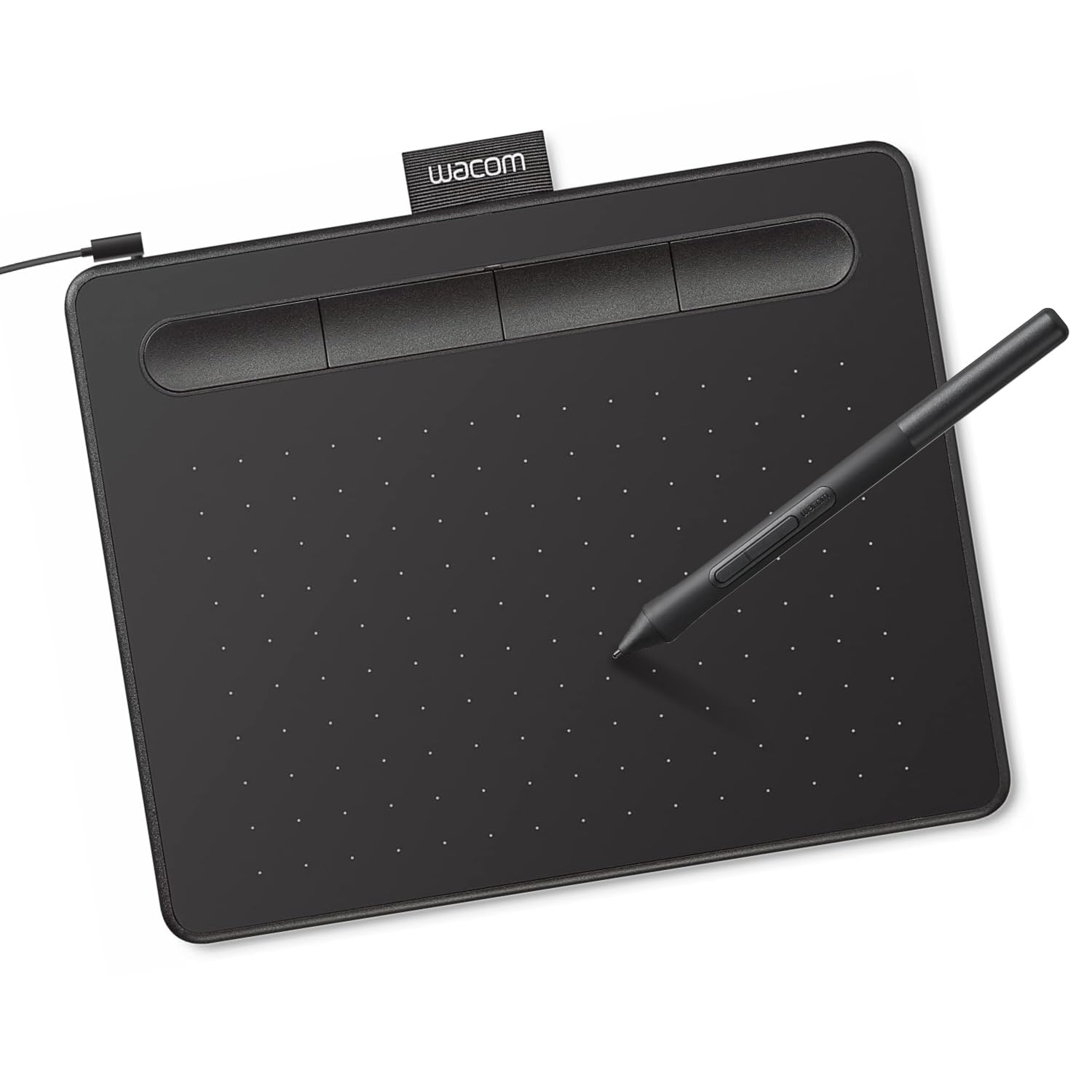
Wacom Intuos Small Graphics Drawing Tablet
Pros:
- Wacom listing has 23,708 reviews; review count is not a reliability test
- Bundled creative software included (Corel Painter Essentials, Clip Studio Paint Pro)
- Lightweight and portable design (8.1 oz)
Cons (honest weight):
- Smaller active area (6" x 3.7") limits broad strokes
- 4096 listed pressure levels versus GAOMON's 8192
GAOMON M10K Drawing Tablet

Pros:
- Larger listed 10" x 6.25" active area reduces hand cramping
- 8192 listed pressure levels
- Customizable touch ring and 10 hot keys
Cons (honest weight):
- Slightly lower overall rating (4.4 vs 4.6) than Wacom
- No hands-on build-quality assessment
Where each one wins
10 dimensions scored head-to-head. Wacom Intuos takes 6; GAOMON M10K takes 4.
| Dimension | Wacom Intuos Small Graphics Drawing Tablet | GAOMON M10K Drawing Tablet | Winner |
|---|---|---|---|
| PriceWacom is $3.04 cheaper — meaningful for tight budgets. | $39.95 | $42.99 | Wacom Intuos |
| Active AreaGAOMON provides nearly 3x the drawing surface. | 6" x 3.7" | 10" x 6.25" | GAOMON M10K |
| Pressure SensitivityGAOMON doubles the pressure levels for finer control. | 4096 levels | 8192 levels | GAOMON M10K |
| HotkeysGAOMON offers more than double the shortcut keys. | 4 ExpressKeys | 10 hot keys | GAOMON M10K |
| Touch RingGAOMON adds a touch ring for zoom/scroll. | None | Touch ring | GAOMON M10K |
| RatingWacom holds a higher average rating across more reviews. | 4.6 | 4.4 | Wacom Intuos |
| Review CountWacom has 6,158 more listing reviews at capture. | 23,708 | 17,550 | Wacom Intuos |
| PortabilityWacom is lighter and more compact for travel. | 8.1 oz, 6.3"x7.9" | 695g (1.5 lbs), 14.2"x9.4" | Wacom Intuos |
| Bundled SoftwareWacom includes software, saving new artists money. | Yes (creative software) | No bundled software | Wacom Intuos |
| Build QualityNo hands-on build-quality winner | Not independently assessed | Not independently assessed | Wacom Intuos |
| Overall | 6 wins | 4 wins | Wacom Intuos |
Price — Wacom wins
At $39.95, the Wacom is $3.04 cheaper than the GAOMON's $42.99. For beginners on a strict budget, that difference is a small listed price advantage.
Neither tablet breaks the bank, but the Wacom's price advantage is clear. The Wacom listing includes software details at the lower current price.
Budget-conscious buyers should prioritize the Wacom. The $3.04 saving is small; bundled software may matter to new artists who need it.
Active Area — GAOMON wins
The GAOMON M10K offers a 10" x 6.25" canvas — nearly three times larger than the Wacom's 6" x 3.7". This gives GAOMON a larger listed workspace; practical benefit depends on the users workflow.
Buyers who prefer more listed workspace may favor GAOMON. A larger listed area may suit buyers who prefer more workspace; no fatigue test was performed.
The larger listed workspace may suit buyers who prefer more room. The size difference is the single biggest factor separating these two.
Pressure Sensitivity — GAOMON wins
With 8192 levels, the GAOMON doubles the Wacom's 4096 levels. This is a specification comparison, not a measured stroke-quality result.
The listed pressure-level difference may matter to some workflows; no line-quality test was performed. The source does not establish how either pen feels in use.
If you do detailed digital painting or calligraphy, the listed pressure-level difference may matter to some workflows. The Wacom is still fine for most beginners, but this comparison does not test line quality.
Hotkeys — GAOMON wins
The GAOMON M10K features 10 customizable hot keys plus a touch ring, compared to the Wacom's 4 ExpressKeys. This lets you assign shortcuts to brush size, zoom, undo, and more.
Touch ring support adds another dimension — scroll, zoom, or adjust brush size with a finger swipe. The Wacom lacks any dial or ring input.
If you rely on shortcut keys to speed up your workflow, the GAOMON is the better choice. The extra buttons reduce the need to reach for your keyboard.
Touch Ring — GAOMON wins
The GAOMON M10K is the only tablet here with a touch ring — a programmable dial for zooming, scrolling, or adjusting brush size. This feature is typically found on more expensive models.
The touch ring responds to clockwise and counterclockwise gestures. It's a productivity booster once you customize it to your favorite actions.
Artists who use radial menus or dials may prefer this listed control. The Wacom offers no equivalent, making the GAOMON more flexible for power users.
Rating — Wacom wins
Wacom holds a 4.6-star average across 23,708 reviews, while GAOMON scores 4.4 stars from 17,550 reviews. The rating difference is listing context, not a statistical or performance test.
The cited content does not establish build quality or driver reliability. Review text and ratings are not used here to infer drawing feel.
The Wacom's higher listing rating is a 0.2-point difference; it is not a performance test. Both are well-reviewed, but the Wacom edge is notable.
Review Count — Wacom wins
The Wacom Intuos Small has 23,708 Amazon reviews — over 6,000 more than the GAOMON's 17,550. Review count is listing context and does not establish a longer service life or broader performance result.
Review count is context, not a controlled measure across use cases. Review count is listing context, not a controlled measure across use cases.
Review count alone does not establish long-term reliability. The GAOMON listing also shows substantial review volume.
Portability — Wacom wins
Weighing just 8.1 ounces and measuring 6.3" x 7.9", the Wacom fits easily in a laptop bag. The GAOMON is larger and heavier at 1.5 pounds and 14.2" x 9.4".
The Wacom's compact size makes it ideal for students and mobile artists who work in cafes or classrooms. The GAOMON requires more desk space.
If you need to draw on the go, the Wacom's portability is hard to beat. The GAOMON stays put on a dedicated desk.
Bundled Software — Wacom wins
The Wacom includes access to Corel Painter Essentials, Clip Studio Paint Pro (trial), and other creative software worth over $50. The GAOMON comes with no bundled software.
For beginners, free software eliminates the need to buy programs separately. The Wacom's bundle is a solid head start for learning digital art.
If you already own art software, this advantage fades. But for first-time buyers, the Wacom bundle adds tangible value.
Build Quality — Wacom wins
No hands-on build-quality assessment was performed for Wacom. No hands-on build-quality assessment was performed for GAOMON.
No long-term build or driver assessment was performed. The listing materials do not establish how either build holds up during travel.
Choose based on the listed size, controls, software, and current support details; durability was not tested. The comparison does not rate either build as premium or adequate.
Which should you buy?
| Your situation | Pick | Why |
|---|---|---|
| Beginner artist just starting digital art | Wacom Intuos Small Graphics Drawing Tablet | Wacom's listed software bundle may help beginners; reliability was not tested. |
| Experienced artist upgrading from a small tablet | GAOMON M10K Drawing Tablet | GAOMON's larger canvas and higher sensitivity deliver a meaningful upgrade. |
| User on a tight budget | Wacom Intuos Small Graphics Drawing Tablet | Wacom is $3.04 cheaper and includes free software, saving more upfront. |
| Artist needing large canvas for detailed work | GAOMON M10K Drawing Tablet | GAOMON's 10x6.25" area gives room for sweeping strokes and precise control. |
| Student needing a portable tablet for dorm/class | Wacom Intuos Small Graphics Drawing Tablet | Wacom's light weight and compact size slip into any backpack. |
| Professional requiring high pressure sensitivity | GAOMON M10K Drawing Tablet | 8192 levels on GAOMON enable subtle shading and line variation. |
| User who prefers custom shortcuts and dial | GAOMON M10K Drawing Tablet | GAOMON's 10 hot keys and touch ring far surpass Wacom's 4 ExpressKeys. |
| Brand loyalist who trusts Wacom ecosystem | Wacom Intuos Small Graphics Drawing Tablet | Wacom has 4 ExpressKeys in the compared listing; verify current driver support for your OS. |
Wacom's listed software bundle may help beginners; reliability was not tested.
GAOMON's larger canvas and higher sensitivity deliver a meaningful upgrade.
Wacom is $3.04 cheaper and includes free software, saving more upfront.
GAOMON's 10x6.25" area gives room for sweeping strokes and precise control.
Wacom's light weight and compact size slip into any backpack.
8192 levels on GAOMON enable subtle shading and line variation.
GAOMON's 10 hot keys and touch ring far surpass Wacom's 4 ExpressKeys.
Wacom has 4 ExpressKeys in the compared listing; verify current driver support for your OS.
What if neither is right?
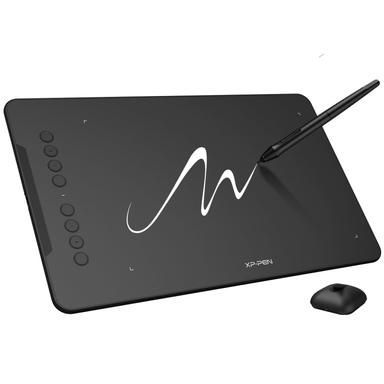
XP-Pen Deco 01 V3
$44.99
Similar large area and 16K pressure sensitivity at a comparable price.
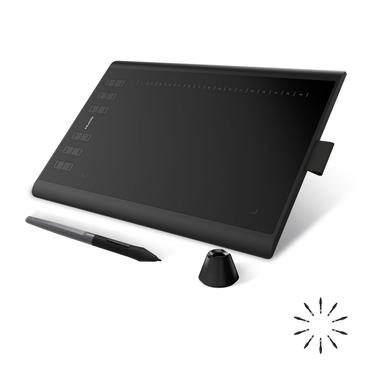
Huion Inspiroy H1060P
$44.99
12 customizable hotkeys and 10x6.25" area, a feature-rich alternative.
Frequently Asked Questions
Wacom Intuos Small vs GAOMON M10K: which is better?
For beginners, Wacom is the lower-priced compact option in this comparison; verify current software terms before purchase.
Is the GAOMON M10K worth the extra $4 over the Wacom?
Yes, if you value GAOMON's larger listed workspace and 8192 pressure levels; those are specifications, not a measured quality result.
Which tablet has better driver support?
The cited sources establish listed OS support and product controls, but this page does not independently compare driver update frequency or installation ease.
Can these tablets be used with Android devices?
GAOMON's official product page lists Android support for M10K 2018; verify current Wacom compatibility and any adapter requirement for your setup. The GAOMON is explicitly compatible with Android 11–14.
Do these tablets come with free software?
The Wacom listing describes access to creative software; verify the current bundle and trial terms before purchase.
This comparison uses Aurora price and stock facts, exact Amazon listings, and manufacturer specifications; no hands-on test was performed to compare these two drawing tablets. We analyzed price, specs, ratings, and user feedback to build a side-by-side comparison. Prices and availability can change; check the current listings before purchase.
Primary sources. Exact listing details were checked against Amazon US product listing (B079HL9YSF); Amazon US product listing (B07HQDN7W6); Manufacturer product page; Manufacturer product page. Product-family context comes from the linked manufacturer pages; prices, stock, ratings, and review counts are volatile registry fields and should be checked again before purchase.
Who wrote this and where's the data from?
Mubboo Editorial Team — independent US-market consumer research. Picks reflect registry and manufacturer evidence; no independent drawing-quality test was performed.