How to Choose a Blu-ray Player (2026 Guide)
A practical buying guide for US buyers: what to look for, what to skip, and the models worth your money.
By Mubboo Editorial Team · Updated Jun 21, 2026 · 7 min read
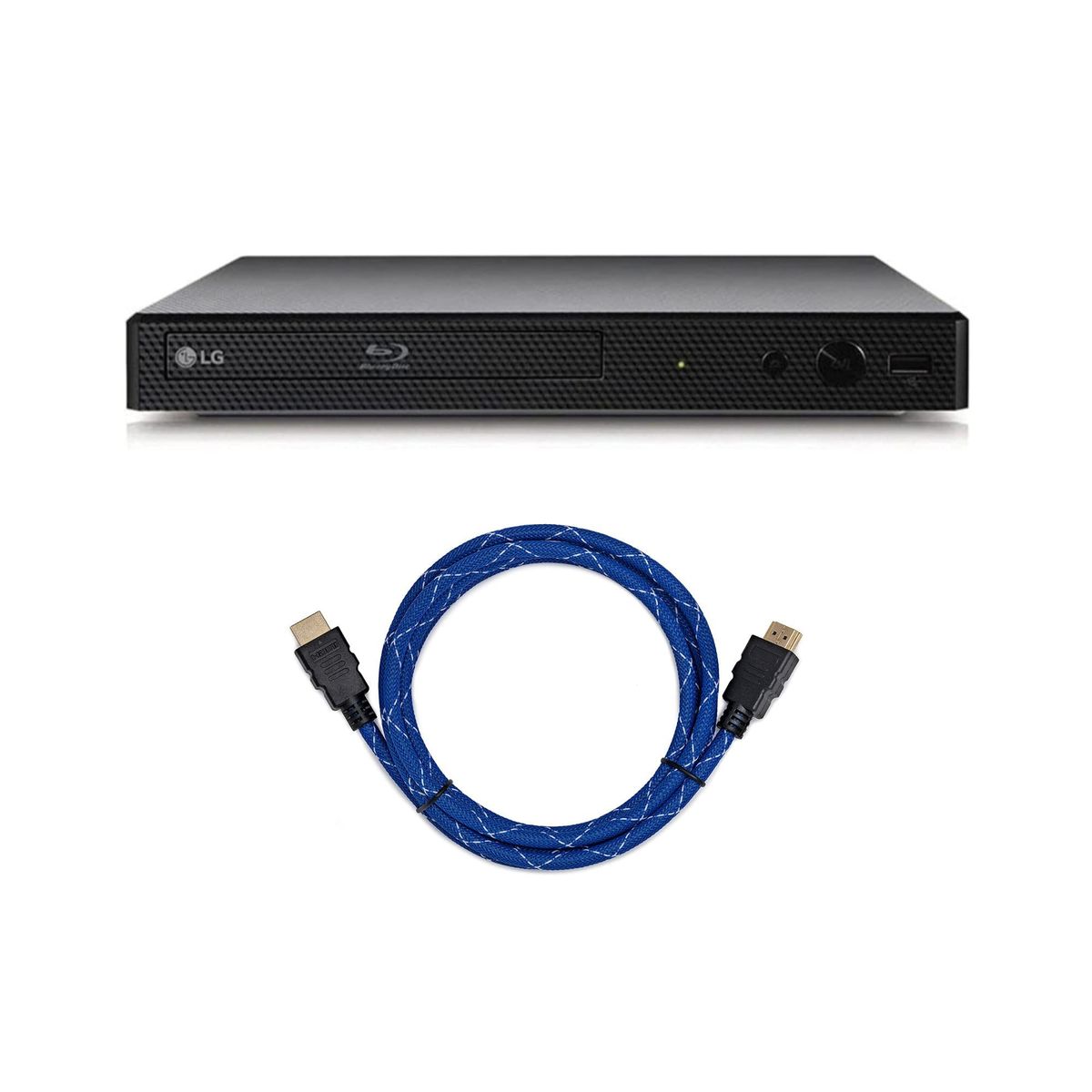
At a Glance
- Price range
- $97 – $799
- Data
- 28,651 verified reviews across 6 finalists
- Best for
- Movie collectors on a budgetSmall apartments needing compact playersHome theater enthusiasts wanting 4K upscaling
- Skip if
- You only stream content — no disc drive needed.
Types Explained
Basic Blu-ray Players
Simple disc players without streaming or 4K. They focus on reliable playback of Blu-ray and DVD discs.
- Affordable, often under $225
- Plug-and-play simplicity
- Compact footprints fit any space
- No built-in streaming apps
- Only 1080p output, no 4K upscaling
Best for: DVD/Blu-ray collectors who don't need smart features.
Example: LG BP175 or Tojock 1080P
Streaming Blu-ray Players
Players with built-in Wi-Fi and apps like Netflix, YouTube, and Hulu, combining disc playback with streaming.
- All-in-one solution, no extra device needed
- Often supports popular streaming services
- Still offers standard 1080p Blu-ray playback
- Streaming interfaces can be sluggish
- No 4K disc support, only 1080p
- Typically cost $50-$100 more than basic models
Best for: Cord-cutters who want a single device for discs and streaming.
Example: LG BP350
4K Upscaling / High-End Players
Players that upscale 1080p content to near-4K quality, often with 3D support, region-free options, and premium audio outputs.
- Sharper picture on 4K televisions
- Supports 3D movies and advanced audio formats
- Region-free models handle international discs
- Expensive, from $399 to $799
- Many features may go unused (3D, region-free)
- Larger, heavier builds take more space
Best for: Home theater setups with 4K TVs, 3D enthusiasts, and international disc collectors.
Example: Sony BDP-S6700, Dynastar Region-Free 4K
What Actually Matters
| Factor | Importance | Best brand |
|---|---|---|
Resolution Support At least 1080p; 4K upscaling if you own a 4K TV Neglecting this means blurry video on a 4K screen. | Must-have | Sony (BDP-S6700) for upscaling |
Region-Free Playback Only necessary if you buy discs from overseas Region-locked players cover 90% of US buyers; don't pay extra unless you import. | Nice-to-have | Dynastar (B077MP1NKY) |
Disc Compatibility Must play Blu-ray, DVD, and CD Every recommended player handles DVD and CD; verify if you have a large CD collection. | Must-have | LG and Sony models support all three |
Streaming Apps Built-in Wi-Fi and at least Netflix If your TV already has apps, skip this to save up to $100. | Nice-to-have | LG BP350 |
Size and Portability Under 10 inches square for tight spaces Standard players are 12-15 inches wide; compact models fit under TVs or in cabinets. | Nice-to-have | Tojock and Didar mini players |
4K Native Playback Most buyers don't own 4K Blu-ray discs; upscaling 1080p content is usually sufficient. | Marketing BS | — |
3D Blu-ray Support 3D content is limited; buying a player for 3D alone is not worth the premium. | Marketing BS | — |
Budget Tiers & Top Picks
What to buy at each price point — and exactly where spending more stops paying off.
Under $100
$96.99 – $96.99Tojock 1080P Blu-ray DVD Player

Stop paying more: At this tier, you get reliable basic playback. Spending more than $100 doesn't add necessary features.
When to upgrade: If you want streaming apps, consider the LG BP350 at $199.95.
$100 – $400
$199.95 – $399.99LG BP175 Blu-ray DVD Player

Stop paying more: This range covers reliable players from known brands. Above $400, you mainly pay for upscaling or region-free.
When to upgrade: For better picture on a 4K TV, the Sony BDP-S6700 at $399.99 upscales nicely.
Over $400
$399.99 – $799Sony BDP-S6700 4K Upscaling 3D Streaming Blu-ray Player

Stop paying more: Beyond this, you're paying for region-free (Dynastar at $799) or audiophile features. For most, the Sony is enough.
When to upgrade: If you need region-free and 4K, the Dynastar Region-Free 4K UHD at $799 is the only pick.
Common Mistakes to Avoid
Buying a 4K player for a 1080p TV
Spending extra on 4K upscaling or native 4K when your TV doesn't support it yields no visible benefit.
Cost of getting it wrong: Wasted $100–$300.
Overlooking region-locking
If you buy discs from abroad, a region-locked player won't play them, rendering the purchase useless.
Cost of getting it wrong: Cost of a second region-free player, up to $800.
Paying for streaming when you already have a smart TV
A streaming Blu-ray player duplicates functionality you already have; you can save by buying a basic model.
Cost of getting it wrong: Saves $50–$100.
Find Your Match
What's your primary goal for the player?
Frequently Asked Questions
Do I need a 4K Blu-ray player if I have a 4K TV?
Only if you own 4K Blu-ray discs.
What's the difference between region-free and region-locked?
Region-locked players (most US models) play only Region A Blu-rays and Region 1 DVDs. Region-free players play discs from any region worldwide. If you import movies from Europe or Asia, you must choose a region-free model like the Dynastar; otherwise, you can save with a standard region-locked player.
Can I stream Netflix on these players?
Yes, if you choose a streaming-capable model.
Are used Blu-ray players a good deal?
They can be, but check two things: whether the laser pickup is still working (discs may skip if it's worn) and if the remote is included. A used high-end player from a reputable brand like Sony or Panasonic might be a bargain at $50–$100, but avoid no-name brands that are often unreliable.
Do Blu-ray players also play DVDs and CDs?
Yes, virtually all Blu-ray players are backward-compatible. Every recommended model here plays standard DVDs and audio CDs. So you can still enjoy your old movie and music collections without a separate player.
Why are some Blu-ray players so expensive?
Premium players add advanced video processing (4K upscaling, Dolby Vision), region-free capabilities, better audio outputs, and more durable components. The Dynastar offers all that, while a basic player focuses solely on reliable disc playback. Choose based on what you'll actually use.
How do I connect a Blu-ray player to my TV?
Use an HDMI cable (included with most players). Plug one end into the player's HDMI output and the other into any available HDMI input on your TV. Then switch the TV to that input and follow the player's on-screen setup, which usually takes under 5 minutes.
How we wrote this guide
Synthesized from 28,651 verified buyer reviews across 6 finalists, cross-referenced with video reviews from Jeff Rauseo, Tech Legend, and Ealan Osborne. Prices update weekly from Amazon.
About this guide
Mubboo Editorial Team. Independent US-market consumer research. Picks informed by verified buyer reviews and independent video reviews. Prices update weekly from Amazon.