Desk Mat Buying Guide 2026: How to Choose Without Overpaying
Researched from 162,000+ verified reviews across 6 top desk mats
By Mubboo Editorial Team · Updated May 27, 2026 · 8 min read
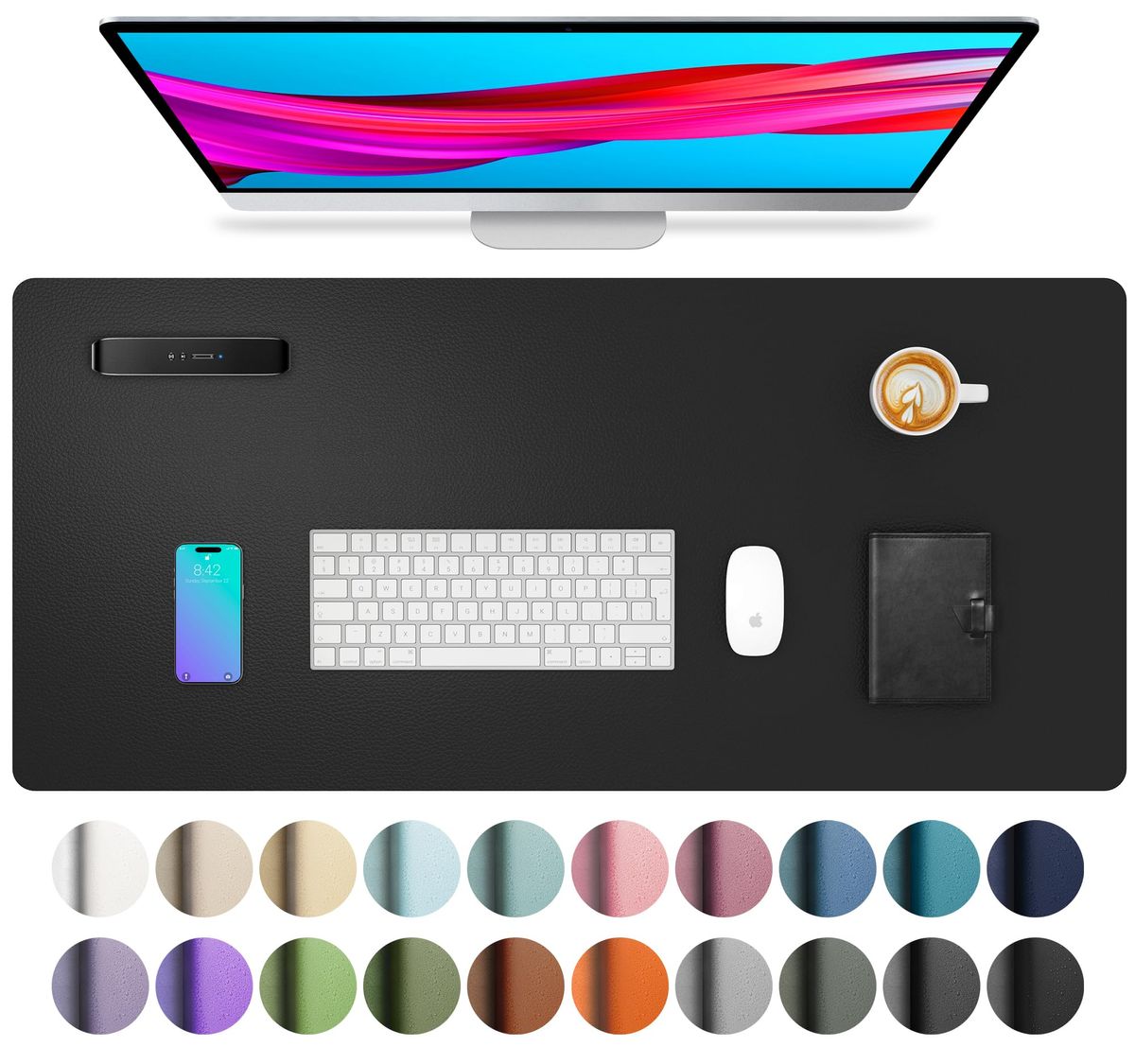
At a Glance
- Price range
- $10 – $30
- Data
- 162,190 verified reviews across 6 finalists
- Best for
- Most desk sizesSpill protectionSmooth mouse glidingEasy cleaning
- Skip if
- You need a large extended mat for multiple monitors
Types Explained
PU Leather Desk Pads
Smooth, waterproof mats made from polyurethane leather, ideal for writing and mouse use.
- Waterproof and spill-resistant
- Easy to clean with a cloth
- Professional look
- Thinner than fabric pads (0.04–0.08 inches)
- May peel over time
Best for: Offices, home desks, and spill-prone areas
Example: Aothia Non-Slip Waterproof PU Leather Desk Pad
Fabric Extended Mouse Pads
Cloth-covered pads with rubber base, often larger, designed for gaming and precision mouse movement.
- Smooth glide for mice
- Thicker cushioning (3mm)
- Anti-fray stitched edges
- Not waterproof – stains easily
- Attracts dust and crumbs
Best for: Gamers, low-DPI users, and those wanting a soft surface
Example: KTRIO Large Extended Gaming Mouse Pad
Premium Stitched Leather Mats
Larger faux-leather pads with hand-stitched edges and felt base, offering a refined look.
- Large size fits deep desks
- Stitched edges increase durability
- Soft leather reduces typing fatigue
- Thin (0.04 inches) – minimal padding
- Felt base may slip less than suede
Best for: Elegant home offices and professional setups
Example: Gallaway Leather Desk Mat (36" x 17")
What Actually Matters
| Factor | Importance | Best brand |
|---|---|---|
Size At least 30" x 15" for keyboard and mouse Small pads like 23" x 13" barely fit a laptop–the YSAGi is the minimum for a full setup. | Must-have | YSAGi (31.5" x 15.8") |
Material PU leather for waterproofing; fabric for glide PU leather handles spills but fabric feels softer. Pick based on your main use. | Must-have | PU: YSAGi; Fabric: KTRIO |
Waterproofing Must repel liquids to protect desk Essential if you drink coffee at your desk. Fabric mats soak up spills. | Must-have | Aothia (waterproof PU leather) |
Non-slip base Suede or rubber backing that prevents sliding A non-slip base keeps the pad flat during fast mouse movements. | Must-have | Aothia (suede base, 70% more friction) |
Thickness 2–3 mm for cushioning; thinner for flatness Thicker pads feel plusher but may curl on edges. Thin pads lie flat. | Nice-to-have | KTRIO (3 mm) |
Stitching quality Anti-fray stitched edges prevent peeling Stitched edges last longer than bonded edges. Look for it on fabric pads. | Nice-to-have | KTRIO |
Cable management Only a few mats have built-in cable organizers. Most people don't need them – a clip works fine. | Marketing BS | — |
Ergonomic wrist support Desk mats are too thin to provide meaningful wrist support. Use a separate gel rest. | Marketing BS | — |
Budget Tiers & Top Picks
What to buy at each price point — and exactly where spending more stops paying off.
Under $15 – Budget
$10 – $15Aothia Non-Slip Waterproof PU Leather Desk Pad

Stop paying more: Stop at $15. Spending more on a budget pad buys no meaningful upgrade.
When to upgrade: Need more space? Step up to the YSAGi at $13.99.
$15 – $25 – Mid-Range
$15 – $25YSAGi Leather Desk Protector (31.5" x 15.8")
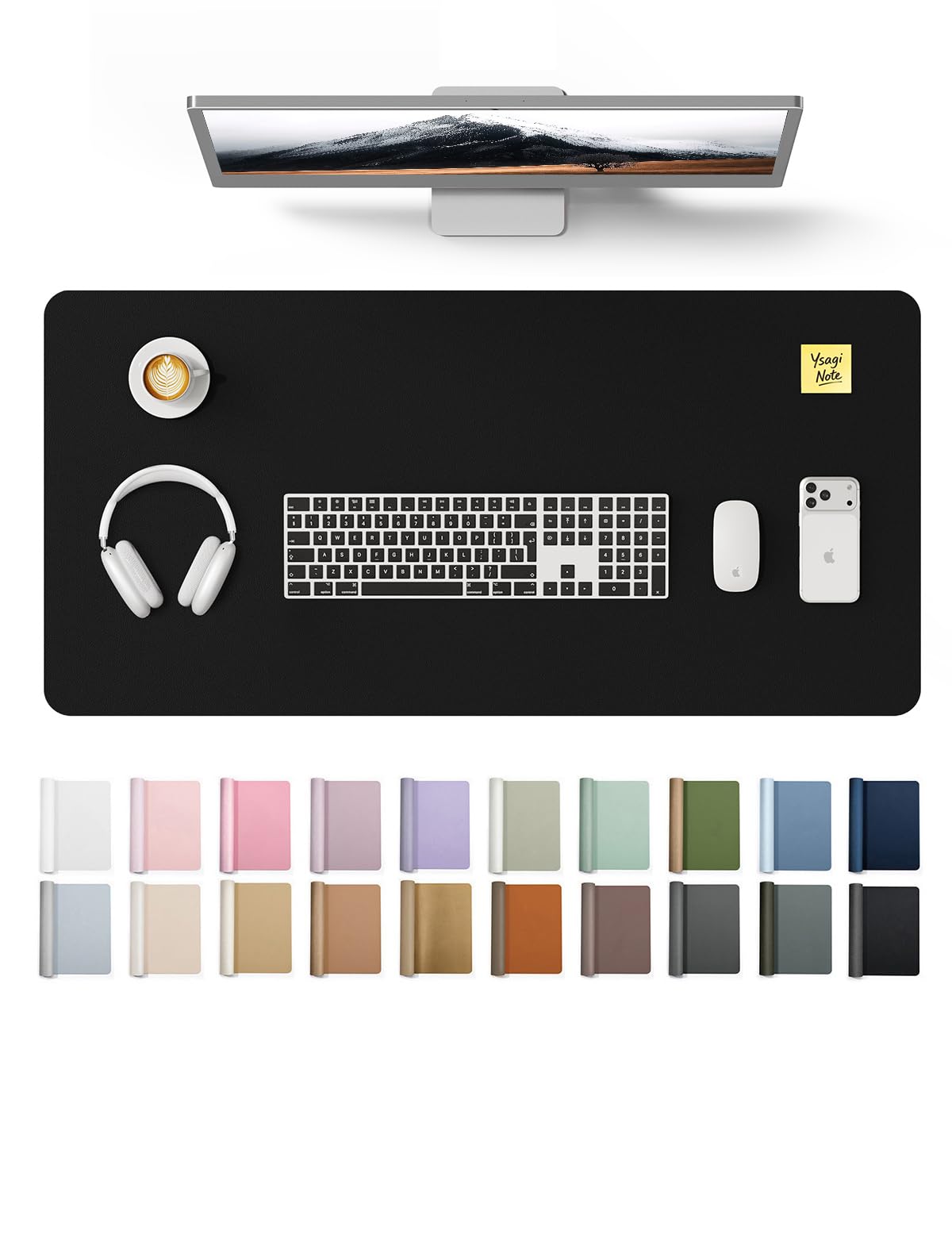
Stop paying more: Diminishing returns above $20 – the YSAGi covers all essentials.
When to upgrade: For a larger premium look, jump to Gallaway at $29.99.
Over $25 – Premium
$25 – $30Gallaway Leather Desk Mat (36" x 17")

Stop paying more: At $30, you get the largest size with stitched edges. Spending more doesn't add value.
When to upgrade: Only upgrade if you need dual-sided textures – see Vine Creations.
Common Mistakes to Avoid
Buying too small
A 23" x 13" pad barely fits a laptop. For a full keyboard and mouse, get at least 30" x 15".
Cost of getting it wrong: Rebuying a larger pad – wasted $10+.
Choosing non-waterproof fabric
Fabric mats like the KTRIO absorb spills and stain easily. If you drink at your desk, get PU leather.
Cost of getting it wrong: Replacement after one spill – $13+.
Skipping non-slip backing
A mat without a grippy base slides around during typing or gaming. Look for suede or rubber.
Cost of getting it wrong: Frustration and possible desk scratches.
Find Your Match
What's your desk size?
Frequently Asked Questions
What size desk mat do I need?
Measure your desk width and depth. For a laptop and mouse, a 23" x 13" mat works. For a full keyboard and mouse, go with at least 30" x 15". If you have a deep desk, 36" x 17" or larger is ideal.
Should I choose leather or fabric?
Leather (PU) is waterproof and easy to clean – great for spills. Fabric offers a smoother mouse glide and thicker cushioning but stains easily. Pick leather if you eat at your desk, fabric for gaming.
How much should I spend on a desk mat?
A good desk mat costs between $10 and $30. Under $15 gets you a basic waterproof pad. $15–$25 offers larger sizes and better durability. Over $25 adds stitched edges and premium looks.
Are desk mats waterproof?
Only PU leather mats are truly waterproof. Fabric mats are water-resistant at best – they bead up but can absorb if left standing. Check the product description for "waterproof" vs "water-resistant".
Do desk mats help with wrist pain?
Desk mats are too thin (0.04–0.12 inches) to provide meaningful wrist support. They reduce friction but won't fix ergonomics. For wrist pain, use a separate gel rest or an ergonomic keyboard.
How do I clean a desk mat?
For PU leather mats, wipe with a damp cloth. For fabric mats, vacuum crumbs and spot clean with mild soap. Avoid soaking the fabric base. Air dry flat.
What should I avoid when buying a desk mat?
Avoid small mats under 23" x 13" that barely fit a keyboard. Skip non-waterproof fabric if you drink at your desk. Avoid mats without a non-slip base – they slide and scratch your desk.
Are there desk mats with cable management?
Yes, the Nordik Leather Desk Mat includes a built-in cable organizer channel. Most other mats do not. If cable clutter is a problem, consider the Nordik or use cable clips.
How we wrote this guide
This guide is based on an analysis of 162,190 verified Amazon reviews across 6 top desk mats. We compared size, material, waterproofing, and durability using live product data and specification sheets. Our picks reflect the best value for different desk setups and budgets.
About this guide
Mubboo Editorial Team — independent US-market consumer research. Picks reflect editorial consensus from verified buyer reviews across 6 top desk mats.