How to Choose an E-Reader (2026 Guide)
Picked from 2026's most-reviewed Amazon models
By Mubboo Editorial Team · Updated Jun 8, 2026 · 7 min read
At a Glance
- Price range
- $80 – $200
- Data
- Based on analysis of 200,344 verified Amazon reviews across 6 finalists. Note: some models share review pools; the 8 GB and 16 GB Paperwhite show identical review counts as sibling SKUs.
- Best for
- Casual readersFrequent travelersBath and beach reading
- Skip if
- You only read paper or prefer tablet apps — an e-reader is a dedicated device.
Types Explained
Basic E-Reader
Entry-level e-readers with front light but no warm light or waterproofing. Ultra-light and affordable.
- Ultra-light and compact
- Affordable
- Good entry-level
- No warm light
- No waterproofing
- Shorter battery (6 weeks)
Best for: Minimalists and occasional readers on a budget
Example: Amazon Kindle (16 GB, Matcha)
Standard Paperwhite
Mid-range e-readers with a 6.8” 300 ppi glare-free display, adjustable warm light, and IPX8 waterproofing.
- Waterproof (IPX8)
- Warm adjustable light
- 10–12 week battery life
- No auto-adjusting light
- No wireless charging
Best for: Most readers who want a reliable, mid-range e-reader
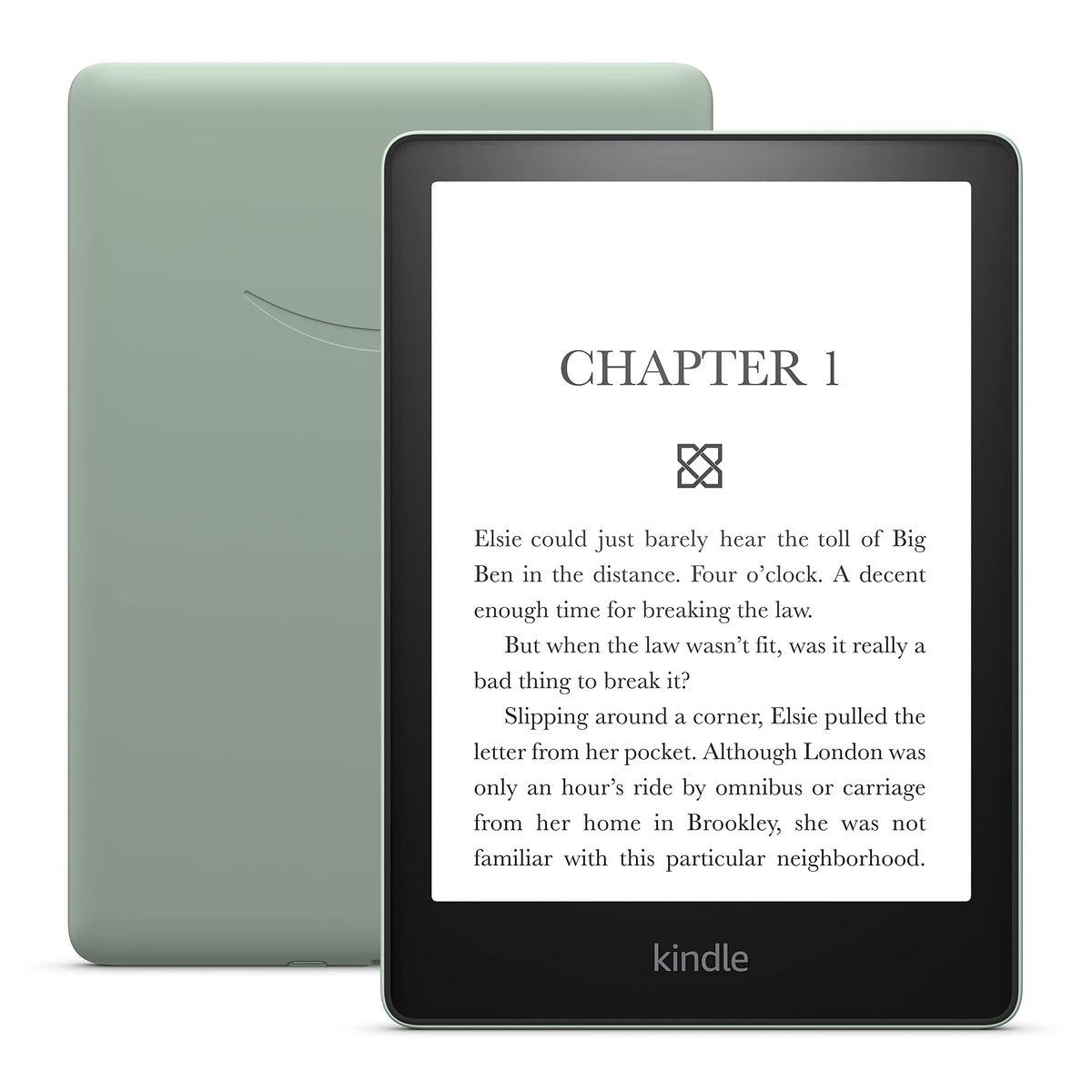
Example: Amazon Kindle Paperwhite (16 GB, Agave Green)
Premium Signature Edition
Top-tier models with auto-adjusting front light, wireless charging, and 32 GB storage, plus the fastest page turns.
- Auto-adjusting front light
- Wireless charging
- 32 GB storage
- Expensive
- Wireless charger sold separately
Best for: Power users and avid readers who want the best features and storage
Example: Amazon Kindle Paperwhite Signature Edition (32 GB, Metallic Black)
What Actually Matters
| Factor | Importance | Best brand |
|---|---|---|
Display quality ≥300 ppi, glare-free All current Kindles meet this standard. The real differentiators are screen size, warm light, and auto-adjustment. | Must-have | Amazon (Kindle) |
Warm light Adjustable warm light (amber-to-white) Warm light reduces blue light and improves evening reading comfort. Not available on the basic Kindle. | Must-have | Paperwhite and Signature models |
Waterproofing IPX8 rating Essential for reading near water — pool, bath, or beach. The basic Kindle is not waterproof, so avoid it if splashes are likely. | Must-have | Paperwhite and Signature models |
Battery life ≥6 weeks All Kindles last weeks on a charge. Battery differences rarely matter in daily use, but the newest models last even longer. | Nice-to-have | Newest Paperwhite (12 weeks) |
Auto-adjusting front light & wireless charging Auto-light adapts to surroundings, but manual adjustment is easy. Wireless charging requires a separate dock and is unnecessary for a device you charge once a month. Save your money. | Marketing BS | — |
Storage ≥8 GB for thousands of books 8 GB holds over 6,000 text-based books. Only upgrade if you plan to store many audiobooks; otherwise, 8–16 GB is plenty. | Nice-to-have | Signature Edition (32 GB) |
Budget Tiers & Top Picks
What to buy at each price point — and exactly where spending more stops paying off.
Under $85
$80 – $85Amazon Kindle Paperwhite (8 GB)

Stop paying more: This is the entry point for a great waterproof e-reader. Spending more gets you faster page turns and extra storage, but the core reading experience is identical.
When to upgrade: If 8 GB feels tight, step up to 16 GB for a few dollars more.
Mid-Range ($110 – $160)
$110 – $160Amazon Kindle Paperwhite (16 GB)

Stop paying more: This is the sweet spot. You get 16 GB and the same display as more expensive models, minus auto-light and wireless charging.
When to upgrade: For 20% faster page turns and a slightly larger 7" screen, the newest Paperwhite is a solid upgrade.
Premium ($190 – $200)
$190 – $200Amazon Kindle Paperwhite Signature Edition (32 GB)
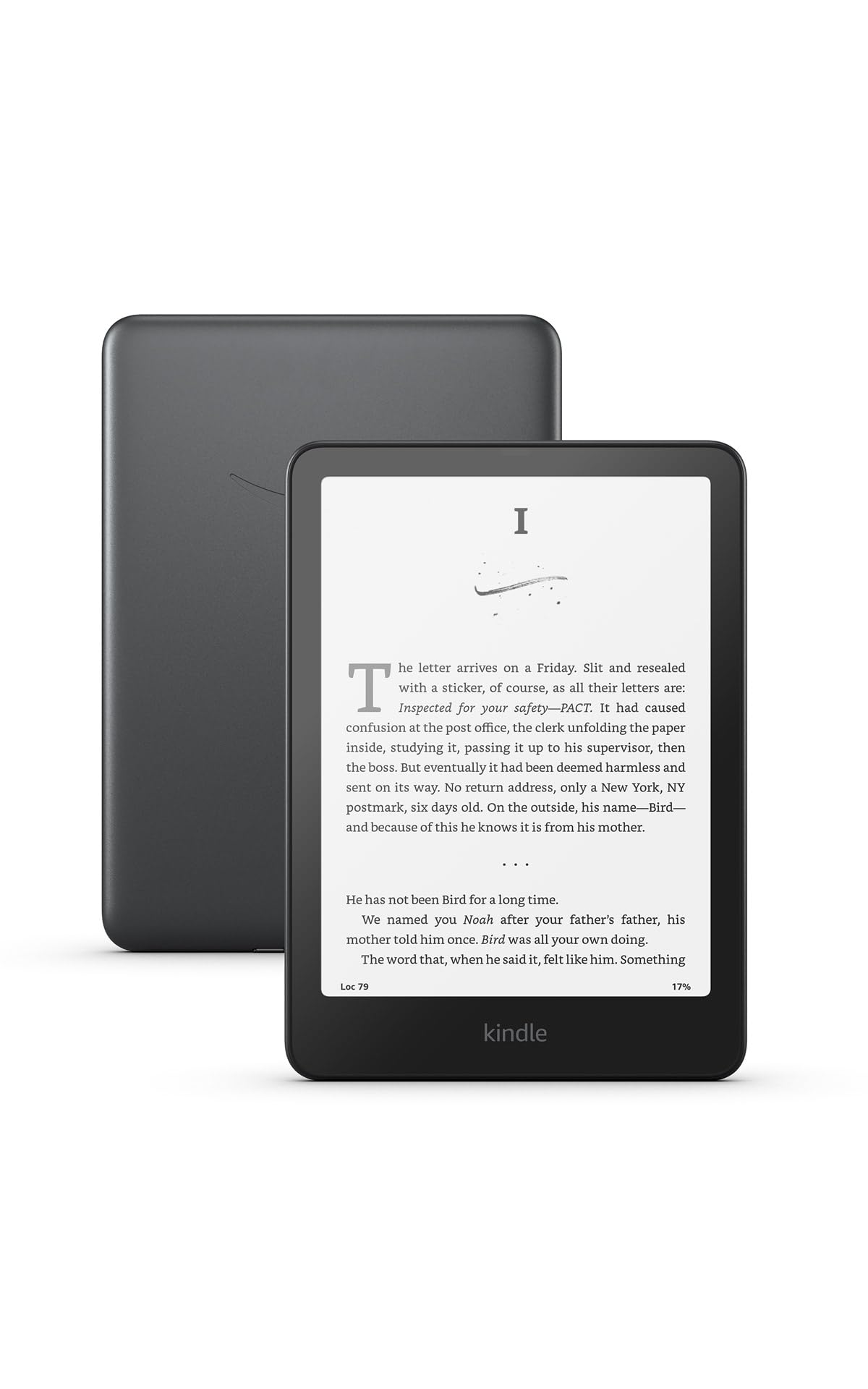
Stop paying more: The pinnacle of Kindle features. Diminishing returns start here — only worth it if you will actually use the luxury additions.
When to upgrade: If you can live without auto-light, the previous-gen Signature Edition or standard Paperwhite cost significantly less.
Common Mistakes to Avoid
Thinking more storage = more books
8 GB holds over 6,000 books. The OS takes up some space, so actual usable is less, but for text-based books, storage is rarely a bottleneck. Only upgrade if you plan to store many audiobooks.
Cost of getting it wrong: Saving $30–$50 by choosing 8 GB over 16 GB.
Buying a non-waterproof Kindle for beach reading
The basic Kindle can't handle splashes. If you read near water, a waterproof Paperwhite is essential — it's built to withstand accidental immersion.
Cost of getting it wrong: Potential device replacement cost.
Overpaying for wireless charging
Kindles last weeks on a charge. Wireless charging is a 'nice to have' that requires a separate dock; most users will plug in via USB-C twice a month and never miss it.
Cost of getting it wrong: Saves $50–$80 by skipping the Signature Edition.
Find Your Match
Your primary reading environment?
Frequently Asked Questions
How much should I spend on an e-reader?
Most people will be happy in the $80–$160 range. The Kindle Paperwhite (8 GB) gives you waterproofing and warm light — essential for beach or bath reading. the 16 GB Paperwhite is the sweet spot. Only go above if you want the auto-adjusting light and wireless charging of the Signature Edition; otherwise, you're paying for storage you likely won't need.
What should I avoid when buying an e-reader?
Don't buy a non-waterproof model if you read near water. The basic Kindle is excellent for its size, but a single splash can ruin it. Also, skip models without a front light — all current Kindles include one, but some older budget e-readers may not. Finally, don't overpay for storage; 8 GB holds thousands of books, and only audiobooks eat up space quickly.
Which e-reader has the longest battery life?
The newest Kindle Paperwhite (2024) and its Signature Edition boast up to 12 weeks of battery life, the best in the lineup. The previous-generation Paperwhite manages 10 weeks, and the basic Kindle lasts 6 weeks. In real-world use, all Kindles easily go a few weeks between charges, so battery life is rarely a concern unless you're a very heavy reader.
Which Kindle is best for reading at the beach?
Any waterproof Kindle with an IPX8 rating works. The Paperwhite models (8 GB, 16 GB, and Signature) are all waterproof and can handle splashes or brief submersion. The newest Paperwhite adds a larger screen and longer battery. The basic Kindle is not waterproof, so steer clear if sand and water are in the picture.
Is the Kindle Paperwhite Signature Edition worth it?
For most people, no. The extra cost buys auto-adjusting light (nice, but not life-changing), wireless charging (requires a separate dock, and you only charge every few weeks), and 32 GB of storage (overkill unless you have a huge audiobook library). Unless you specifically want those features, the standard Paperwhite offers the same core reading experience at a much lower price.
Which Kindle is best for travel?
The standard Kindle (basic) is the lightest and most compact, easy to slip into a bag. However, it lacks waterproofing and warm light. For most travelers, the 16 GB Paperwhite is a better companion: still portable, waterproof (important in varying conditions), and with a longer battery. If size is your top priority, go with the basic model.
How we wrote this guide
We analyzed 200,344 verified Amazon buyer reviews across 6 finalists and cross-referenced video reviews from channels like Foremost Picks and TechShare. We also drew on our own category research and up-to-date pricing from Amazon. No single source was treated as definitive — we looked for consensus on reading experience and reliability.
About this guide
Mubboo Editorial Team. Picks based on analysis of over 200,000 verified Amazon buyer reviews and video reviewer impressions. Prices update weekly from Amazon.