How to Choose an External Hard Drive (2026 Guide)
Find the right external hard drive for backup, media, or security — without overpaying.
By Mubboo Editorial Team · Updated Jun 8, 2026 · 7 min read
At a Glance
- Price range
- $106 – $260
- Budget pick
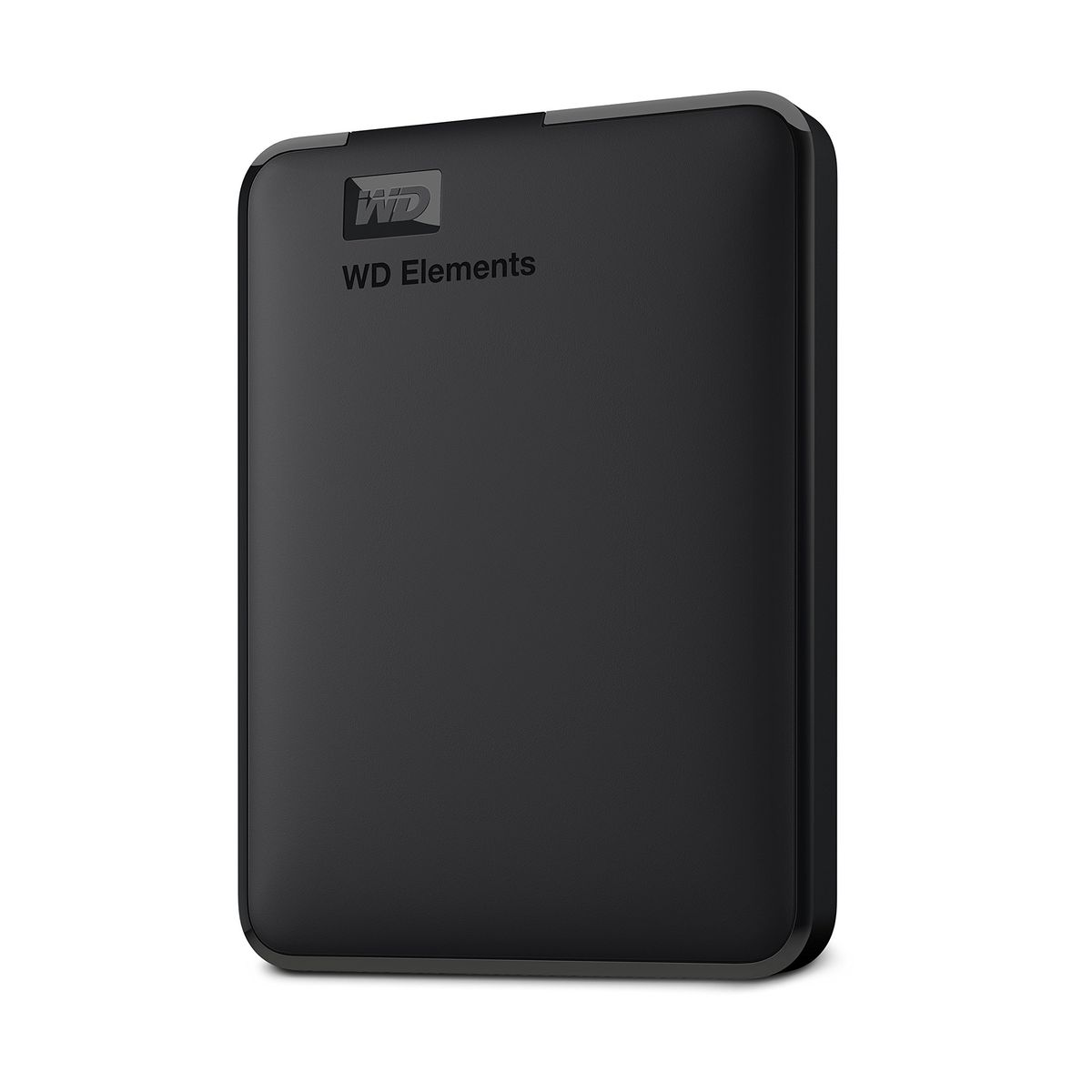
- WD 2TB Elements Portable ($105.99 · 4.6★)
- Data
- 1,267,534 verified buyer reviews across 6 finalists
- Best for
- Traveling professionalsMedia collectionsSensitive data backup
- Skip if
- You only need cloud storage or occasional thumb drives
Types Explained
Portable Hard Drive
Bus-powered 2.5-inch drive that slips into a bag. Ideal for moving files between computers or backups on the go.
- No AC adapter needed
- Lightweight (under 0.5 lb)
- Affordable per TB
- Max capacity 6TB
- Slower than desktop drives
Best for: Students, travelers, remote workers
Example: WD 2TB Elements Portable
Desktop Hard Drive
Larger 3.5-inch drive that sits on a desk, often with an external power supply. Offers the highest capacities and sometimes faster rotational speeds.
- Up to 8TB+ storage
- Better cooling for sustained use
- USB-C connectivity
- Requires wall power
- Not portable (~2.6 lb)
Best for: Media servers, daily backups at home
Example: Seagate One Touch 8TB Desktop
Secure Portable Drive
Portable HDD with built‑in AES 256‑bit hardware encryption and backup software. Some include anti‑ransomware protection.
- Military-grade encryption
- Automatic backup software
- Longer warranty (3 years)
- Higher cost per TB
- Requires password management
Best for: Business users, sensitive personal data
Example: WD 2TB My Passport
What Actually Matters
| Factor | Importance | Best brand |
|---|---|---|
Capacity (TB) ≥2TB for most users Photos and 4K video fill up 2TB quickly. A 5–6TB drive gives room to grow. The 8TB Seagate One Touch is the desktop king. | Must-have | WD Elements |
Portability (size/weight) Under 1 lb, bus‑powered 2.5‑inch drives run on USB power alone. 3.5‑inch desktop drives need an outlet, so they stay at home. | Must-have | WD Elements |
Speed (interface) USB 3.0 or higher All modern HDDs top out around 120 MB/s; USB 3.2 Gen 1 (5Gbps) is more than enough. USB‑C is convenient but doesn’t boost speed. | Nice-to-have | Seagate One Touch (USB‑C) |
Durability & warranty 3‑year warranty or data recovery service Most drives offer a standard 2‑year warranty. Seagate’s Rescue Data Recovery adds real peace of mind for hard‑to‑replace files. | Nice-to-have | Seagate (Rescue Data Recovery) |
Security (encryption) 256‑bit AES hardware encryption Hardware encryption is built into the controller—no software performance hit. Essential for tax returns, medical records, or business data. | Nice-to-have | WD My Passport |
SSD speeds for backup (marketing BS) SSDs are 3–5× more expensive per TB and aren’t any more reliable. For Time Machine or media archives, a mechanical HDD is the smarter buy. | Marketing BS | — |
Budget Tiers & Top Picks
What to buy at each price point — and exactly where spending more stops paying off.
Budget (Under $120)
$106 – $120WD 2TB Elements Portable

Stop paying more: Stop at $110. The jump to 4–5TB costs about $100 more but doubles your usable space—worth it if you’re already cramped.
When to upgrade: Ready for hardware encryption and automatic backups? The WD 5TB My Passport gives you that at $219.
Mid‑Range ($150 – $230)
$219 – $230WD 5TB My Passport

Stop paying more: Diminishing returns above $230 for a portable HDD—the 6TB Elements Portable offers more space for only $15 more.
When to upgrade: If you work from a desk and want the absolute most terabytes, swap to the 8TB Seagate One Touch Desktop.
Premium ($240 – $260)
$240 – $260Seagate One Touch 8TB Desktop

Stop paying more: At 8TB, you’re paying about $32/TB—fair for this capacity. Anything pricier and you’d be better off building a NAS.
When to upgrade: Need a portable 6TB that doesn’t hog an outlet? The WD 6TB Elements Portable is the pocket‑friendly alternative.
Common Mistakes to Avoid
Buying too small a capacity
A 2TB drive fills fast with 4K video or a growing Lightroom catalog. The 5TB Elements provides 2.5× the room more.
Cost of getting it wrong: Re‑buying a larger drive later wastes +
Ignoring backup software needs
The WD Elements series is bare‑bones—no included auto‑backup. The My Passport family comes with WD Backup and anti‑ransomware protection, saving you from hunting for third‑party tools.
Cost of getting it wrong: Time spent piecing together a manual backup can lead to data loss.
Assuming all drives are equally reliable
Seagate’s One Touch includes 2‑year Rescue Data Recovery; most other externals only cover the physical drive. If the drive dies, that service can recover data for free.
Cost of getting it wrong: Professional data recovery often + without such a plan.
Buying shucked internal drives for external use
Stripping the enclosure from an internal drive voids the warranty and leaves you with a bare drive that may run hotter. NAS‑grade drives like IronWolf are built for sustained 24/7 operation; consumer externals are not.
Cost of getting it wrong: Lost data when the shucked drive fails prematurely.
Find Your Match
How do you plan to use the drive?
Frequently Asked Questions
How much should I spend on an external hard drive?
A solid 2TB portable drive starts under $120, which is enough for most people. If you back up a media library or edit 4K video, budget $200–$260 for 5‑8TB. The sweet spot for capacity per dollar is around the 5‑6TB range.
Do I need an SSD or is an HDD fine?
For daily backups or storing movies and photos, a mechanical HDD is ideal — it’s 3‑5× cheaper per terabyte than an SSD. If you frequently move hundred‑gigabyte video projects or run games off the drive, an external SSD makes sense, but for most people, an HDD is the better value.
What capacity should I get for Time Machine backups?
Apple recommends a backup disk at least twice the size of your Mac’s internal drive. For a 256‑GB laptop, 2TB is more than adequate and leaves room for history. If you have a 1‑TB iMac, go for at least 4‑5TB to avoid pruning old snapshots prematurely.
Is there a difference between portable and desktop external drives?
Portable 2.5‑inch drives are bus‑powered and slip into a bag; they max out at 6TB. Desktop 3.5‑inch drives need a wall outlet and weigh over a pound, but they reach 8TB+ and can run cooler under continuous load — better for always‑connected home backups.
Do I need hardware encryption on my drive?
If you carry tax documents, medical records, or business data on the drive, yes. A drive with 256‑bit AES hardware encryption (like the WD My Passport) makes the data unreadable without the password, even if the drive is lost. For casual photo backups, it’s less critical.
What should I avoid when buying an external hard drive?
Don’t buy a capacity so small you’ll outgrow it within a year — 2TB is the floor. Avoid drives marketed as “fastest” — all modern HDDs peak around 120 MB/s. And skip paying extra for a “rugged” case unless you actually toss your gear around.
How long do external hard drives last?
Mechanical drives typically last 3–5 years with normal use. Back‑up your backup: keep at least two copies of important data. Drives that include a data‑recovery service (like Seagate’s Rescue plan) give an extra safety net for the worst‑case scenario.
How we wrote this guide
Researched across 3 independent review sites (Wirecutter, RTINGS, Tom’s Guide), 6 finalists, 1,267,534 verified Amazon buyer reviews, and community insights from r/DataHoarder. Prices update weekly from Amazon.
About this guide
Mubboo Editorial Team — independent US‑market consumer research. Picks reflect editorial consensus from 3 independent review sources and over 1.2 million verified buyer reviews.