How to Choose a Game Controller (2026 Guide)
Picked from 2026's most-reviewed Amazon models
By Mubboo Editorial Team · Updated Jun 9, 2026 · 7 min read
At a Glance
- Price range
- $19.99 – $169
- Budget pick
- Logitech F310 ($19.99 · 4.4★)
- Data
- 116,895 verified reviews across 6 finalists
- Best for
- Competitive gamingFamilies with multiple platformsCasual couch players
- Skip if
- You only need a controller for occasional mobile gaming or already have a working one
Types Explained
Full-Featured Wireless Controllers
Wireless gamepads with Bluetooth or proprietary wireless, designed for console and PC play.
- Comfortable for couch play
- No cable clutter
- Often include advanced features like haptics
- Higher price
- Need batteries or charging
Best for: Console owners and wireless freedom
Example: Xbox Wireless Controller
Wired Pro Controllers
USB controllers with pro-grade components like Hall effect sensors and back buttons, ideal for competitive gaming.
- No lag
- Never needs charging
- Often drift-resistant
- Tether restricts distance
- Less couch-friendly
Best for: Competitive PC gamers
Example: GameSir G7 SE
Budget Controllers
Affordable wired or wireless basics that cover essential gaming needs.
- Low cost
- Plug-and-play simplicity
- Limited features
- May lack durability
Best for: Casual gamers on a budget
Example: Logitech F310
What Actually Matters
| Factor | Importance | Best brand |
|---|---|---|
Platform Compatibility Works with your primary system (Xbox, PC, PS5) A great PC controller is useless if it doesn't connect to your console. Check compatibility before buying. | Must-have | Xbox for Windows/Xbox, PlayStation for PS5 |
Hall Effect Sensors (Drift Resistance) Hall effect joysticks and triggers for longevity Stick drift ruins controllers. Hall effect sensors use magnets to prevent physical wear, adding years to your controller's life. | Must-have | GameSir and 8BitDo lead at mid-range |
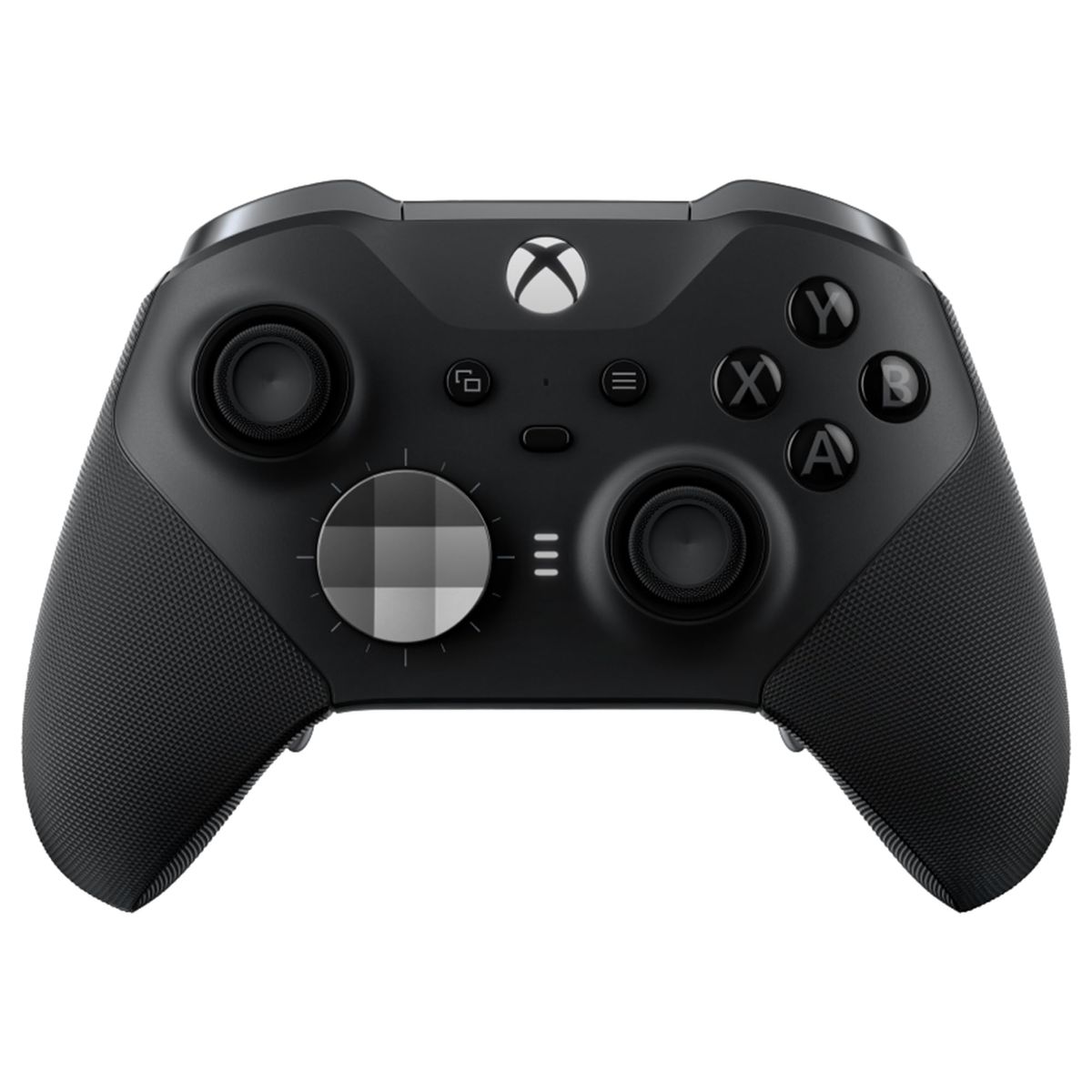
Build Quality Solid construction with textured grips and reinforced buttons Cheap plastic creaks and wobbly buttons signal impending failure. Look for dense, rubberized grips and metal internal components. | Must-have | Xbox Elite Series 2 for premium feel |
Wireless Connectivity Bluetooth or 2.4 GHz wireless with low latency Wireless freedom is great for couch play, but adds cost and battery management. Wired remains king for competitive gaming. | Nice-to-have | Xbox controllers offer rock-solid wireless |
Customizable Back Buttons Paddles or remappable buttons for advanced control Back paddles let you jump, reload, or slide without lifting thumbs. Essential for pros, optional for casuals. | Nice-to-have | Xbox Elite Series 2 for full customization |
Pro Branding Many controllers slap on a 'Pro' label and raise the price without adding meaningful features. Judge by specs, not badges. | Marketing BS | — |
Budget Tiers & Top Picks
What to buy at each price point — and exactly where spending more stops paying off.
Budget (Under $30)
$19.99 – $30Logitech F310

Stop paying more: Stop at $30. Spending more in this tier won't get you wireless or advanced features. The Logitech F310 gives you a comfortable, reliable controller that works out of the box with thousands of games.
When to upgrade: If you need wireless or play on Xbox, consider stepping up to the Xbox Wireless Controller in the $60 range.
Mid-Range ($40 – $70)
$40 – $70Xbox Wireless Controller
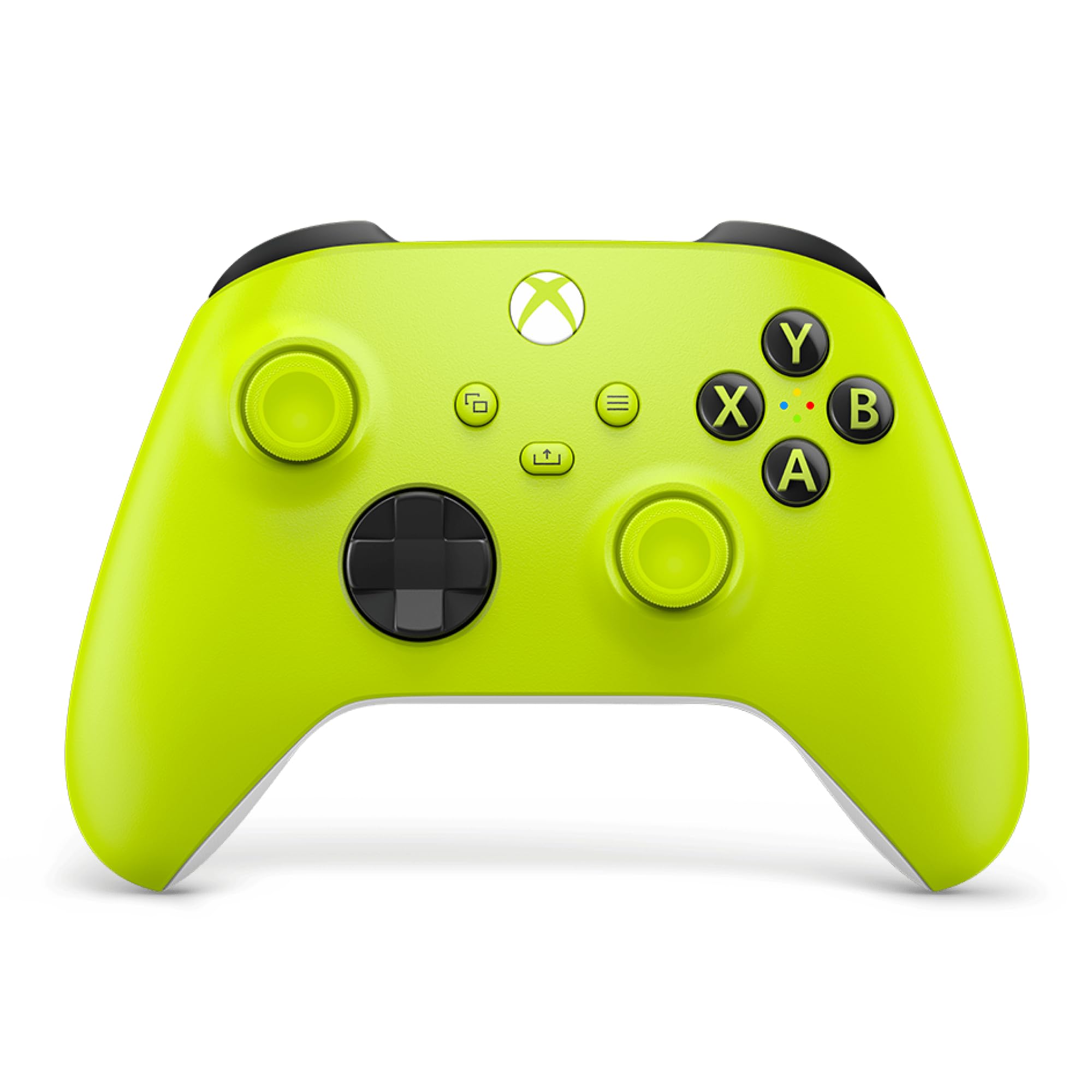
Stop paying more: Spending up to $70 gets you official wireless, long battery life, and broad compatibility. Beyond $70, you start paying for pro features.
When to upgrade: If you want customizable back buttons or Hall effect sensors, look at the Elite Series 2 or GameSir G7 SE around $154 and $45 respectively.
Premium ($100 – $170)
$100 – $170Xbox Elite Series 2

Stop paying more: The Elite Series 2 is the ceiling for Xbox/PC. Spending more than its $154 means paying for PS5's DualSense Edge at $169 or niche brands with diminishing returns.
When to upgrade: The only real upgrade is the DualSense Edge for PS5 owners. Otherwise, the Elite is the top of the line.
Common Mistakes to Avoid
Buying a controller that doesn't work with your console
The 8BitDo Ultimate 2C is great for PC and Android, but it won't connect to an Xbox Series X, even though it looks similar. Always verify the platform compatibility list on the product page before clicking buy.
Cost of getting it wrong: You'll need to return it and buy a different controller, wasting time and potentially return shipping.
Ignoring stick drift issues in budget controllers
Traditional potentiometer joysticks can develop drift within months, rendering a controller unusable for precise games. Controllers with Hall effect sensors, like the GameSir G7 SE, eliminate this problem.
Cost of getting it wrong: A new controller every year adds up. A Hall effect controller lasts much longer.
Overpaying for pro features you won't use
The Xbox Elite Series 2's interchangeable paddles and adjustable triggers are fantastic for competitive gaming, but if you mostly play solo story-driven games, you won't touch them. A standard Xbox Wireless Controller saves.
Cost of getting it wrong: That could buy a couple of new games instead.
Assuming wireless is always better for competitive play
Wireless adds minimal but real latency. For fighting games or fast-paced shooters, a wired controller like the GameSir G7 SE provides a slight edge, and you never worry about battery dying mid-match.
Cost of getting it wrong: You could lose a ranked match due to battery drain or interference, which is frustrating.
Find Your Match
What's your primary platform?
Frequently Asked Questions
How much should I spend on a game controller?
For wireless and better build quality, expect $40-$70. Premium controllers with pro features start and go up to $170. The best value sweet spot is $45-$60 for wired pro features or official wireless.
What should I avoid when buying a controller?
Avoid controllers without clear platform compatibility labels—they may not work with your console. Steer clear of cheap, no-name brands with poor reviews mentioning drift or button failures. Also, don't overpay for 'pro' branding unless you'll actually use the extra features.
Wired vs. wireless controller: which is better?
Wired offers zero latency and no battery worries, making it ideal for competitive gaming. Wireless gives you freedom to lean back on the couch. For most players, a wireless controller like the Xbox Wireless Controller is the most versatile, but a wired controller can save money.
Do I need Hall effect joysticks?
Hall effect sensors use magnets to detect movement, eliminating the physical wear that causes stick drift. If you play frequently or want a controller that lasts years, it's worth paying a small premium for them—found on the GameSir G7 SE and 8BitDo Ultimate 2C.
Which controller is best for PC gaming?
The Xbox Elite Series 2 is the top choice for customizable pro control, while the standard Xbox Wireless Controller works great out of the box. If you want drift-proof precision, the GameSir G7 SE is excellent.
Can I use a PlayStation controller on PC?
Yes, the DualSense Edge works on PC with a USB connection, though some games may not support its adaptive triggers natively. However, for the widest PC game compatibility, an Xbox-style controller is generally preferred.
How long do game controllers last?
Build quality varies. Budget controllers with traditional joysticks may develop drift within a year of heavy use. Premium controllers with Hall effect sensors can last several years. The Xbox Elite Series 2, despite its price, has some reports of button issues, so consider extended warranties.
How we wrote this guide
We analyzed 6 controllers across 116,000+ verified buyer reviews and cross-referenced expert evaluations from Wirecutter. Prices and availability update weekly from Amazon.
About this guide
Mubboo Editorial Team — independent US-market consumer research. Synthesized from verified buyer reviews and manufacturer specifications. Prices update weekly from Amazon.