How to Choose a Laptop Sleeve (2026 Guide)
From students to commuters, pick the right sleeve for your device in under 5 minutes.
By Mubboo Editorial Team · Updated Jun 9, 2026 · 7 min read
At a Glance
- Price range
- $10 – $33
- Data
- 230,700+ verified reviews across 6 finalists
- Best for
- Maximum protection for high-value laptopsDaily commutes with bus/train
- Skip if
- You only need a basic dust cover and never transport your laptop
Types Explained
Slim Sleeves
Ultra-thin sleeves for sliding into backpacks
- Lightweight
- Affordable
- Fits in tight spaces
- Minimal impact protection
- Often not water-resistant
Best for: Carrying inside another bag
Example: Amazon Basics 11.6-inch sleeve (from $10)
Protective Sleeves
Padded, often with corner bumpers and military-grade drop protection
- High shock absorption
- Water-resistant
- Durable materials
- Bulkier
- Heavier
- More expensive
Best for: Frequent travelers and those with expensive laptops
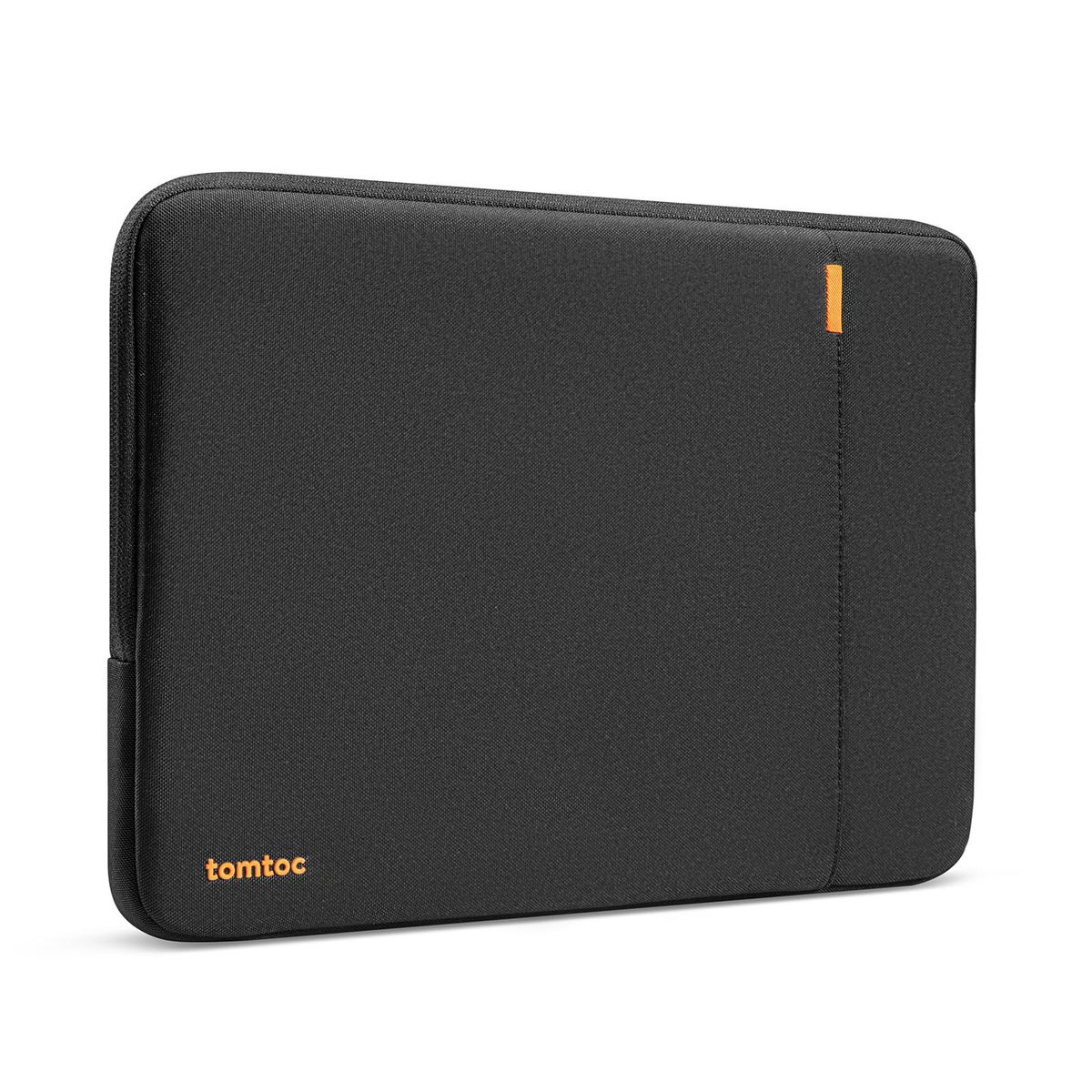
Example: tomtoc 360° Protective Sleeve (14-inch)
Leather Sleeves
PU leather or genuine leather sleeves with magnetic or snap closures
- Stylish professional look
- Water-resistant exterior
- Slim profile
- Less padding
- May show wear
- Snug fit
Best for: Office use and meetings
Example: Allinside PU Leather Sleeve (15-16 inch)
What Actually Matters
| Factor | Importance | Best brand |
|---|---|---|
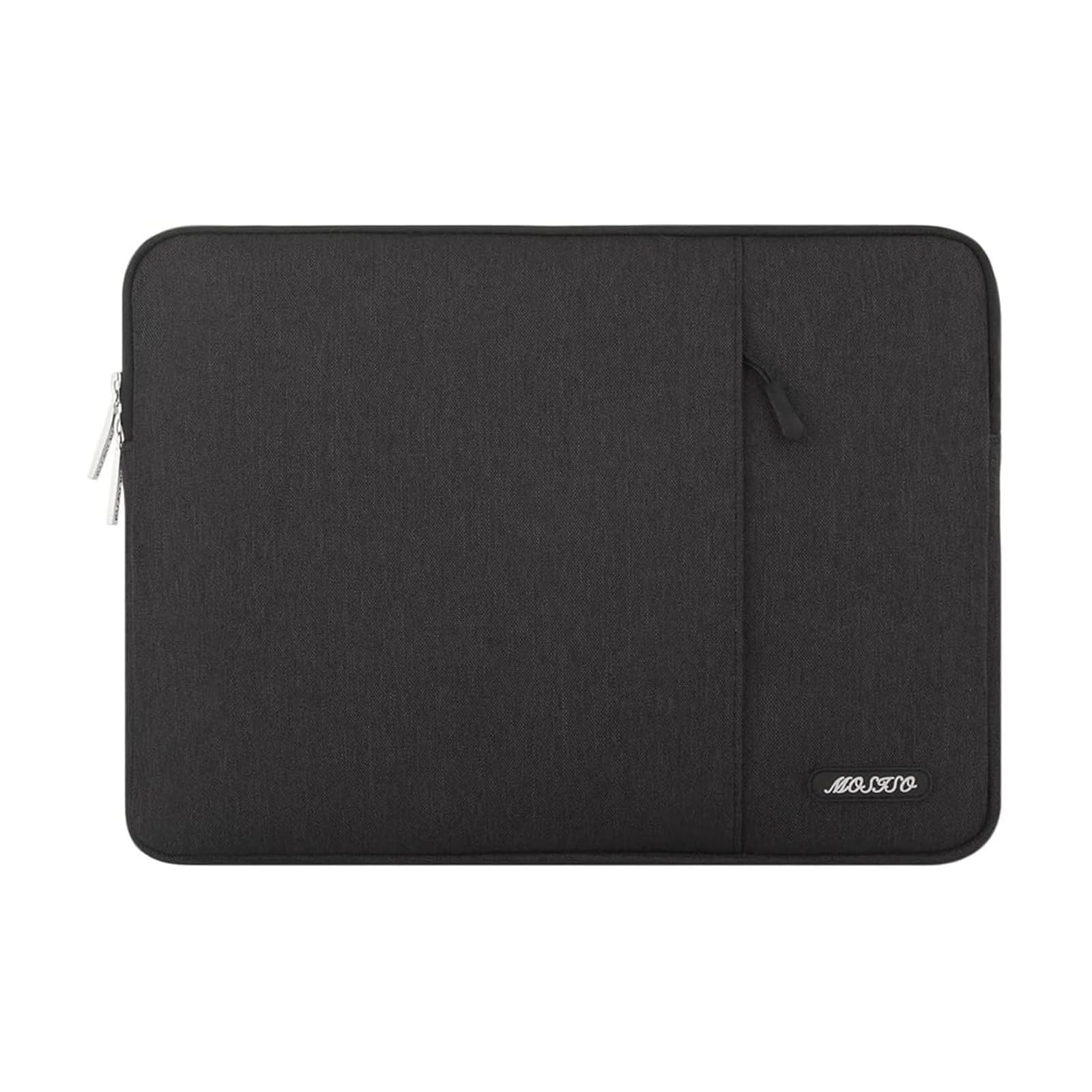
Size compatibility Internal sleeve dimensions must exceed your laptop's width, height, and depth Always check internal measurements; external sizes can be misleading. | Must-have | MOSISO (detailed internal dimensions listed) |
Protection level For daily drops, aim for at least 5mm foam padding or reinforced corners Thicker padding adds bulk; decide based on your daily routine. | Must-have | tomtoc (military-grade CornerArmor Tech) |
Water resistance At least water-repellent fabric to guard against spills and light rain Full waterproofing is rare in sleeves; water-repellent is sufficient for commuting. | Nice-to-have | Lenovo Urban Sleeve (water-resistant polyester) |
Portability Under 0.5 lbs and less than 0.5 inches thick Thin sleeves slide into any bag but sacrifice padding. | Nice-to-have | MOSISO (0.2 kg, 0.79 inches) |
Extra storage At least one front pocket for cables or a mouse Pockets add bulk; useful if you don't carry a separate accessories pouch. | Nice-to-have | tomtoc (front pocket with AirTag strap) |
Brand prestige A sleeve from a known brand often uses the same foam as a generic one. You're paying for the logo, not better protection. | Marketing BS | — |
Budget Tiers & Top Picks
What to buy at each price point — and exactly where spending more stops paying off.
Under $15
$9 – $15Naukay 15.6 Inch Laptop Sleeve

Stop paying more: Stop at $15. Spending more buys real impact protection.
When to upgrade: Need actual drop protection? Move to $20+ for padded polyester sleeves.
Under $30
$15 – $30MOSISO Laptop Sleeve 13.3 Inch
Stop paying more: Above $30, you're paying for premium materials or branding.
When to upgrade: Want military-grade protection? Step up to $30+ for the tomtoc.
Over $30
$30 – $35tomtoc 360° Protective Laptop Sleeve

Stop paying more: Above $35, you're paying for luxury leather, not better protection.
When to upgrade: No upgrade needed; this is the top protection pick.
Common Mistakes to Avoid
Buying the wrong size
External dimensions can be misleading; always compare your laptop's exact dimensions with the sleeve's internal measurements.
Cost of getting it wrong: A too-large sleeve lets the laptop slide around, risking edge damage; a too-small one won't close.
Ignoring water resistance
A spilled drink in a backpack can destroy a laptop. Even a water-repellent sleeve provides a critical layer of defense.
Cost of getting it wrong: A water-resistant sleeve costs only a few dollars more; replacing a liquid-damaged laptop can exceed.
Overpaying for brand names
Many premium-priced sleeves use the same 5mm foam padding and polyester fabric as generic alternatives.
Cost of getting it wrong: You could save $10–$20 by opting for an equally protective no-name sleeve.
Skipping corner protection
Laptops most often strike the ground on a corner; sleeves without reinforced corners or bumpers absorb less shock.
Cost of getting it wrong: A cracked screen repair averages – far more than a sleeve with good corner bumpers.
Find Your Match
What's your laptop size?
Frequently Asked Questions
How do I know what size laptop sleeve to buy?
Measure your laptop's width, depth, and height exactly. Compare those numbers with the sleeve's internal dimensions — not the external ones. Leave a 0.2–0.5 inch margin for a snug but not tight fit. A sleeve that's too large allows sliding, which can lead to corner impacts. Most brands list internal dimensions; if they don't, skip that model.
Do I really need a water-resistant laptop sleeve?
Yes, if you commute or carry drinks near your bag. Even a light rain shower or a spilled coffee can short-circuit a laptop. Water-resistant fabrics buy you time to wipe off moisture before it seeps inside. They don't make the sleeve fully waterproof, but for $2–$5 more, it's cheap insurance against a + device failure.
Are expensive laptop sleeves worth it?
Up to a point. Mid-range ($15–$25) polyester sleeves often provide 80% of the protection of a + premium model. The extra cost usually goes toward brand names, designer looks, or marketing certifications — not measurably better padding. If you need military-grade drop protection, the tomtoc justifies its price with CornerArmor Tech and YKK zippers.
What's the difference between a laptop sleeve and a case?
A sleeve is a slim, soft pouch typically with a single main compartment and a zipper. It's designed to be carried inside another bag. A case may have a handle, shoulder strap, additional pockets, and a more rigid structure. Sleeves are better for minimalists who already carry a backpack; cases suit those who carry their laptop solo.
How much should I spend on a laptop sleeve?
For basic scratch protection while carrying inside a bag, $10–$15 is enough. For daily drops and spills, $20–$30 buys good padding and water resistance. Above you're mostly paying for luxury materials or brand prestige — you won't get dramatically better protection. Allocate your budget based on how risky your daily routine is.
Can I put a laptop with a hard case inside a sleeve?
It depends on the sleeve's internal clearance. A hard case adds millimeters to each dimension; measure the total thickness and compare to the sleeve's depth. Many slim sleeves won't accommodate a case. Look for sleeves advertised as 'case-friendly' or with a bit of extra room. If in doubt, remove the hard case before inserting.
How we wrote this guide
We analyzed 230,700+ verified reviews across 6 finalists, cross-referenced product specs, and consulted video reviews to determine what actually matters when choosing a laptop sleeve.
About this guide
Mubboo Editorial Team. Picks based on verified user reviews and independent editorial analysis. Prices update weekly from Amazon.