How to Choose a Laptop (2026 Guide)
Find your perfect laptop — from budget Chromebooks to premium MacBooks.
By Mubboo Editorial Team · Updated Jun 9, 2026 · 8 min read
At a Glance
- Price range
- $201 – $1,149
- Budget pick
- HP 15.6 inch Laptop, HD Touchscreen Display, AMD Ryzen 3 7320U, 8 GB RAM, 128 GB SSD ($399 · 4.5★)
- Data
- 11,661 verified reviews across 6 finalists
- Best for
- StudentsCreative professionalsEveryday usersTravelers
- Skip if
- You only need a device for casual browsing and media streaming. A tablet or Chromebook may suffice.
Types Explained
MacBook
Apple laptops running macOS, known for premium build and seamless ecosystem integration.
- 18-hour battery life (15-inch M4)
- Silent fanless design
- Sharp Liquid Retina display with 500 nits brightness
- Higher starting price
- Limited to two Thunderbolt ports
- Storage upgrades are expensive
Best for: Students and professionals deep in the Apple ecosystem
Example: Apple MacBook Air 15-inch M4 (from $972)
Windows Laptop
Versatile laptops running Windows 11 from brands like HP, Acer, and Lenovo, covering every price point.
- Wide price range from $200 to over $1,000
- Touchscreen options common
- Full software compatibility for business and gaming
- Battery life varies widely
- Build quality can feel plastic on budget models
- Pre-installed bloatware slows performance
Best for: Users needing specific Windows software, a touchscreen, or a budget-friendly machine
Example: HP 15.6 inch Laptop
Chromebook
Lightweight laptops running Google's Chrome OS, optimized for web-centric tasks and cloud storage.
- Rock-bottom starting price under $250
- Fast boot and automatic security updates
- Secure from malware by design
- Cannot install Windows or Mac apps
- Limited offline capability
- Slower processors struggle with heavy multitasking
Best for: Web browsing, email, and light tasks on a very tight budget
Example: HP Chromebook 14
What Actually Matters
| Factor | Importance | Best brand |
|---|---|---|
Battery Life ≥10 hours real-world usage Aim for at least 10 hours to get through a full day without a charger. Laptops with less than 8 hours will leave you hunting for outlets. | Must-have | Apple (up to 18 hours) |
Performance (Processor & RAM) 8GB RAM minimum, 16GB for heavy multitasking For everyday tasks, 8GB RAM and a recent processor suffice. If you run virtual machines, edit video, or keep dozens of tabs open, spring for 16GB. | Must-have | Apple M4 series |
Portability (Weight) Under 3.5 lbs for frequent travel A lightweight laptop is critical if you carry it daily. Even a 0.5-pound difference becomes noticeable over a day. | Must-have | MacBook Neo (2.71 lbs) |
Display Quality Full HD (1920x1080) minimum, 300+ nits brightness A sharp, bright display reduces eye strain during long sessions. Avoid 720p TN panels unless you're on a very strict budget. | Nice-to-have | Apple (Liquid Retina, 500 nits) |
Storage Capacity 256GB SSD minimum 128GB fills up quickly with Windows updates and apps. 256GB is the sweet spot; if you store lots of media, consider 512GB or external storage. | Must-have | MacBook Neo (512GB at mid-price) |
AI-Ready Hardware AI-ready laptops don't run heavy AI models locally. The real-world benefit is optimized Windows features that work on most modern CPUs. Don't pay extra for this label. | Marketing BS | — |
Budget Tiers & Top Picks
What to buy at each price point — and exactly where spending more stops paying off.
Budget (Under $500)
$201 – $500HP 15.6 inch Laptop, HD Touchscreen Display, AMD Ryzen 3 7320U, 8 GB RAM, 128 GB SSD

Stop paying more: Stop at $500. This HP at $399 covers basics with a touchscreen and solid 8GB RAM. Spending more in this tier doesn't buy a dramatically better display or faster performance.
When to upgrade: Need all-day battery and a sharper screen? Step up to the MacBook Neo at $690.
Mid-Range ($500 – $1,000)
$500 – $1,000Apple MacBook Neo 13-inch (512GB, Indigo, 2026)

Stop paying more: At $690, you get premium Apple build quality, a good keyboard, and macOS. Spending more than $800 in this tier often just buys a slightly faster processor or extra RAM.
When to upgrade: If you want the best display and battery life in a larger size, the MacBook Air 15 at $972 is the next step.
Premium ($1,000+)
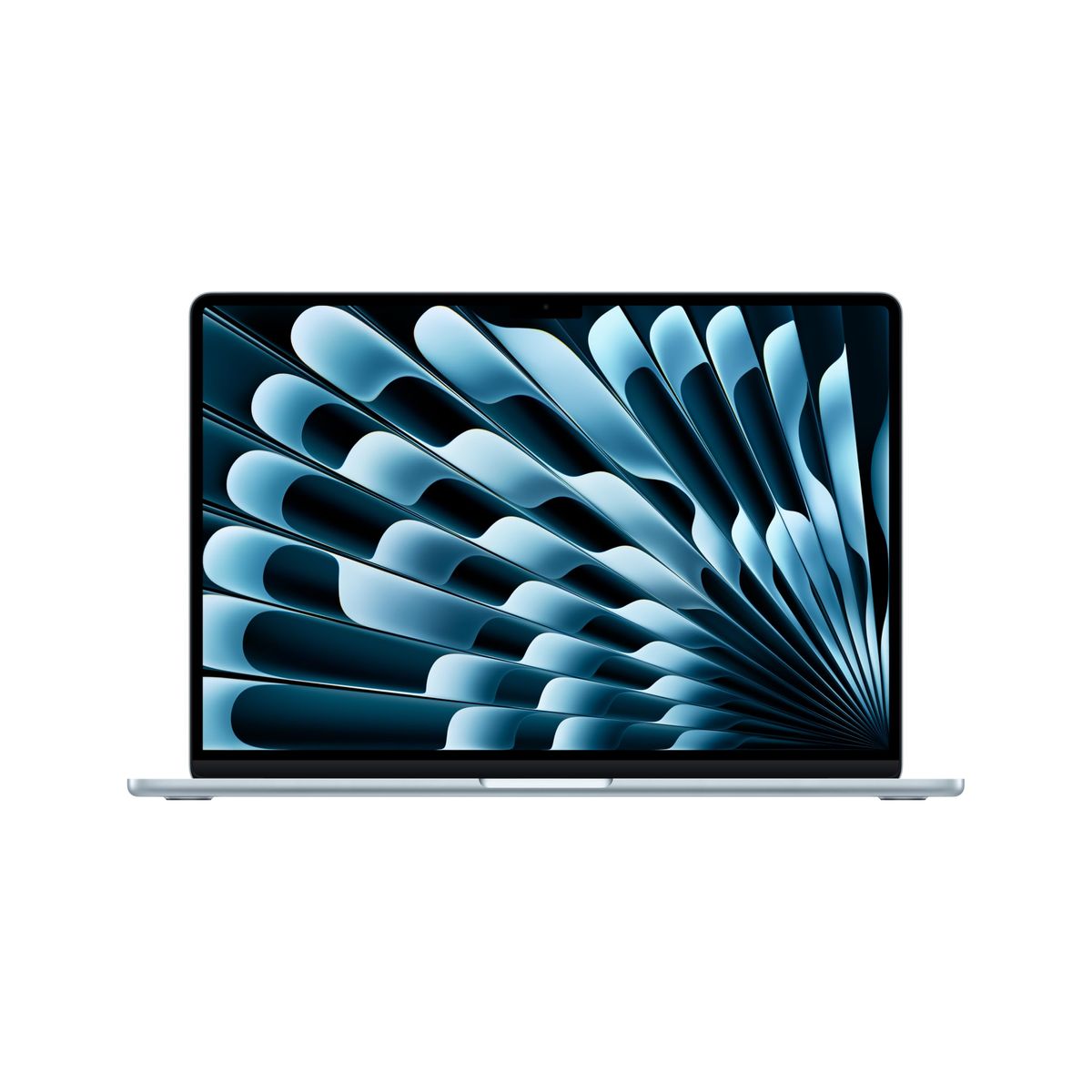
$972 – $1,149Apple MacBook Air 15-inch M4 (2025, Silver)

Stop paying more: The Silver MacBook Air 15 at $972 is the sweet spot. Above $1,200, you're paying for color variants or higher storage; the performance remains identical.
When to upgrade: For the same laptop in a stunning midnight finish, the Midnight model at $1,149 is a purely aesthetic upgrade.
Common Mistakes to Avoid
Buying too little storage
A 128GB SSD fills up fast with Windows updates, apps, and just a few projects. You'll end up juggling external drives or paying for cloud subscriptions.
Cost of getting it wrong: Replacing the laptop or buying an external SSD adds $50–$200.
Overspending on specs you'll never use
A Core i9 or 32GB RAM is overkill for browsing, streaming, and document editing. Most users see no real-world difference.
Cost of getting it wrong: You could save $300–$500 by choosing a mid-range CPU with 16GB RAM.
Ignoring keyboard and trackpad quality
A mushy keyboard causes fatigue, and a poor trackpad forces you to carry a mouse. After testing, these are the features you touch every second.
Cost of getting it wrong: External keyboard and mouse plus the hassle cost $40–$100.
Assuming all Chromebooks are the same
Cheap Chromebooks have slow processors and low-res screens, making them frustrating for anything beyond a single tab.
Cost of getting it wrong: Replacing it with a better model costs another $200–$400.
Find Your Match
What's your budget?
Frequently Asked Questions
How do I choose the right laptop for my needs?
Start by identifying your primary use: web browsing, schoolwork, or creative work. Then set a budget and decide on an operating system (macOS, Windows, or ChromeOS). Our guide breaks down the key factors like battery life, performance, and portability so you can match a laptop to your exact situation without overspending.
What's the best laptop for college students?
For most students, the Apple MacBook Neo 13-inch offers a great balance of battery life (16 hours), lightweight design, and enough performance for research, writing, and multimedia projects. If you're on a budget, the Acer Aspire Go 15 or HP 15.6 are solid Windows alternatives under $400. Avoid cheap Chromebooks if your coursework requires specialized software.
Is a Chromebook good enough for everyday use?
Chromebooks are perfect if your work lives in a web browser — email, Google Docs, streaming, and light browsing. They're secure, boot fast, and start. However, they can't run Windows or Mac software, so they're not suitable for engineering programs, video editing, or gaming. For basic tasks, they're a steal; for anything beyond, step up to a Windows laptop.
How much RAM do I really need?
Don't pay extra for 32GB unless you're a professional.
What should I avoid when buying a laptop?
Avoid buying a laptop with only 128GB storage — it fills up fast. Skip low-resolution displays (720p), which strain your eyes. Be wary of laptops with poor keyboards, as you'll be typing all day. Also, don't overpay for AI-ready branding: it rarely offers real benefits that better hardware doesn't already provide. Always check verified reviews for battery life claims.
Mac vs Windows: which is better?
Macs offer longer battery life, better build quality, and seamless integration with iPhones and iPads. Windows laptops come in a wider price range, support more legacy software, and often have touchscreens. Choose macOS if you value simplicity and longevity; choose Windows if you need specific software or are on a tight budget. Our top pick, the MacBook Air 15 M4, beats most Windows ultrabooks on value.
How often should I upgrade my laptop?
A quality laptop should last 5-7 years with proper care. If your current machine has less than 8GB RAM, a slow processor from 2018 or earlier, or a failing battery, it's time to upgrade. Newer laptops offer dramatic gains in battery efficiency, display quality, and performance — even a model will feel fast compared to a 5-year-old machine.
How we wrote this guide
We analyzed 11,661 verified Amazon buyer reviews across 6 leading laptops, cross-referenced with expert assessments from Wirecutter and Tom's Guide, and surveyed community discussions on r/laptops, along with video reviews from top tech YouTubers. Our recommendations focus on the real-world factors that affect your daily experience — battery life, display quality, and build — not just specs on paper.
About this guide
Mubboo Editorial Team — independent US-market consumer research. Picks based on analysis of 11,661 verified Amazon buyer reviews and independent expert evaluations. Prices update weekly.