How to Choose a Mouse Pad (2026 Guide)
Pick the right surface, size, and material for your desk setup
By Mubboo Editorial Team · Updated Jun 21, 2026 · 6 min read
At a Glance
- Price range
- $8 – $30
- Data
- 468,442+ verified reviews across 6 finalists
- Best for
- Gamers wanting a balanced glideOffice workers needing desk protectionSmall to medium desk setups
- Skip if
- You never use a mouse — touchpad or trackball only
Types Explained
Cloth Pads
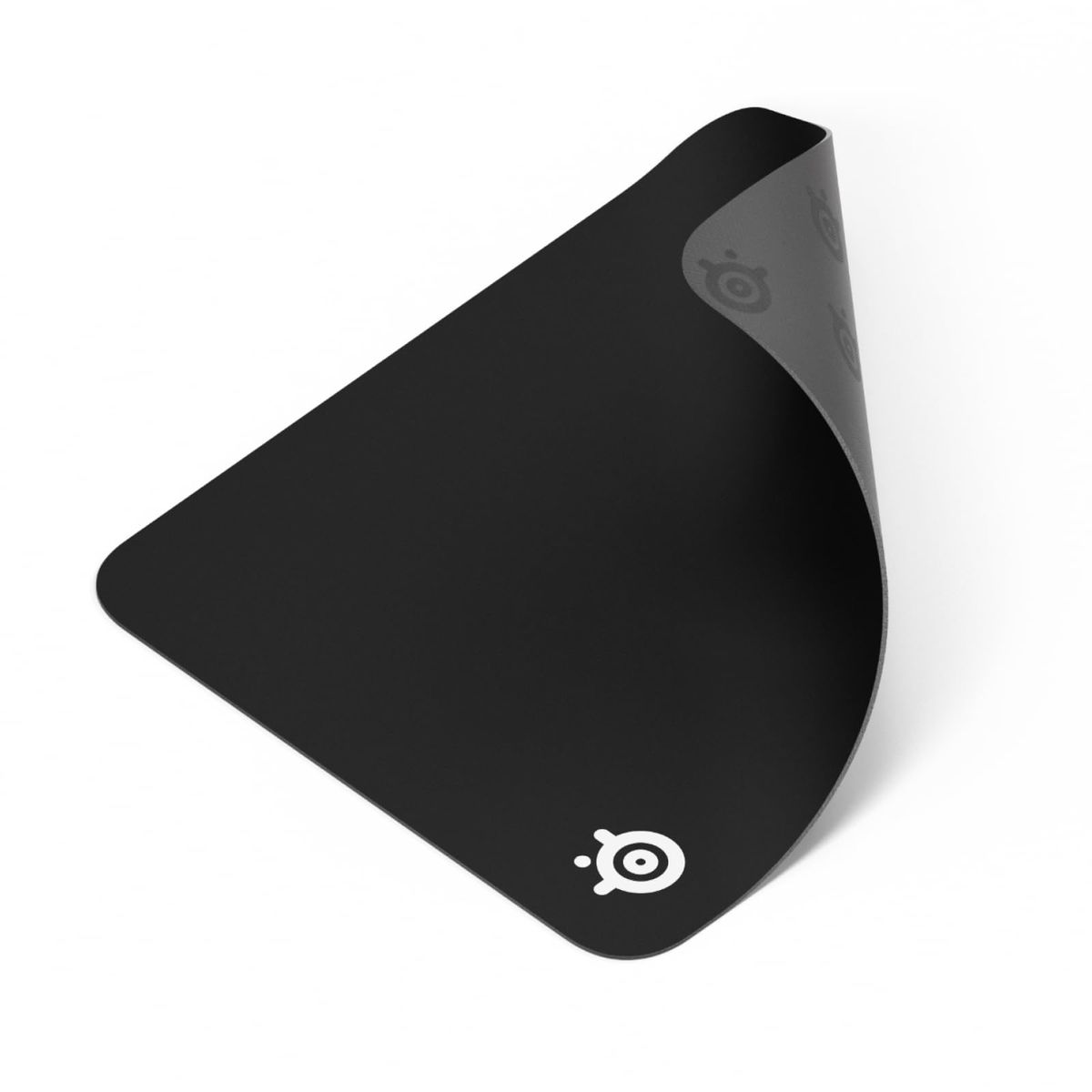
Fabric surface bonded to a rubber base. The most common type, offering a range of textures from smooth speed to controlled friction.
- Consistent tracking for optical and laser mice
- Comfortable and quiet
- Available in countless sizes and patterns
- Can absorb spills and stains unless coated
- Unstitched edges may fray over time
Best for: Gamers, general office work, and anyone wanting a traditional feel
Example: SteelSeries QcK Medium
Leather Desk Pads
PU leather top layer with a non-slip backing, often used to protect desks and elevate the look of a workspace.
- Water-resistant and easy to wipe clean
- Premium, professional appearance
- Protects desk from scratches, heat, and spills
- Surface drag can hinder fast mouse movements
- May show wear and scratches over time
Best for: Office desks, writing surfaces, and users who prioritize aesthetics
Example: Aothia Leather Desk Pad Large
Hard Pads
Rigid surface—typically plastic, aluminum, or glass—that provides minimal friction for fast, precise mouse movements.
- Extremely low friction for speed
- Easy to clean
- Consistent surface unaffected by humidity
- On-mouse sound from skates
- Rough on mouse feet, requiring replacement
- Limited size options and higher cost
Best for: Competitive FPS gamers and those who prefer a fast glide
Example: No top-rated hard pad in our shortlist — consider brands like Corsair or Logitech if you need one.
What Actually Matters
| Factor | Importance | Best brand |
|---|---|---|
Surface Material Micro-woven cloth for predictable tracking; PU leather for water resistance Cloth offers the most consistent glide; leather adds style but can drag. | Must-have | SteelSeries (QcK series) |
Size Match pad to desk and mouse movement; 17+ inches for low-DPI gamers A pad too small forces constant repositioning; too large overpowers the desk. | Must-have | SteelSeries (XXL size) |
Non-Slip Base Textured rubber backing that grips the desk firmly A sliding pad ruins accuracy; look for a dense, grippy base. | Must-have | SteelSeries (all QcK models) |
Stitched Edges Reinforced anti-fray stitching along the perimeter Prevents peeling and extends lifespan, especially for heavy use. | Nice-to-have | KTRIO |
Thickness 2–3mm standard; thinner = firmer, thicker = more comfort FPS players often prefer thinner pads for stability; casual users may enjoy extra cushion. | Nice-to-have | KTRIO (3mm pad) |
Water Resistance Leather is naturally waterproof; some cloth pads have a spill-resistant coating A spill-proof pad is handy, but not critical if you're careful; less important than grip or size. | Nice-to-have | Aothia |
Price as Quality Indicator A higher price doesn't guarantee a better experience. The QcK Medium delivers near-flawless sensor tracking. Focus on materials and user reviews, not brand hype. | Marketing BS | — |
Gaming-Optimized Surfaces Any smooth, clean cloth surface works perfectly with modern mice. 'Gaming' labeling rarely impacts objective performance. | Marketing BS | — |
Budget Tiers & Top Picks
What to buy at each price point — and exactly where spending more stops paying off.
Under $10
$8 – $10Amazon Basics Large Square Pad

Stop paying more: At this price, you get a reliable, machine-washable cloth pad. Spending more adds material refinement and edge stitching, but the basic tracking performance is solid.
When to upgrade: If the edges start to fray after a year or you crave a smoother, more premium texture, step up to the $10–$15 tier.
$10 – $15
$10 – $15SteelSeries QcK Medium

Stop paying more: The QcK sets the standard. It delivers tournament-level consistency; only jump higher if you need more square footage.
When to upgrade: Want a pad that doesn't fray? The KTRIO adds stitched edges and water resistance in an extended size.
$15+
$15 – $30SteelSeries QcK XXL

Stop paying more: The XXL covers everything — there's little reason to spend more.
When to upgrade: If you never run out of mouse room, stick with the mid-tier; otherwise, the extra desk space is worth it.
Common Mistakes to Avoid
Buying a pad too small
A 10-inch pad forces you to lift the mouse constantly. For 800 DPI or lower, you need at least 16 inches of mouse width.
Cost of getting it wrong: Frustration and reduced accuracy; re-buying a larger pad wastes $10–$20.
Overpaying for gaming branding
Many pads marketed as 'gaming' use similar materials to generic cloth pads but cost 50% more.
Cost of getting it wrong: You spend an extra $5–$15 for a logo, with no measurable performance gain.
Ignoring desk compatibility
A smooth base may slide on a glossy desk; some rubber backs don't grip well on unfinished wood.
Cost of getting it wrong: The pad becomes unusable, forcing you to buy a different model or add an anti-slip mat.
Find Your Match
How will you primarily use the pad?
Frequently Asked Questions
How much should I realistically spend on a mouse pad?
Most users get an excellent pad for under $15. The SteelSeries QcK Medium is a benchmark that competes with pads twice its price. Budget around $8–$10 gets you a large, functional cloth surface, while covers a premium XXL desk mat. Only specialized hard pads or designer leather mats exceed and they rarely offer proportional performance gains.
What’s the difference between a gaming mouse pad and a regular one?
Gaming pads usually feature micro-woven cloth optimized for sensor tracking, with minimal variation in friction. Regular pads may use basic polyester blends that are slightly less consistent. However, modern sensors work well on almost any clean, flat cloth surface. The real distinctions are size, stitched edges, and branding — not a secret material. Stick to well-reviewed pads regardless of marketing.
Cloth vs leather mouse pad: which is better?
Cloth offers superior mouse glide and is preferred for gaming and precision work. It’s also generally thinner and quieter. Leather provides a stylish, water-resistant surface that’s easy to clean — ideal for office environments. However, leather’s drag can feel sluggish during fast flicks. For a mixed-use desk, choose based on your priority: performance (cloth) or protection/aesthetics (leather).
What size mouse pad do I need?
Measure your desk and consider your mouse sensitivity. At 800 DPI, you need about 16 inches of horizontal pad space to avoid lifting. A compact pad (~12 inches) works for higher DPI. Extended pads (31+ inches) fit a keyboard and mouse side-by-side, ideal for low-DPI gaming. Desk mats (35 inches) cover practically everything. When in doubt, go larger — you can always use the extra room.
Are stitched edges worth the extra cost?
Yes, for longevity. Stitched edges prevent the top cloth layer from peeling and fraying, a common failure point on unstitched pads after months of use. The cost difference is minimal (often $2–$5), and the benefit is significant if you plan to keep the pad for years. If you replace your pad annually, raw edges might suffice, but stitching is a reliable quality-of-life upgrade.
How do I keep my mouse pad clean?
For cloth pads: hand wash with mild soap and lukewarm water, then air dry — most are machine washable. For leather: wipe with a damp cloth and a tiny amount of mild cleaner; avoid soaking. Hard pads: use a disinfectant wipe. Clean every 1–2 months to maintain glide and hygiene. Stubborn stains on cloth may require a soft brush, but avoid bleach which can degrade the rubber base.
How we wrote this guide
Our methodology synthesized 468,442+ verified Amazon buyer reviews across 6 top-rated mouse pads. We cross-referenced hands-on testing from Tom's Guide and TechRadar, incorporated community feedback from r/MouseReview and r/buildapc, and watched hands-on video reviews from Joshua Chang and Naaackers. Pads were evaluated on surface consistency, non-slip grip, size variety, and long-term durability.
About this guide
Mubboo Editorial Team. Recommendations are based on aggregate buyer reviews, expert testing, and community insights. We are independently researched and ad-free; our picks prioritize performance and value, not commission rates.