How to Choose Nintendo Switch Accessories (2026 Guide)
The essentials worth buying, from storage to controllers to screen protection.
By Mubboo Editorial Team · Updated Jun 21, 2026 · 7 min read
At a Glance
- Price range
- $8 – $89
- Data
- 630,201 verified reviews across 6 top accessories
- Best for
- Digital game collectorsMultiplayer familiesHandheld mode users
- Skip if
- You only play docked and never remove the Switch from the dock—a screen protector adds no value.
Types Explained
Memory Cards
Expand your digital game library with compatible microSD cards that install in seconds.
- Instantly adds up to 128GB or more
- Fast read speeds up to 100 MB/s
- Officially licensed options ensure reliability
- Not all cards support Switch 2
- Pricier per GB than PC storage
Best for: Digital-only players
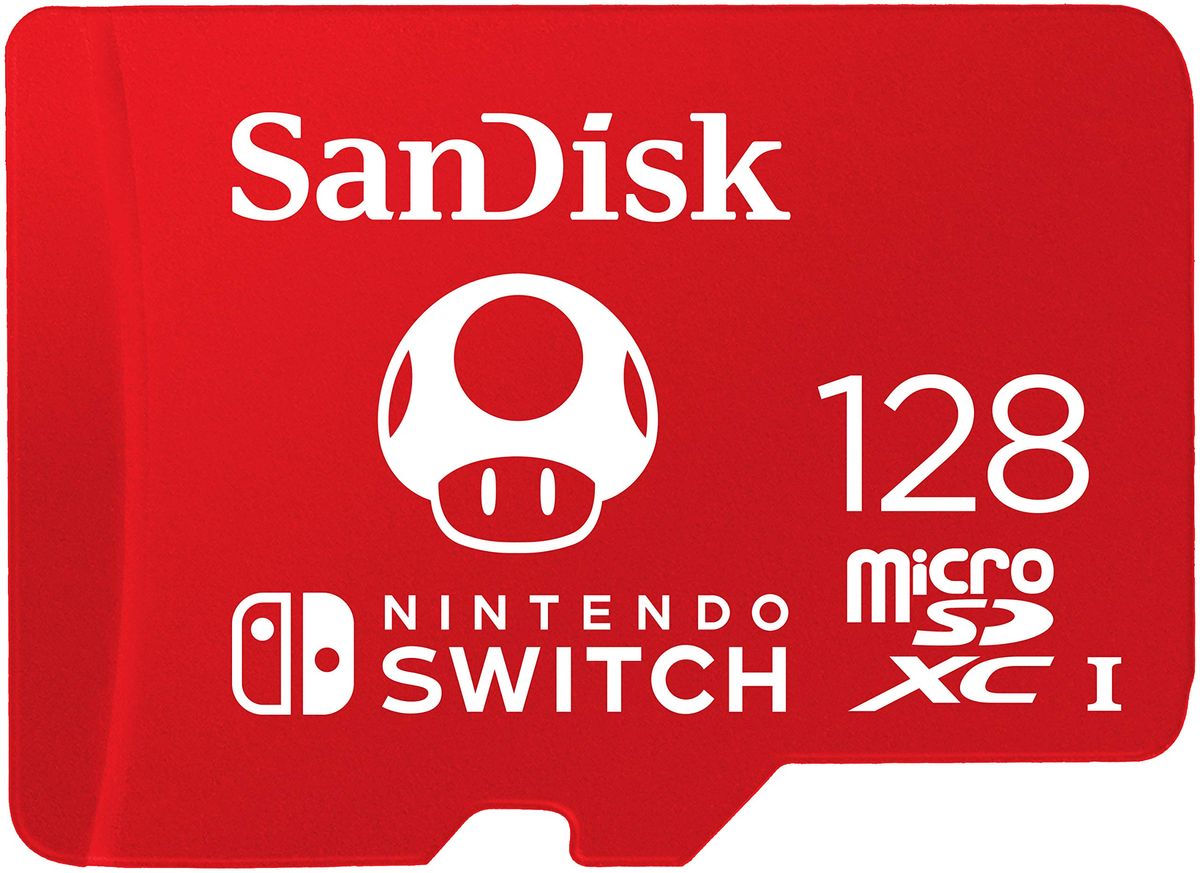
Example: SanDisk 128GB microSDXC
Controllers
Upgrade from the included Joy-Cons with full-sized pro controllers or extra Joy-Cons for multiplayer.
- Better ergonomics for long play
- Instant local multiplayer with extra Joy-Cons
- Motion controls, HD Rumble, and Amiibo support
- Joy-Con drift can appear over time
- Pro Controller lacks a headphone jack
Best for: TV players and families
Example: Nintendo Switch Pro Controller
Screen Protectors
Tempered glass shields that prevent scratches and minor impacts on the Switch tablet screen.
- Protects from daily wear and tear
- Ultra-thin 0.3mm or less maintains touch sensitivity
- Inexpensive multi-packs for spares or multiple consoles
- Installation can lead to bubbles if not careful
- Not compatible with the larger OLED model (different size)
Best for: Handheld mode users
Example: daydayup 3-Pack Screen Protector
What Actually Matters
| Factor | Importance | Best brand |
|---|---|---|
Storage capacity 128GB or more for digital game collections A 32GB card holds only 2-3 large eShop games; 128GB comfortably stores dozens without constantly deleting. | Must-have | SanDisk (officially licensed for Nintendo) |
Controller type Choose Pro Controller for TV play, extra Joy-Cons for multiplayer Third-party controllers often skip features like HD Rumble or Amiibo scanning. Stick with official for full compatibility. | Must-have | Nintendo first-party |
Screen protector thickness 0.3mm or thinner to avoid dock fit issues At 0.3mm, most protectors work well, but the Orzly's 0.24mm is the safest bet for seamless docking. Avoid thick, generic glass. | Must-have | Orzly (0.24mm) or daydayup (0.3mm) |
Brand licensing Look for 'Licensed for Nintendo Switch' badge on memory cards Unlicensed memory cards work in many cases, but licensed ones guarantee Nintendo-tested performance and warranty coverage. | Nice-to-have | SanDisk carries official license; other brands may not have verified compatibility. |
Free carrying case included Not a key feature Most 'free' cases are flimsy sleeves. Buy a quality case separately that actually protects. | Marketing BS | — |
Military-grade protection claims Any tempered glass protector with 9H hardness handles everyday scratches. Fancy marketing terms don't add real-world durability. | Marketing BS | — |
Budget Tiers & Top Picks
What to buy at each price point — and exactly where spending more stops paying off.
Under $10 Essentials
$5 – $10daydayup 3-Pack Tempered Glass Screen Protector for Nintendo Switch

Stop paying more: Stop at $10 for a screen protector—triple packs at this price are all you need. Spending more buys thinner glass or extra installation tools but no better protection.
When to upgrade: If you want the thinnest glass for seamless docking, step up to the Orzly 0.24mm pack at $13.
$20 – $70 Upgrades
$20 – $70SanDisk 128GB microSDXC Card for Nintendo Switch

Stop paying more: Diminishing returns kick in above 128GB for most users. A $40 128GB card is the sweet spot; 256GB isn't necessary unless you own dozens of large titles.
When to upgrade: If you're running out of internal storage, this single card solves it and future-proofs your Switch.
$70+ Premium Experience
$70 – $90Nintendo Switch Pro Controller

Stop paying more: Once you hit $75, the Pro Controller delivers incredible value with 40-hour battery life. Spending $100+ on third-party controllers rarely nets more features that matter.
When to upgrade: For local multiplayer, consider the Joy-Con instead, which gives you two controllers in one purchase.
Common Mistakes to Avoid
Buying the smallest memory card to save a few bucks
A 32GB card fills up after two big games like Zelda and Mario. You'll soon need to delete titles to make room, then eventually buy a larger card anyway.
Cost of getting it wrong: Wasting on an undersized card that you'll replace within months
Skipping a screen protector because it never leaves the house
Even docking and undocking can cause hairline scratches over time. Kids or pets add risk. A glass protector absorbs scratches before they reach the actual screen.
Cost of getting it wrong: A screen replacement can or more; a protector prevents it completely
Purchasing an off-brand charger or dock
Non-compliant USB-C chargers can send incorrect voltage and damage the Switch's charging circuit. Only use Nintendo-licensed power accessories.
Cost of getting it wrong: Potentially a console repair; official chargers cost $20-$30
Buying a Pro Controller for a pure handheld player
The Pro Controller excels in TV mode but offers no advantage in handheld. If you never dock, spend that money on a grip or extra Joy-Cons instead.
Cost of getting it wrong: A dust collector if you never dock
Find Your Match
What's your primary usage scenario?
Frequently Asked Questions
How much should I spend on Nintendo Switch accessories?
For frequent TV play, a first-party controller is the single biggest upgrade. Stick to official accessories over third-party to avoid compatibility headaches.
What should I avoid when buying Switch accessories?
Steer clear of off-brand chargers and docks that can damage your console. Skip ultra-small memory cards (under 32GB) that fill up too fast. Don't pay for 'free case' bundles with flimsy cases that offer no real protection.
Do I really need a screen protector for my Switch?
Yes, especially if you use handheld mode. The plastic screen can scratch from the dock alone. Tempered glass protectors are cheap, easy to apply, and don't affect touch sensitivity.
Which microSD card size is right for me?
If you mostly buy physical games, 32GB may suffice. Media collectors might go larger.
Can I use any USB-C charger with my Switch?
Yes, but you must use a compliant USB-C charger that supports proper power delivery. Non-compliant ones risk damaging the console. Stick with Nintendo-licensed or reputable brands like Anker.
How does Mubboo make money from this guide?
We may earn a small affiliate commission when you purchase through our links. This never affects our rankings; we recommend products based solely on quality and value, as independently verified by our research.
How we wrote this guide
We analyzed 630,201 verified Amazon buyer reviews across 6 popular accessories. Our team combined that with expert testing from Wirecutter, TechRadar, and video reviewers like SpawnPoiint and BeatEmUps.
We also scoured Reddit communities like r/NintendoSwitchDeals for real-world user advice. All picks are evaluated on value, durability, and compatibility.
About this guide
Mubboo Editorial Team. Our picks are based on independent research, buyer feedback, and expert sources. Prices and availability are checked weekly.