Projector Buying Guide 2026: Lumens, 4K Support & Built-In Speakers Explained
Why advertised lumens rarely match what you'll actually see, and why external speakers are basically mandatory.
By Mubboo Editorial Team · Updated Jul 1, 2026 · 7 min read
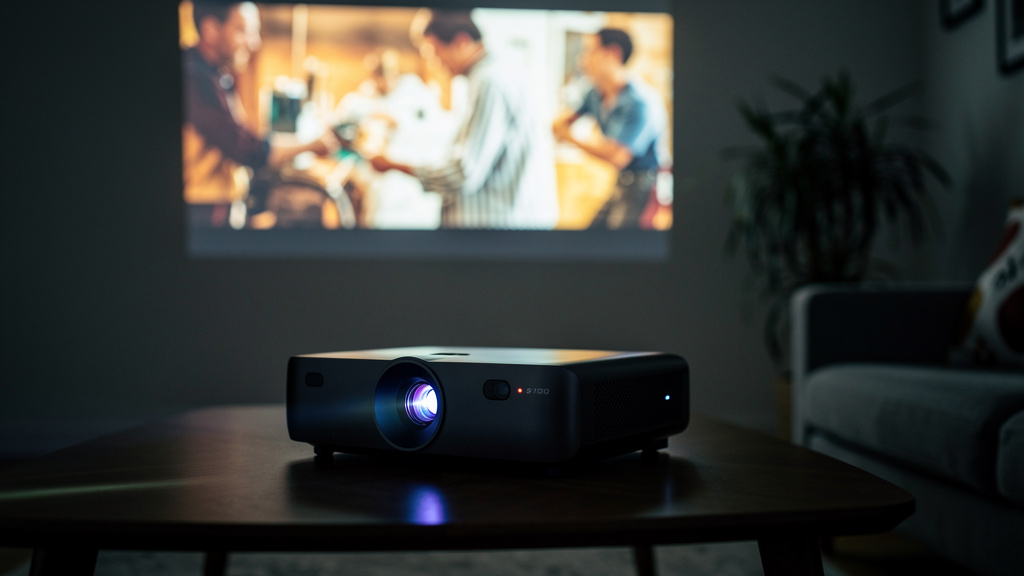
At a Glance
- Price range
- $38 – $430
- Budget pick
- CiBest Mini Projector ($37.99 · 4.3★)
- Data
- 61,000+ verified reviews analyzed across 6 finalists
- Best for
- Outdoor movie nightsHome theater setupCasual streaming and gaming
- Skip if
- You need a true native 4K projector for critical viewing — everything in this list downscales 4K input to a lower native resolution
Types Explained
Basic Mini Projectors
Compact, budget-friendly projectors without built-in smart apps, relying on HDMI, USB, or phone mirroring for content.
- Most affordable option in this category
- Simple to set up for casual, occasional use
- No built-in streaming apps
- Typically requires manual focus adjustment
Best for: Casual indoor or outdoor movie nights on a budget
Example: CiBest Mini Projector
Smart Projectors with Built-In Apps
Projectors with built-in streaming apps like Netflix or Prime Video, reducing the need for a separate streaming device.
- No separate streaming stick required
- Built-in speaker included, even if modest
- Higher price than basic mini projectors
- Built-in app selection may be more limited than a dedicated streaming device
Best for: Home theater setups without a separate streaming device
Example: HAPPRUN Native 1080P Bluetooth Projector
Auto-Focus / 4K-Support Projectors
Higher-end projectors with automatic focus and keystone correction, accepting 4K input signals.
- Reduced setup friction with auto-focus and auto-keystone
- Dolby Audio processing for better built-in sound
- Highest price point in this category
- Native resolution is still typically 1080p despite 4K input support
Best for: Frequent movers or those wanting the least manual setup
Example: XuanPad Smart Projector
What Actually Matters
| Factor | Importance | Best brand |
|---|---|---|
Actual brightness vs. advertised lumens Real-world brightness often falls short of advertised lumens — plan to watch in a dark or dimly lit room regardless of the stated lumen figure Buyer feedback specifically notes brightness can seem to dim over time or fall short of expectations — a dark viewing room matters more than chasing the highest advertised lumens number. | Must-have | The XuanPad states a specific ANSI lumens rating (1800) rather than an unqualified lumens claim, giving a more comparable figure |
Built-in speaker quality vs. external audio Plan on pairing external speakers or a soundbar via Bluetooth for the best audio experience Buyer feedback consistently flags built-in projector speakers as underwhelming — this is one of the most common complaints in this category regardless of price. | Must-have | The WiMiUS and XuanPad both include Dolby Audio processing with dual speakers, a step up from basic single-speaker models |
4K support vs. native 1080p resolution Check whether '4K support' means the projector accepts a 4K input signal or actually displays at native 4K resolution — most projectors in this price range downscale to 1080p '4K support' on a budget or mid-range projector typically means it can accept a 4K signal and downscale it, not that it displays true 4K detail — check the native resolution spec specifically. | Must-have | The XuanPad's native resolution is 1920x1080 despite 4K input support, a distinction worth understanding before buying |
Auto-focus and keystone correction Buyer feedback notes some setup and connectivity hiccups on basic models — auto-focus and auto-keystone features reduce this friction, especially for frequent movers or outdoor use. | Nice-to-have | The XuanPad's TOF real-time auto-focus and automatic keystone correction reduce manual setup compared to models requiring manual focus adjustment |
'Cinema-grade' or 'professional-grade' claims on a budget projector These are marketing descriptions, not technical certifications — compare actual specs like native resolution, ANSI lumens, and contrast ratio rather than the marketing language. | Marketing BS | — |
Extremely high advertised lumens without an ANSI rating An unqualified lumens number that isn't ANSI-rated isn't directly comparable across brands and tends to overstate real-world brightness — buyer feedback specifically notes brightness falling short of what's advertised. | Marketing BS | — |
Budget Tiers & Top Picks
What to buy at each price point — and exactly where spending more stops paying off.
Basic Mini
$38 – $60CiBest Mini Projector
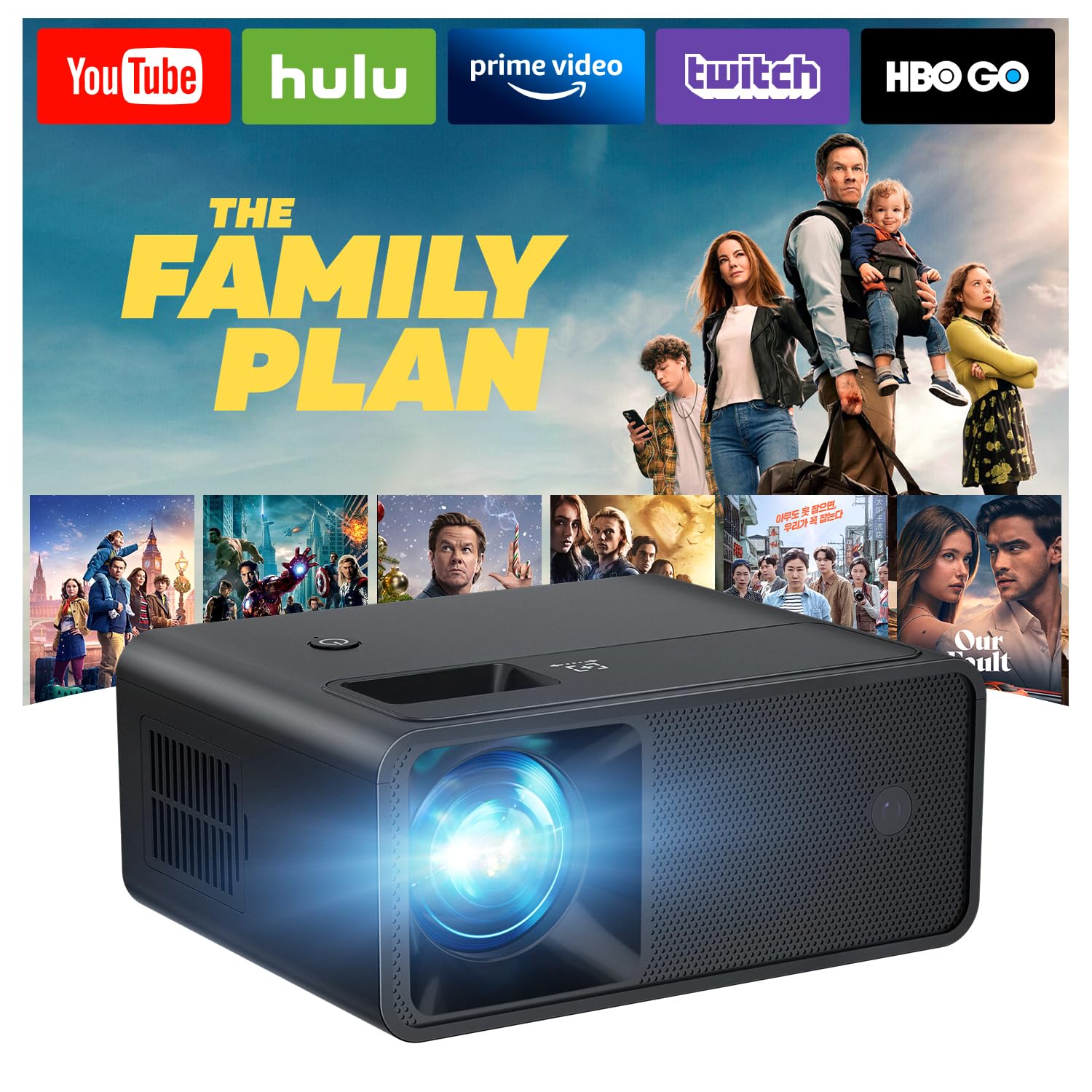
Stop paying more: At this price, you get a functional casual-use projector — paying more mostly buys built-in apps, better speakers, or auto-focus, not a dramatically sharper picture.
When to upgrade: Want a bundled screen or a built-in speaker? Step up to the mid tier.
Standard Home Theater
$60 – $150TMY 1080P Mini Projector with Screen

Stop paying more: This tier's review volume and included screen make it a safe default for casual home and outdoor use.
When to upgrade: Want built-in apps, Dolby Audio, and auto-focus? Move to the premium tier.
Smart / Auto-Focus
$150 and upWiMiUS Smart Outdoor Projector
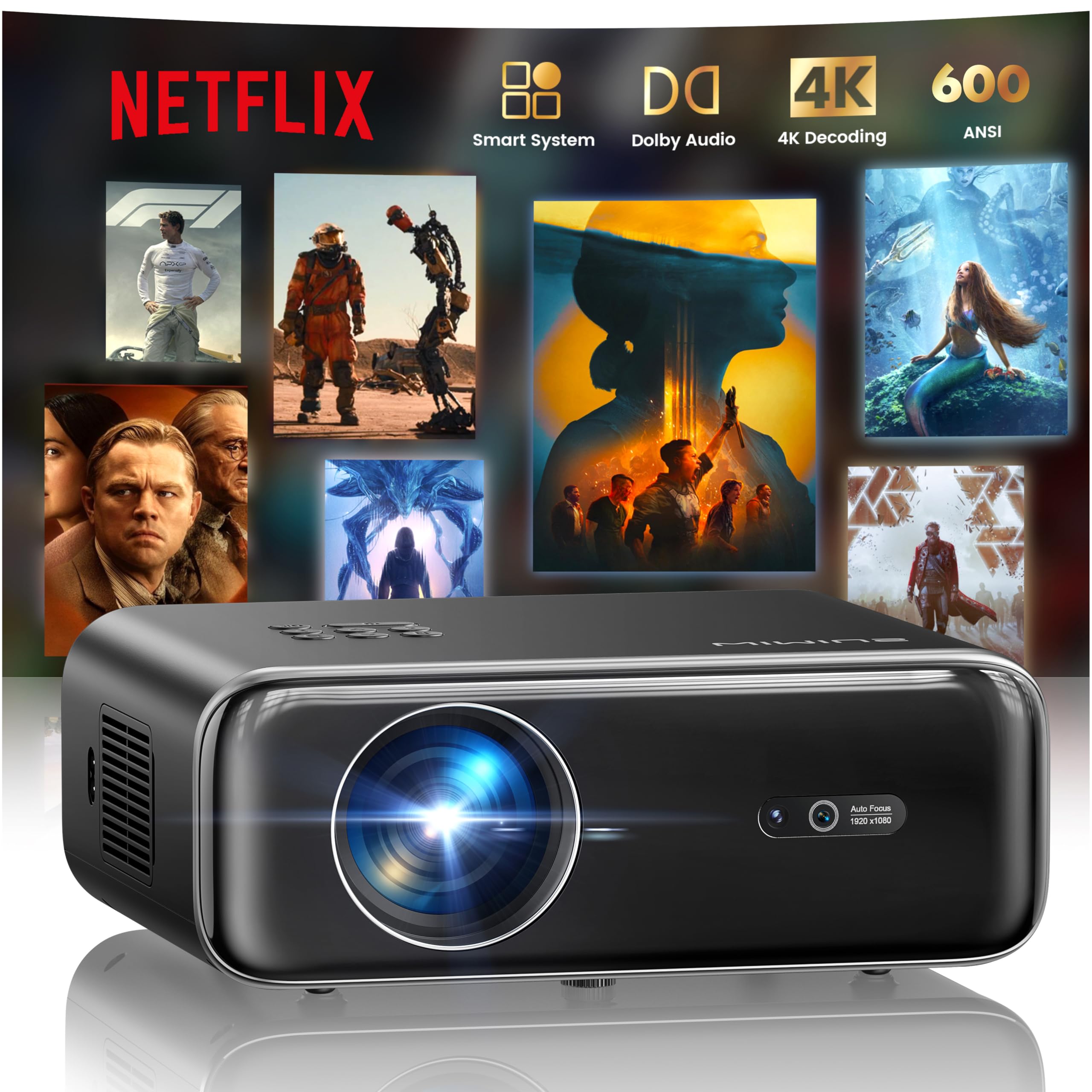
Stop paying more: Auto-focus, Dolby Audio, and built-in streaming apps here are the ceiling for this category — beyond this is dedicated home theater projection equipment, a different price tier entirely.
When to upgrade: There isn't a meaningful step up from here within consumer mini/smart projectors — true native 4K home theater projectors are the next tier, at a substantially higher price.
Common Mistakes to Avoid
Expecting advertised lumens to match real-world brightness
Buyer feedback specifically notes brightness can seem to dim over time or underperform expectations — plan to watch in a dark or dimly lit room regardless of the stated lumens figure.
Cost of getting it wrong: A washed-out picture in a room with any ambient light
Relying on the built-in speaker for movie night
Buyer feedback consistently flags built-in projector speakers as underwhelming — pairing external speakers or a soundbar via Bluetooth delivers a meaningfully better experience.
Cost of getting it wrong: A disappointing audio experience despite a good picture
Assuming '4K support' means true 4K resolution output
Most projectors in this price range accept a 4K input signal but display at native 1080p resolution — check the native resolution spec, not just the '4K support' claim.
Cost of getting it wrong: Expecting sharper detail than the projector can actually display
Not checking HDMI port fit and connectivity before buying accessories
Buyer feedback specifically notes some streaming stick connectivity hiccups, like a Fire Stick not fitting well into the HDMI slot — an HDMI extender cable resolves this in most cases.
Cost of getting it wrong: An awkward or unusable connection to a streaming device out of the box
Find Your Match
What's your primary use?
Frequently Asked Questions
How much should I spend on a projector?
Basic mini projectors run $38-$70. Smart projectors with built-in apps and auto-focus run $85-$430.
What should I avoid when buying a projector?
Avoid expecting advertised lumens to match real-world brightness, and don't rely on the built-in speaker — buyer feedback consistently flags projector speakers as underwhelming.
Does the brightness in lumens actually reflect what I'll see?
Not always. Buyer feedback specifically notes brightness can fall short of expectations — plan to watch in a dark or dimly lit room regardless of the stated lumens figure, and look for an ANSI-rated lumens spec when available.
Does '4K support' mean the projector displays true 4K?
Not necessarily. Most projectors in this price range accept a 4K input signal but display at native 1080p resolution — check the native resolution spec specifically.
Do I need external speakers for a projector?
For most models, yes. Buyer feedback consistently flags built-in projector speakers as underwhelming — pairing external speakers or a soundbar via Bluetooth delivers noticeably better audio.
Why won't my streaming stick fit the projector's HDMI port?
Some streaming sticks are too bulky for a recessed HDMI port — buyer feedback notes this issue specifically, and a short HDMI extender cable resolves it in most cases.
How we wrote this guide
Synthesized from 6 finalists and 61,000+ verified Amazon reviews across basic, smart, and auto-focus projectors. Prices update weekly from Amazon.
About this guide
Mubboo Editorial Team. Picks based on comparison of brightness, resolution, and verified user reviews. Prices update weekly from Amazon.