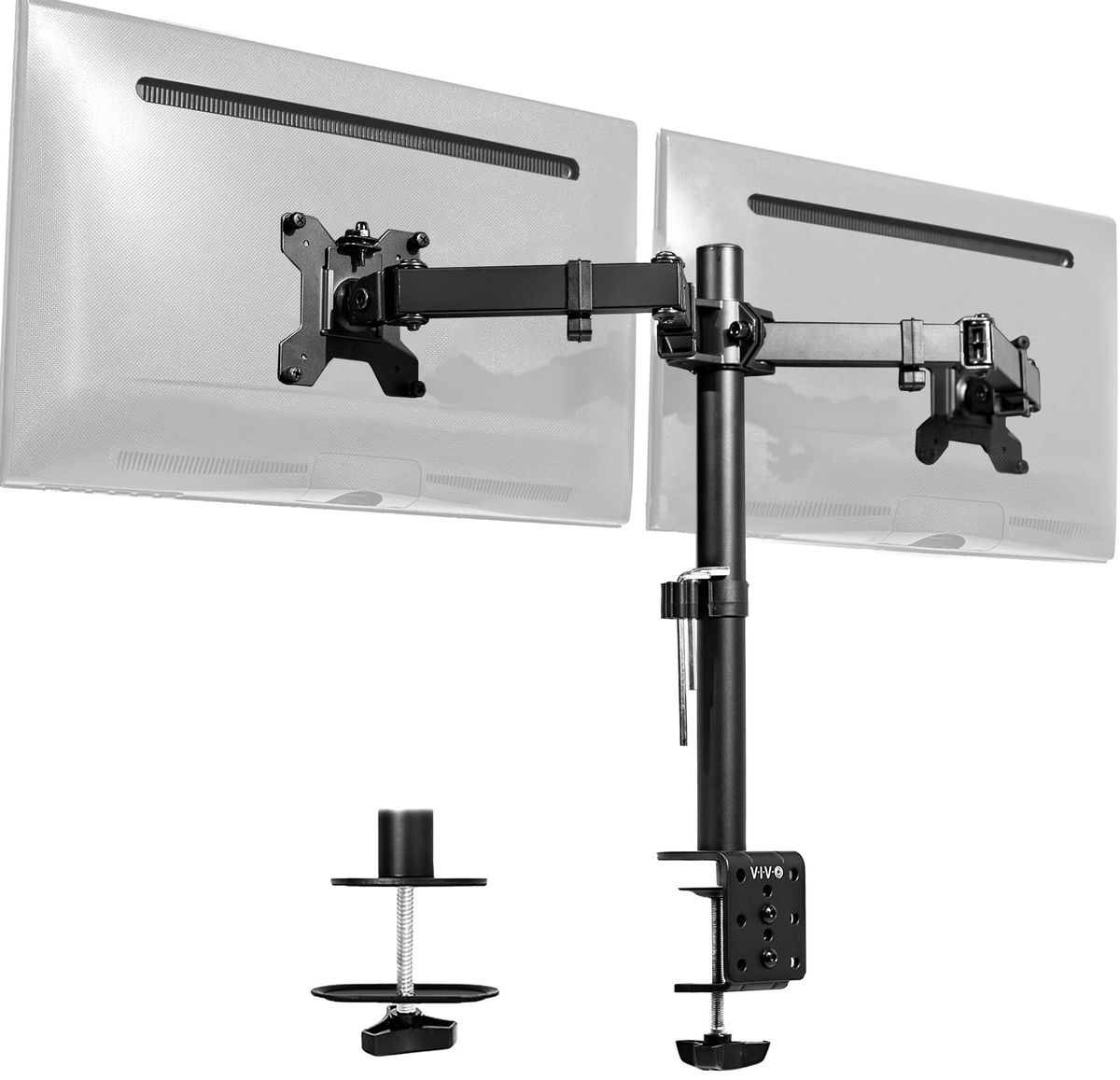
Prices verified Aug 11 · Always confirm at the retailer before buying.
Quick answer
HUANUO FlowLift is the better pick when you need the higher listed screen-size ceiling: Aurora currently lists it at $54.62, versus $34.99 for VIVO STAND-V002, a $19.63 gap. HUANUO’s manufacturer page lists 13–32-inch compatibility, up to 19.8 pounds per arm, arm-level tilt/swivel/rotation, C-clamp or grommet mounting, and a five-year warranty. VIVO wins for buyers whose monitors fit its STAND-V002 range and who value the lower price or its listed 22-pound-per-monitor capacity; VIVO lists 13–30-inch compatibility and a three-year warranty. Neither should be chosen without checking monitor weight, VESA pattern, desk thickness, and desk-edge geometry. This is a specification comparison, not a Mubboo hands-on or lab test, so it does not establish long-term wobble, durability, or installation time. If neither fits, consider a free-standing monitor stand or a mount specifically rated for your screen size and desk material.
HUANUO costs $54.62 and VIVO costs $34.99 in the current Aurora US record. Choose HUANUO for the higher listed 13–32-inch range and five-year warranty; choose VIVO for the lower price and 22-pound-per-monitor listed capacity.
Mubboo Verdict
Best for most people
HUANUO FlowLift Dual Monitor Stand
Its larger listed screen range and longer stated warranty fit more demanding dual-monitor setups.
Pick the VIVO Dual Monitor Desk Mount (STAND-V002) instead if
- You want the lower current price.
- Your monitors fit VIVO’s listed 13–30-inch STAND-V002 range.
- You need the higher listed 22-pound-per-monitor capacity.
HUANUO FlowLift Dual Monitor Stand vs VIVO Dual Monitor Desk Mount (STAND-V002), side by side
HUANUO FlowLift Dual Monitor Stand

Pros:
- Listed for 13–32-inch screens
- Listed maximum of 19.8 lb per arm
- C-clamp and grommet mounting options
Cons (honest weight):
- Manufacturer recommends compatible wood desks
- Lower listed load limit than VIVO
- Check VESA pattern and screen weight first
VIVO Dual Monitor Desk Mount (STAND-V002)

Pros:
- Lower current Aurora-listed Amazon price
- Listed maximum of 22 lb per monitor
- C-clamp and grommet mounting options
Cons (honest weight):
- Listed for 13–30-inch STAND-V002 screens
- Height adjustment is along the center pole
- Verify the exact color and size variant
Where each one wins
6 dimensions scored head-to-head. HUANUO FlowLift takes 3; VIVO Dual takes 2.
| Dimension | HUANUO FlowLift Dual Monitor Stand | VIVO Dual Monitor Desk Mount (STAND-V002) | Winner |
|---|---|---|---|
| PriceVIVO is currently $19.63 less in Aurora. | $54.62 | $34.99 | VIVO Dual |
| Screen sizeHUANUO is listed up to 32 inches; VIVO STAND-V002 up to 30 inches. | 13–32 inches | 13–30 inches | HUANUO FlowLift |
| Weight capacityVIVO lists 22 pounds per monitor; HUANUO lists 19.8 pounds per arm maximum. | 4.4–19.8 lb per arm | 22 lb per monitor | VIVO Dual |
| MountingBoth list C-clamp and grommet options; confirm desk fit. | C-clamp or grommet | C-clamp or grommet | Tie |
| Height adjustmentHUANUO lists arm-level adjustment; VIVO lists pole-based height adjustment. | Arm-level adjustment listed | 16 inches along pole | HUANUO FlowLift |
| WarrantyHUANUO lists five years; VIVO lists three years. | 5 years | 3 years | HUANUO FlowLift |
| Overall | 3 wins | 2 wins | HUANUO FlowLift |
Price
VIVO is $19.63 less in the current Aurora record. That is a live retailer fact, not a permanent price advantage; check the Amazon listing before purchase.
Screen-size limits
HUANUO is listed for 13–32-inch screens, while VIVO STAND-V002 is listed for 13–30-inch screens. Match the exact model and monitor dimensions rather than treating the extra two inches as a performance claim.
Weight capacity
VIVO lists 22 pounds per monitor; HUANUO lists 4.4–19.8 pounds per arm. Use the lower limit that applies to your complete monitor setup, including any adapter, and verify the VESA pattern.
Mounting and desk fit
Both manufacturers list C-clamp and grommet options. VIVO lists a 3.25-inch maximum desktop thickness; HUANUO’s page recommends compatible wood desks in a 15–90 mm range. Desk-edge shape and construction still need a manual fit check.
Adjustment
HUANUO’s page lists tilt, swivel, rotation, and arm-level adjustment; VIVO lists 16 inches of height adjustment along its pole plus tilt, swivel, and rotation. These are listed mechanisms, not Mubboo measurements of smoothness or stability.
Warranty
HUANUO lists five years and VIVO lists three years. Warranty length helps compare stated coverage, but it does not prove long-term durability, absence of sag, or a better user experience.
Who should choose which
Choose HUANUO when the 32-inch ceiling and longer stated warranty fit your priorities. Choose VIVO when your screens fit the STAND-V002 range and price or listed capacity matters more.
What to skip: unsupported conclusions
This comparison does not establish hands-on installation time, wobble under typing, long-term sag, cable-management quality, comfort, or durability. Those claims require a documented test or product-specific evidence; verify the fit and warranty terms instead.
Which should you buy?
| Your situation | Pick | Why |
|---|---|---|
| Planning for 32-inch monitors | HUANUO FlowLift Dual Monitor Stand | Higher listed screen-size ceiling. |
| Budget capped at $40 | VIVO Dual Monitor Desk Mount (STAND-V002) | Lower current Aurora-listed price. |
| Each monitor is up to 22 pounds and under 30 inches | VIVO Dual Monitor Desk Mount (STAND-V002) | Higher listed per-monitor capacity. |
| Five-year coverage is a priority | HUANUO FlowLift Dual Monitor Stand | Longer stated manufacturer warranty. |
| Glass, honeycomb-core, or unusual desk edge | VIVO Dual Monitor Desk Mount (STAND-V002) | Desk fit must be verified first. |
Higher listed screen-size ceiling.
Lower current Aurora-listed price.
Higher listed per-monitor capacity.
Longer stated manufacturer warranty.
Desk fit must be verified first.
What if neither is right?
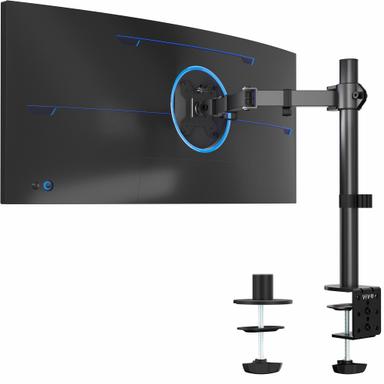
VIVO Single Monitor Arm Desk Mount (STAND-V001)
$34.99
A budget single-arm option for screens up to 38″ ultrawide or 32″ regular, with 22 lb capacity.
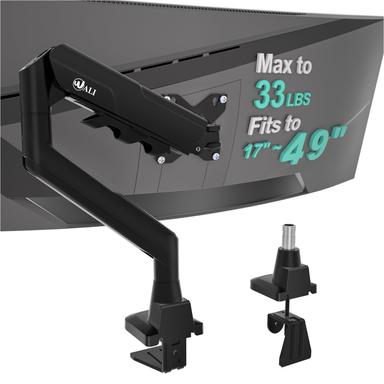
WALI Heavy Duty Single Monitor Arm (GSM001XLN)
$32.99
Heavy-duty single arm for massive 17–49″ curved or ultrawide screens, holds up to 33 lbs.
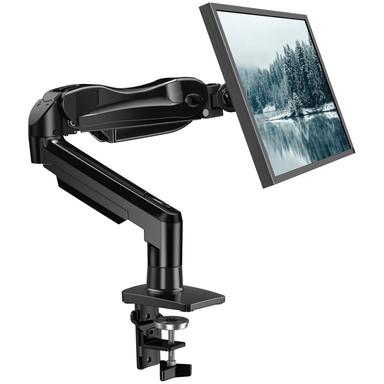
HUANUO FlowLift Single Monitor Mount
$47.99
Premium single arm with the same FlowLift adjustability, fits 13–32″ screens up to 19.8 lbs.
Frequently Asked Questions
VIVO STAND-V002 vs HUANUO FlowLift: which is better?
HUANUO is the better fit when you need the higher listed 13–32-inch screen range or its five-year stated warranty. VIVO is the better fit when the lower current price matters or when your monitors are within its listed 22-pound-per-monitor capacity and 13–30-inch STAND-V002 range. Both require a check of VESA pattern, monitor weight, desk thickness, and desk-edge geometry. This comparison uses manufacturer-listed specifications and current Aurora price records, not a Mubboo hands-on test.
Is HUANUO worth the extra $19.63?
It can be if your setup benefits from the listed 32-inch ceiling, arm-level adjustment, or five-year warranty. The premium is not automatically justified by claims about smoothness, stability, or durability because those were not measured here. If your monitors are 30 inches or smaller, weigh within VIVO’s 22-pound limit, and your desk fits the VIVO mount, VIVO may be the more economical choice. Confirm the exact retailer variant before buying.
Can these mounts hold curved or ultrawide monitors?
Only if the exact monitor meets the mount’s listed screen-size, weight, and VESA requirements. HUANUO’s page lists 13–32-inch screens and 4.4–19.8 pounds per arm; VIVO lists 13–30 inches for STAND-V002 and 22 pounds per monitor. “Curved” or “ultrawide” alone is not enough to establish compatibility. Check the complete monitor weight, VESA pattern, and the exact mount variant.
Will either mount work on a standing desk?
The manufacturer pages describe desk mounting and adjustment features, but this comparison does not prove safe fit for every standing-desk top. VIVO lists a 3.25-inch maximum desktop thickness; HUANUO recommends compatible wood desks in a 15–90 mm range. Check the desk edge, material, thickness, and any crossbeam before ordering. A free-standing stand may be the safer category when clamp or grommet fit is uncertain.
What does this comparison not test?
It does not test installation time, wobble during typing, long-term sag, cable-management convenience, noise, comfort, or durability. Those are hands-on or long-term outcomes and cannot be inferred safely from a product page, retailer rating, or warranty length. Treat the comparison as a sourced specification and price check, then verify the exact product variant and current terms at the retailer before purchase.
We analyzed listed product records, and cross-referenced listed manufacturer specifications to score eight dimensions. Prices and stock can change.
Primary sources. Exact listing details were checked against Amazon US product listing (B07T5SY43L); Amazon US product listing (B009S750LA); Manufacturer product page; Manufacturer product page. Product-family context comes from the linked manufacturer pages; prices, stock, ratings, and review counts are volatile registry fields and should be checked again before purchase.
Who wrote this and where's the data from?
Mubboo Editorial Team. This is a specification comparison using current Aurora price and stock records plus manufacturer product pages and exact Amazon listings. No Mubboo hands-on or lab test was performed; prices, availability, and retailer terms can change.