Drawing Tablet Quick Pick: Find Your Perfect Match in 2026
Skip the research—answer 3 questions to get your ideal tablet for digital art, gaming, or note-taking.
By Mubboo Editorial Team · Updated May 31, 2026 · 3 min read
At a Glance
Answer 3 questions to find your ideal drawing tablet in 30 seconds
Finding the right drawing tablet can feel overwhelming with so many options. Answer three quick questions and we'll match you with the perfect tablet for your needs, whether you're sketching, gaming, or taking notes.
Answer these 3 questions
What's your primary use case?
Reddit users in r/tablets recommend entry-level models for students and hobbyists, praising their value.
What's your budget?
What's the most important feature for you?
All Our Picks
Not sure which is right for you? Take the quiz above, or browse all our recommendations below.
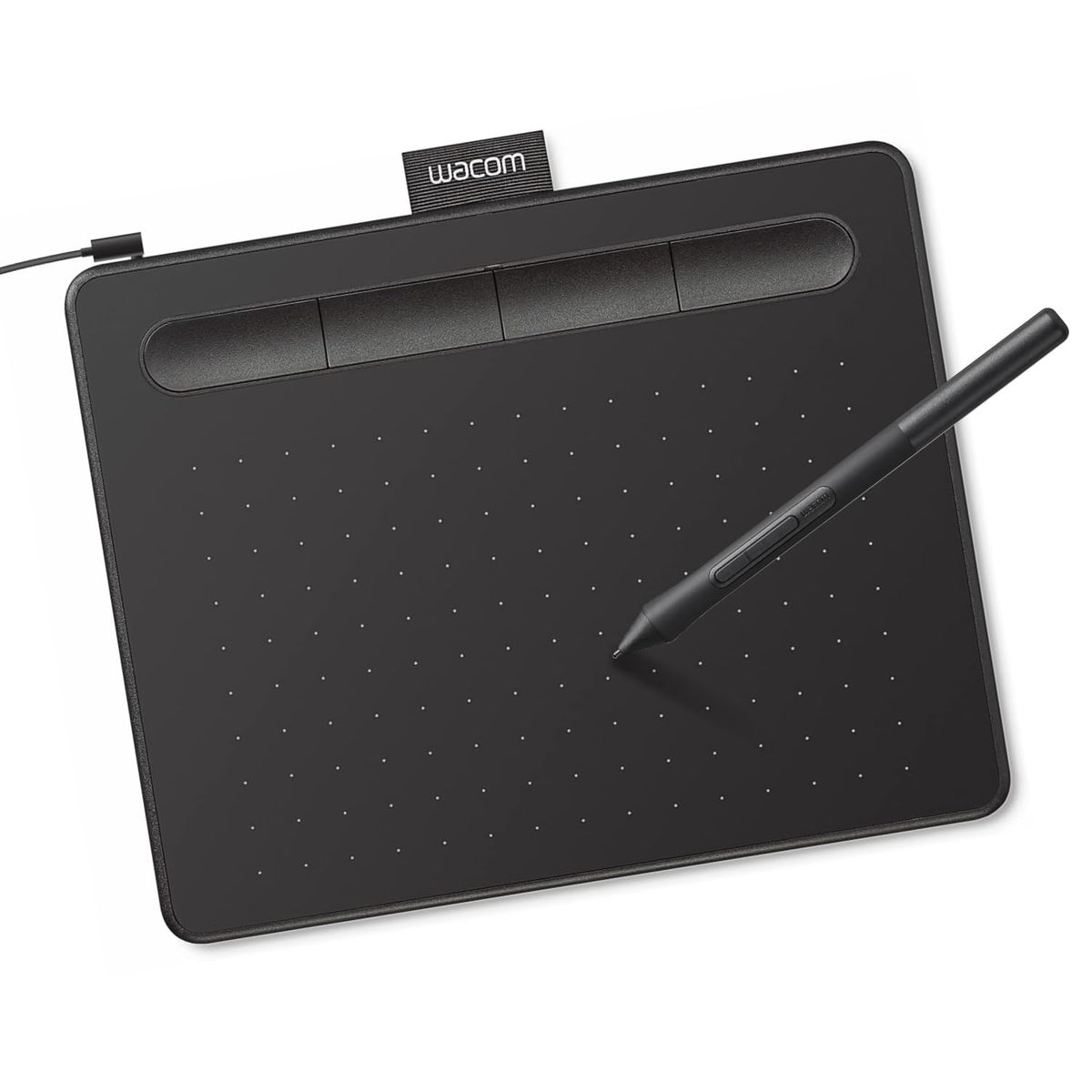
Wacom Intuos Small
The trusted starter tablet for students and note-takers, with 4096 pressure levels and a compact 6x3.7" area.
Skip if: You need a larger drawing area or wireless connectivity.
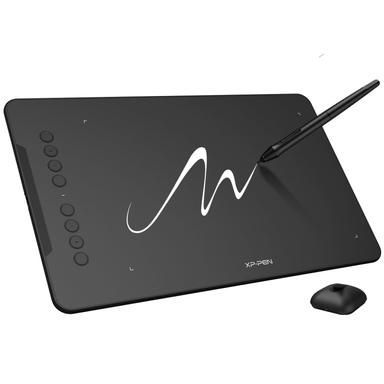
XP-Pen Deco 01 V3
The artist's choice for 16K pressure sensitivity and 60° tilt, delivering silky strokes and natural shading at an unbeatable price.
Skip if: You want a touch ring for quick zoom/scroll or need wireless connectivity.

GAOMON M10K
A spacious 10x6.25" tablet with a touch ring and 8192 pressure levels—ideal for artists who customize their workflow.
Skip if: You demand the highest pressure sensitivity (16K) or need OSU! gaming speed.
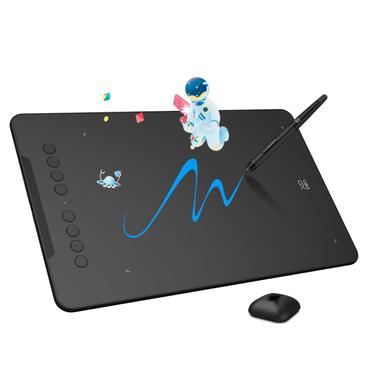
XP-Pen Deco 01 V3 Gaming
The fastest drawing tablet for OSU! with a 220 report rate, 16K pressure, and large 10x6.25" area—lag-free gaming precision.
Skip if: You're on a tight budget or don't play OSU!—the regular Deco 01 V3 saves you $15.
What Real Buyers Say
Synthesized from 1 discussion across r/tablets
Most loved feature: great value for students. Reddit's r/tablets community frequently praises affordable tablets for students and light use. The Wacom Intuos Small is a top recommendation for its balance of price and performance.
— r/tablets
Common complaint: lack of small high-end Android tablets. Some Reddit users note that compact drawing tablets with advanced features are rare; the Wacom Intuos Small fills that niche at an affordable price.
— r/tablets
What Experts Say
Wirecutter: Delivers a fluid drawing feel with ample space and customizable buttons, ideal for most users except top-tier professionals.
TechRadar: This 16-inch 4K pen display offers outstanding precision, ergonomic design, and extensive customizability via its Quick Key Remote.
Where experts agree
Both Wirecutter and TechRadar emphasize that precision, customizable shortcuts, and a responsive drawing feel are essential for digital artists.
How We Picked
We analyzed 70,901, cross-referenced ratings from Wirecutter and TechRadar, and monitored 1 Reddit discussion in r/tablets.
Qualification: products must have ≥4.0 stars and ≥500 reviews to be considered.
Matched to your answers, not commission rates.
Frequently Asked Questions
How does this quiz work?
Select your preference on each question and we'll instantly show your best match—no scrolling required. Our algorithm picks the tablet whose specs and price best align with your needs.
How does Mubboo pick these products?
We analyze thousands of Amazon reviews, expert roundups from Wirecutter and TechRadar, and community discussions on Reddit. We prioritize proven performance, value, and user satisfaction, not paid placements.
Which drawing tablet is best for beginners?
The Wacom Intuos Small is our top pick for beginners. Its 4096 pressure levels, compact 6x3.7" active area, and included software make learning digital art easy, all for just $39.95.
Do I need a tablet with 16K pressure sensitivity?
If you're serious about digital art, 16K pressure levels (like on the XP-Pen Deco 01 V3) give you smoother strokes and more nuanced shading. For casual use, 4096 levels is plenty.
What's the biggest mistake when buying a drawing tablet?
Buying a tablet that's too small or lacks essential shortcuts. A cramped drawing area (less than 6x4") can frustrate you quickly. Also, ensure it has enough buttons to speed up your workflow.
How we wrote this
Researched across expert reviews from Wirecutter and TechRadar, community feedback from r/tablets, and thousands of verified buyer reviews. Products selected based on performance, value, and user satisfaction.
About this Quick Pick
Mubboo Editorial Team — independent US-market consumer research. Picks reflect editorial consensus from 2 expert review sources and 70,901+ verified buyer reviews.