Prices verified Aug 12 · Always confirm at the retailer before buying.
Quick answer
The Sabrent USB-C Hub 5-in-1 is the better choice for modern laptops, offering 10Gbps data speeds, 4K@60Hz display output, and 80W pass-through charging. The Sabrent 4-Port USB 3.0 Hub is a budget-friendly alternative for desktops and older laptops, delivering four reliable USB-A ports with individual power switches. If you need video or high-speed transfers, go USB-C; if you just need more USB-A ports for under $20, the 4-port wins.
The Sabrent USB-C Hub wins for modern laptops — 10Gbps data, 4K@60Hz HDMI, and 80W pass-through justify the premium over the USB-A hub.
Mubboo Verdict
Best for most people
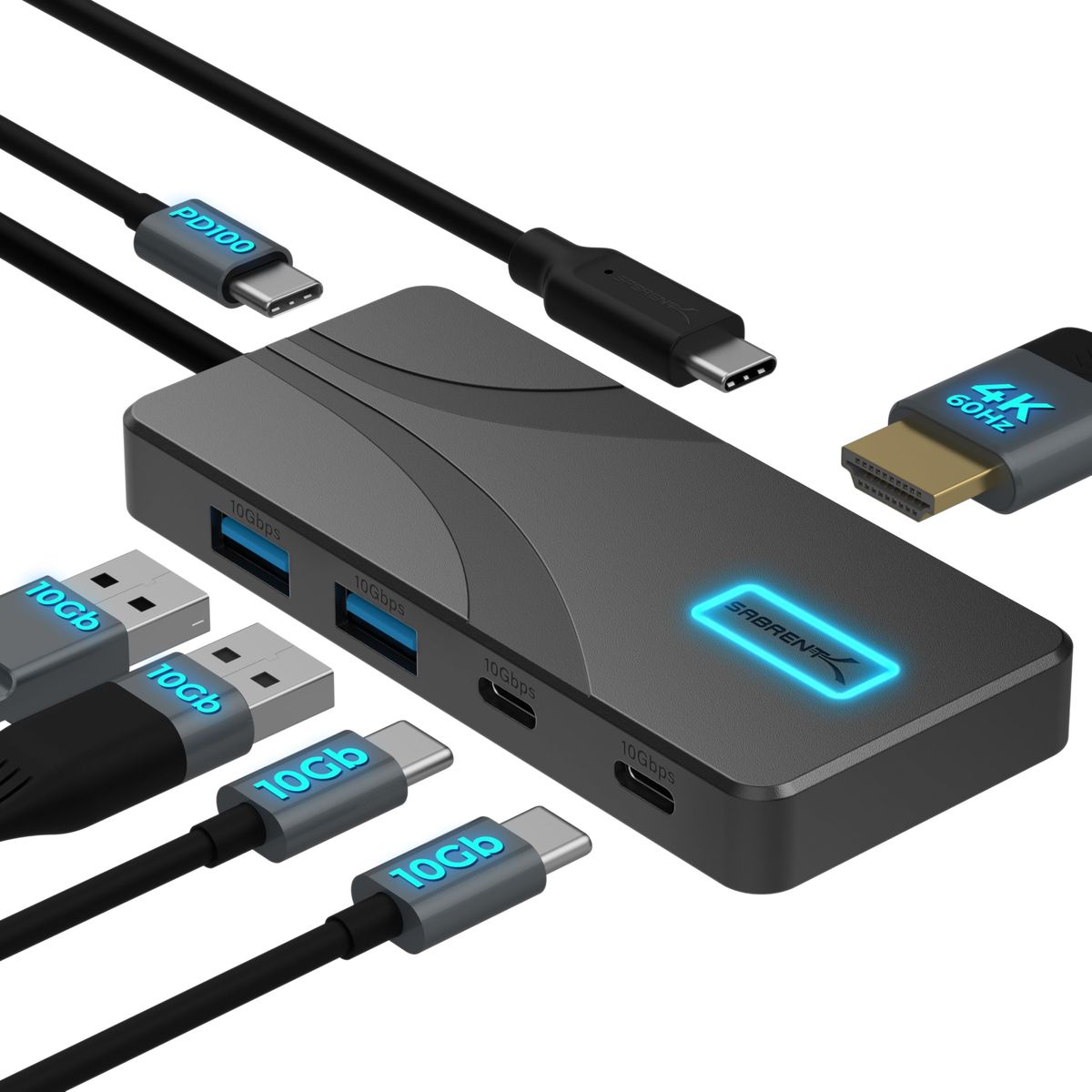
Sabrent USB C Hub 5-in-1, 10Gbps, 4K@60Hz HDMI
10Gbps speed, 4K@60Hz video output, and versatile port mix ideal for modern USB-C laptops.
Pick the Sabrent 4-Port USB 3.0 Hub with Individual LED Power Switches instead if
- You primarily use USB-A devices and don't need video output.
- Budget is a top priority — the Sabrent 4-Port less.
- You have an older laptop without USB-C ports — the 4-port plugs into any USB-A port.
Sabrent USB C Hub 5-in-1, 10Gbps, 4K@60Hz HDMI vs Sabrent 4-Port USB 3.0 Hub with Individual LED Power Switches, side by side
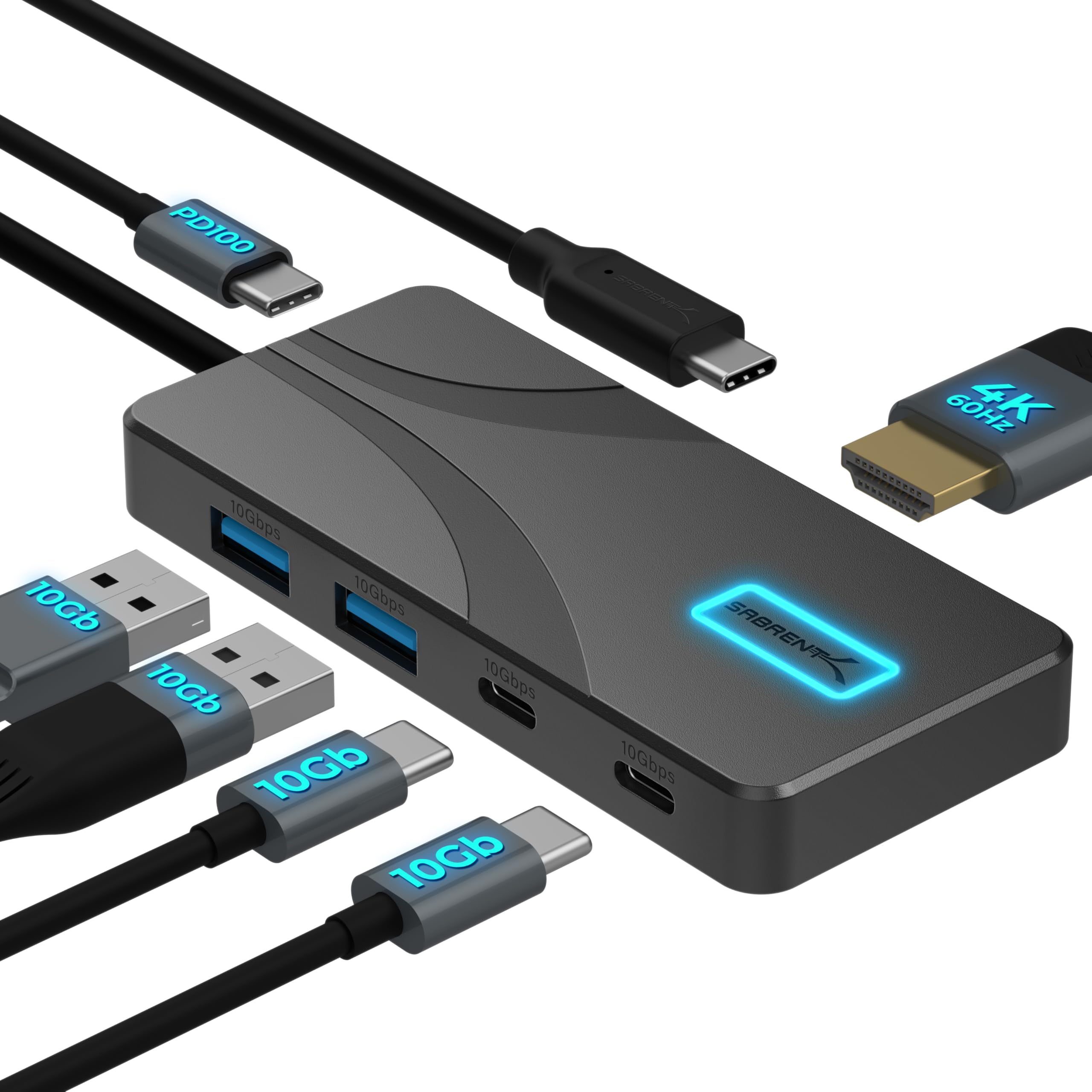
Sabrent USB C Hub 5-in-1, 10Gbps, 4K@60Hz HDMI
Pros:
- 10Gbps data for fast file transfers
- 4K@60Hz HDMI for external monitors
- Aluminum build dissipates heat
- Current Amazon listing fact; verify price and offer at checkout
Cons (honest weight):
- No USB-A port on the hub itself for legacy devices
- Power adapter not included for pass-through charging
Sabrent 4-Port USB 3.0 Hub with Individual LED Power Switches

Pros:
- Individual power switches for each port
- Lower current listing price
- Broad compatibility with USB-A devices
- LED indicators show active ports
Cons (honest weight):
- No USB-C or video output
- Plastic body less durable than aluminum
Where each one wins
8 dimensions scored head-to-head. Sabrent USB takes 6; Sabrent 4-Port takes 1.
| Dimension | Sabrent USB C Hub 5-in-1, 10Gbps, 4K@60Hz HDMI | Sabrent 4-Port USB 3.0 Hub with Individual LED Power Switches | Winner |
|---|---|---|---|
| PriceThe 4-port hub is the more affordable option. | $24.99 | $14.95 | Sabrent 4-Port |
| Number of PortsMore ports and variety with the USB-C hub. | 5 (2x USB-C, 2x USB-A, HDMI) | 4 (USB-A only) | Sabrent USB |
| Port TypesVersatile connectivity for modern devices. | USB-C, USB-A, HDMI | USB-A only | Sabrent USB |
| Data Transfer SpeedTwice the speed for large file transfers. | 10 Gbps | 5 Gbps | Sabrent USB |
| HDMI OutputExternal monitor support with the USB-C hub. | 4K@60Hz | None | Sabrent USB |
| Power DeliveryCharge your laptop while working. | 80W pass-through | None (no charging) | Sabrent USB |
| Build MaterialMore durable and heat-dissipating. | Aluminum | ABS plastic | Sabrent USB |
| Cable LengthBoth offer flexible reach for desk setups. | 24-inch integrated | 24-inch cable | Tie |
| Overall | 6 wins | 1 win | Sabrent USB |
Price — Sabrent 4-Port Takes the Budget Crown
The Sabrent 4-Port USB 3.0 Hub less than its USB-C sibling. For shoppers on a tight budget, that gap matters. The 4-port hub delivers essential 5Gbps data speeds and four reliable USB-A ports at a price point that's hard to beat. If you don't need video or high-speed transfers, the savings are pure upside.
That said, the USB-C hub's higher price buys you more than just ports. 10Gbps data and 4K@60Hz video output justify the premium for anyone who connects external drives or a monitor. Offer pricing can change; compare the live listings at checkout. In the end, price becomes a tiebreaker only when features are irrelevant.
Number of Ports — USB-C Hub Packs More Versatility
The Sabrent USB-C Hub squeezes five ports into its slim body, while the 4-Port Hub offers four. More important than the count is the mix: USB-C, USB-A, and HDMI vs. USB-A only. For modern laptops with a single USB-C port, that extra flexibility eliminates dongles.
On a desk cluttered with wired keyboards, mice, and flash drives, four USB-A ports may be plenty. The 4-Port Hub's individual power switches let you toggle devices on and off without unplugging, a feature the USB-C model lacks. For pure USB-A expansion, quantity sometimes beats variety.
Sabrent lists both USB-C data ports and HDMI on the HB-TG5P product page. Check the port layout and host-device compatibility before purchase.
Port Types — A Clear Win for the USB-C Hub
The Sabrent 4-Port Hub is limited to USB-A, while the USB-C Hub adds USB-C and HDMI. If you own a MacBook Pro, iPad Pro, or any recent laptop that relies on USB-C, the choice is obvious. The USB-C Hub gives you two USB-C data ports and two USB-A, bridging old and new without adapters.
For users who have only USB-A accessories—common with older desktop PCs—the 4-Port Hub’s singular focus is a strength. It does one job exceptionally well. There’s no wasted space for ports you’ll never use. Just plug in your keyboard, mouse, printer, and flash drive, and you’re set.
Data Transfer Speed — 10Gbps Edges Ahead
The USB-C Hub is listed at up to 10Gbps, while the 4-Port Hub is listed at up to 5Gbps; actual transfer speed depends on the host, drive, cable, and workload. For large files, the higher listed interface ceiling may matter, but this comparison does not measure file-transfer times.
For everyday tasks like typing on a keyboard or moving a few documents, 5Gbps is more than enough. Most connected devices won’t saturate even USB 2.0 speeds. The 4-Port Hub’s 5Gbps ceiling only matters if you frequently push data to external SSDs or high-speed flash drives.
Sabrent lists the HB-TG5P at up to 10Gbps with HDMI output up to 4K@60Hz; actual results depend on the host, cable, display, and workload.
HDMI Output — Only the USB-C Hub Can Display
The Sabrent USB-C Hub is the only one that supports an external monitor, and it does so at crisp 4K@60Hz. If you ever want to extend your laptop screen to a larger display or projector, this feature is non-negotiable. The 4-Port Hub cannot carry video signals at all.
For a pure USB-A hub, the absence of HDMI is standard; you’d need a separate adapter. But for a slight price increase, the USB-C Hub combines data and video in one device, reducing cable clutter and saving a port on your laptop. Users with limited USB-C ports will appreciate that consolidation.
The official Sabrent listing specifies HDMI output up to 4K@60Hz; this comparison does not independently test sustained resolution under load.
Power Delivery — Charge While You Connect
The USB-C Hub passes up to 80W from your charger to your laptop, keeping it topped up even with all ports active. The 4-Port Hub cannot charge your laptop at all—it’s strictly for data. For anyone who works long hours away from an outlet, this is a big plus.
You’ll need a USB-C power adapter (not included), but the convenience of charging through the same hub that runs your peripherals means one less cable on your desk. Just make sure your charger supports USB-C Power Delivery; compatibility is broad with Mac, Windows, and Chromebook standards.
The official Sabrent listing specifies up to 80W pass-through; actual charging depends on the host device, charger, cable, and power budget.
Build Material — Aluminum vs. Plastic
The USB-C model uses an aluminum enclosure, while Sabrent lists the 4-Port model as plastic. This page does not independently test thermal behavior or long-term wear. For portability, the aluminum hub also resists scratches and bending.
Plastic isn’t a dealbreaker if the hub stays on a desk. The 4-Port’s light weight and slim profile make it easy to toss in a bag, and at its price point, it’s built as expected. Long-term durability is not established by this spec comparison.
Cable Length — A Tie
Both hubs come with a 24-inch (2-foot) cable, offering enough reach to connect to a hard-to-reach port or place on a desk. The USB-C model integrates the cable directly into the hub for a cleaner look, while the 4-Port’s cable is permanently attached but separate. Neither gives a practical advantage; you’ll likely position the hub close to your laptop anyway.
If you need more distance, an extension cable can be added, but for most setups, 2 feet is the sweet spot—long enough to reach around a monitor stand without causing cable spaghetti. It’s a wash between the two.
Which should you buy?
| Your situation | Pick | Why |
|---|---|---|
| Modern laptop user | Sabrent USB C Hub 5-in-1, 10Gbps, 4K@60Hz HDMI | One cable for data, video, and charging. |
| Desktop with USB-A peripherals | Sabrent 4-Port USB 3.0 Hub with Individual LED Power Switches | Four ports with individual switches for a tidy setup. |
| Budget-conscious buyer | Sabrent 4-Port USB 3.0 Hub with Individual LED Power Switches | saved for essential USB-A expansion. |
| Content creator needing 4K | Sabrent USB C Hub 5-in-1, 10Gbps, 4K@60Hz HDMI | 4K@60Hz HDMI for accurate video editing. |
| Frequent traveler | Sabrent USB C Hub 5-in-1, 10Gbps, 4K@60Hz HDMI | Compact aluminum build, integrated cable. |
| Old laptop (no USB-C) | Sabrent 4-Port USB 3.0 Hub with Individual LED Power Switches | Plugs into any USB-A port, no adapters needed. |
One cable for data, video, and charging.
Four ports with individual switches for a tidy setup.
saved for essential USB-A expansion.
4K@60Hz HDMI for accurate video editing.
Compact aluminum build, integrated cable.
Plugs into any USB-A port, no adapters needed.
What if neither is right?
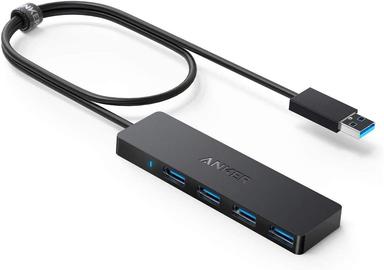
Anker 4-Port USB 3.0 Hub, Ultra Slim
$9.99
Ultra-slim USB-A hub with Anker’s reliable 18-month warranty.
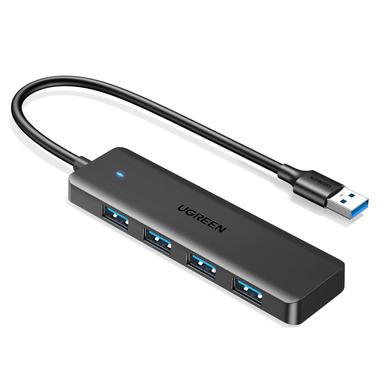
UGREEN USB 3.0 Hub, 4 Ports USB A Splitter Ultra-Slim
$6.99
Bare-bones, ultra-slim USB-A hub for under $10.
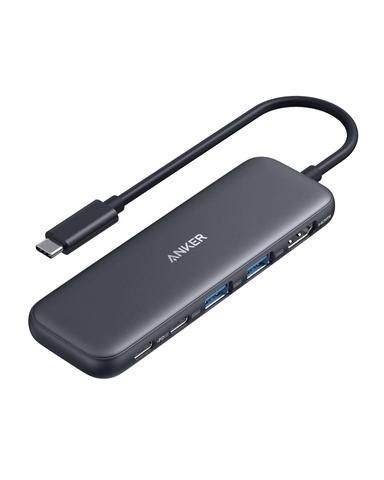
Anker USB C Hub, 5-in-1 USBC to HDMI Splitter
$24.99
USB-C hub with 4K@30Hz HDMI and 5Gbps data from a solid brand.
Frequently Asked Questions
Which Sabrent hub is better for a MacBook?
The Sabrent USB-C Hub is the clear choice for modern MacBooks. It connects via the USB-C port, supports 4K@60Hz video output, and charges your laptop with up to 80W pass-through power delivery. The 4-port USB-A hub would require a USB-C to USB-A adapter and lacks display or charging capabilities.
Can I charge my laptop with the Sabrent 4-Port Hub?
No, the Sabrent 4-Port USB 3.0 Hub is designed for data transfer only. It does not support power delivery or pass-through charging. If you need to charge your laptop while using the hub, consider the Sabrent USB-C Hub, which can pass up to 80W from your charger to your laptop.
Do both hubs work with Windows?
Yes, both hubs are plug-and-play on Windows 10 and 11, with no drivers required. The Sabrent USB-C Hub also works with Chromebooks and Linux distributions that support USB-C with DP Alt Mode. The 4-Port Hub is compatible with any USB-A port, including older Windows versions.
What are the main differences between these two hubs?
The Sabrent USB-C Hub offers 10Gbps data, 4K@60Hz HDMI output, USB-C and USB-A ports, and 80W power delivery. The Sabrent 4-Port Hub provides four USB-A ports at 5Gbps with individual power switches but no video or charging support. The USB-C hub is more expensive.
Is the Sabrent USB-C Hub worth the extra money?
If you have a USB-C laptop and plan to connect an external monitor, transfer large files, or charge your laptop through the hub, yes, the extra cost is justified by the speed, display support, and power delivery. If you only need more USB-A ports for keyboards and mice, the 4-Port Hub saves you money.
Do these hubs work with gaming consoles?
The Sabrent 4-Port Hub works with consoles like Xbox or PlayStation via USB-A for connecting accessories. The Sabrent USB-C Hub requires a USB-C port with DP Alt Mode, which typically isn’t available on consoles, so it’s best for laptops and tablets.
We compared these two hubs using exact Amazon listings and manufacturer specifications; review counts are volatile marketplace fields. Prices reflect current Amazon listings and may change. Our assessment separates manufacturer specifications and marketplace facts from untested real-world performance.
Primary sources. Exact listing details were checked against Amazon US product listing (B0FHMJVHX7); Amazon US product listing (B00JX1ZS5O); Manufacturer product page; Manufacturer product page. Product-family context comes from the linked manufacturer pages; prices, stock, ratings, and review counts are volatile registry fields and should be checked again before purchase.
Who wrote this and where's the data from?
Mubboo Editorial Team. Evaluations separate current marketplace fields from published specifications; no hands-on testing was performed.