How to Choose a NAS (2026 Guide)
A jargon-free guide to picking the right network storage for your home or office, based on 17,946+ reviews and expert testing.
By Mubboo Editorial Team · Updated Jun 21, 2026 · 8 min read
At a Glance
- Price range
- $150 – $750
- Top pick
- Synology DS223 ($284.99 · 4.5★)
- Budget pick
- Synology DS223j ($189.99 · 4.5★)
- Data
- 17,946+ Amazon verified reviews across 6 finalists, plus testing from Wirecutter and PCMag.
- Best for
- Home media serversSmall office backupsPersonal cloud replacement
- Skip if
- You only need a simple USB external drive for a single computer.
Types Explained
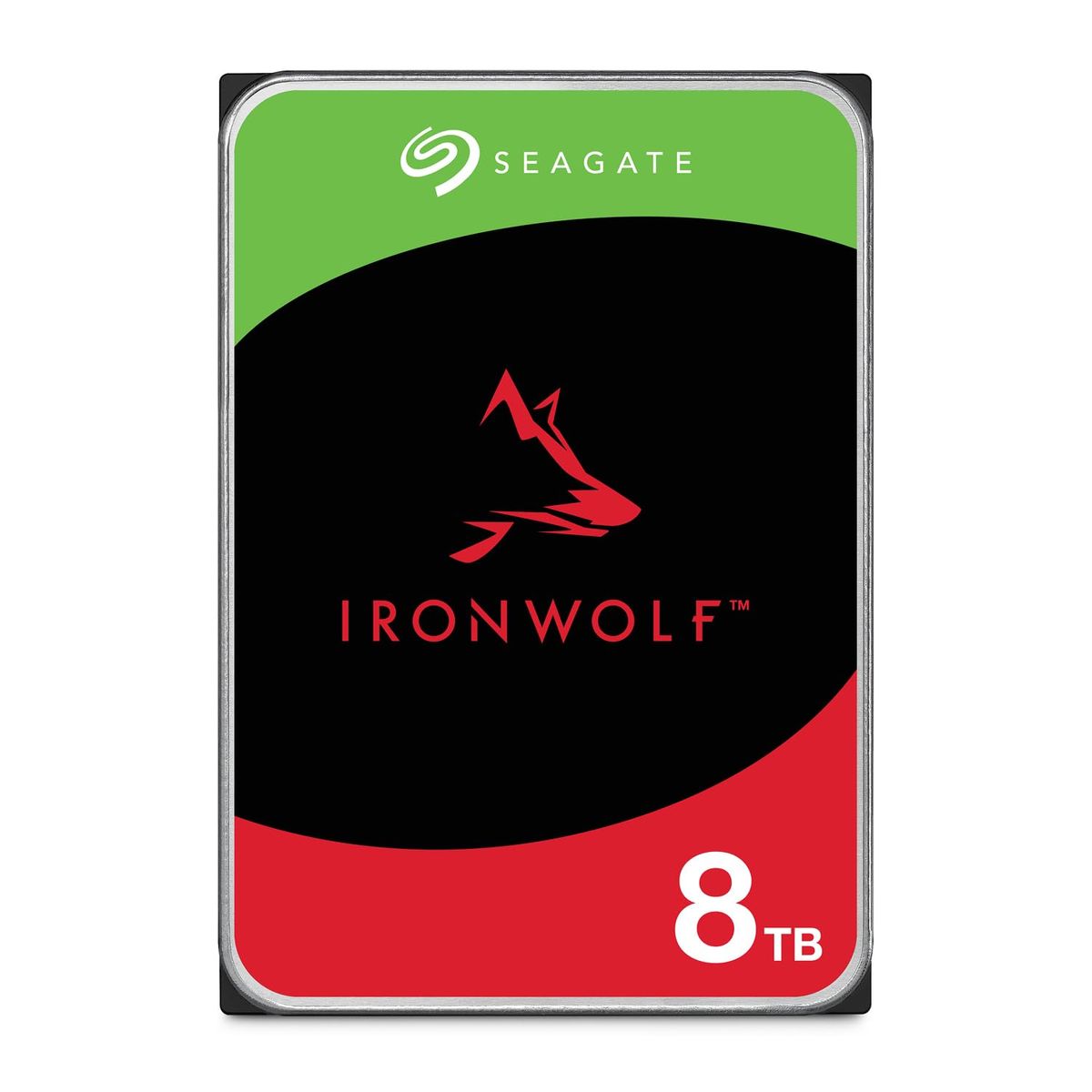
NAS Hard Drives
3.5-inch internal drives optimized for 24/7 operation in multi-bay enclosures, with features like rotational vibration sensors and TLER.
- Built for constant read/write cycles
- Enhanced reliability with high MTBF ratings
- Often include data recovery services
- Louder than desktop drives under load
- Slightly more expensive than equivalent non-NAS drives
Best for: Users needing to add reliable internal storage to an existing NAS
Example: Seagate IronWolf 8TB
2-Bay NAS Enclosures
Entry-level desktop NAS units that hold two hard drives, supporting RAID 0 or 1 for simple data protection or extra capacity.
- Affordable entry point to private cloud storage
- Low power consumption and quiet operation
- Easy setup with guided wizards
- Limited expandability without migrating to a larger unit
- Single Gigabit Ethernet may bottleneck large transfers
Best for: Home users seeking a first NAS for backups and media streaming
Example: Synology DS223
Multi-Bay NAS Enclosures (4-Bay+)
High-performance NAS units with four or more drive bays, supporting advanced RAID levels, faster processors, and 10GbE connectivity.
- High capacity with RAID 5 or 6 for redundancy
- 10GbE ports for video editing and large file transfers
- Docker and VM support for advanced users
- Higher upfront cost and electricity usage
- Larger footprint and louder cooling fans
Best for: Power users, small businesses, and media professionals
Example: UGREEN DXP4800 Pro
What Actually Matters
| Factor | Importance | Best brand |
|---|---|---|
Drive Capacity & RAID ≥4TB per drive for media libraries; RAID 1 for redundancy Plan for growth: 8TB drives today are the sweet spot, leaving room to add more later. | Must-have | Seagate IronWolf |
Bay Count 2 bays for family backup; 4+ bays for business or video editing It's cheaper to buy a NAS with extra bays upfront than to replace it later. | Must-have | Synology (DS223, DS425+) |
Connectivity (1GbE vs 10GbE) 10GbE needed only if editing 4K video directly from the NAS For streaming and backups, 1GbE is more than enough. | Must-have | UGREEN DXP4800 Pro |
Operating System & Apps Look for a clean interface with mobile apps for photo backup and media playback. A good OS makes the NAS part of your daily workflow, not a forgotten box. | Must-have | Synology DSM |
Noise Levels ≤25 dBA at idle for living spaces 7200 RPM drives and active cooling fans can be disruptive in a bedroom or home office. | Nice-to-have | Synology DS223 (very quiet metal chassis) |
"NAS-Grade" Drive Labeling N/A Many high-quality enterprise or desktop drives work fine in a NAS; don't pay a premium just for the label without checking specs. | Marketing BS | N/A |
10GbE for Home Media N/A Streaming 4K movies over the network requires only 25-100 Mbps—1GbE is more than sufficient. | Marketing BS | N/A |
Budget Tiers & Top Picks
What to buy at each price point — and exactly where spending more stops paying off.
Budget – Under $250
$150 – $250Synology DS223j

Stop paying more: At this price, the DS223j delivers a complete private cloud. Spending more on a 2-bay won't give you much unless you need faster CPU for Docker.
When to upgrade: If you outgrow the DS223j's performance, step up to the DS223 for a metal chassis, more RAM, and better application support.
Mid-Range – $250 to $500
$250 – $500Synology DS223

Stop paying more: The DS223 is the goldilocks pick—at around $285 it provides all the core NAS features without unnecessary extras.
When to upgrade: Need to edit video directly from the NAS or run virtual machines? Move to a 4-bay model with a faster processor like the UGREEN DXP4800 Pro.
Premium – $500 and Up
$500 – $1,000UGREEN DXP4800 Pro
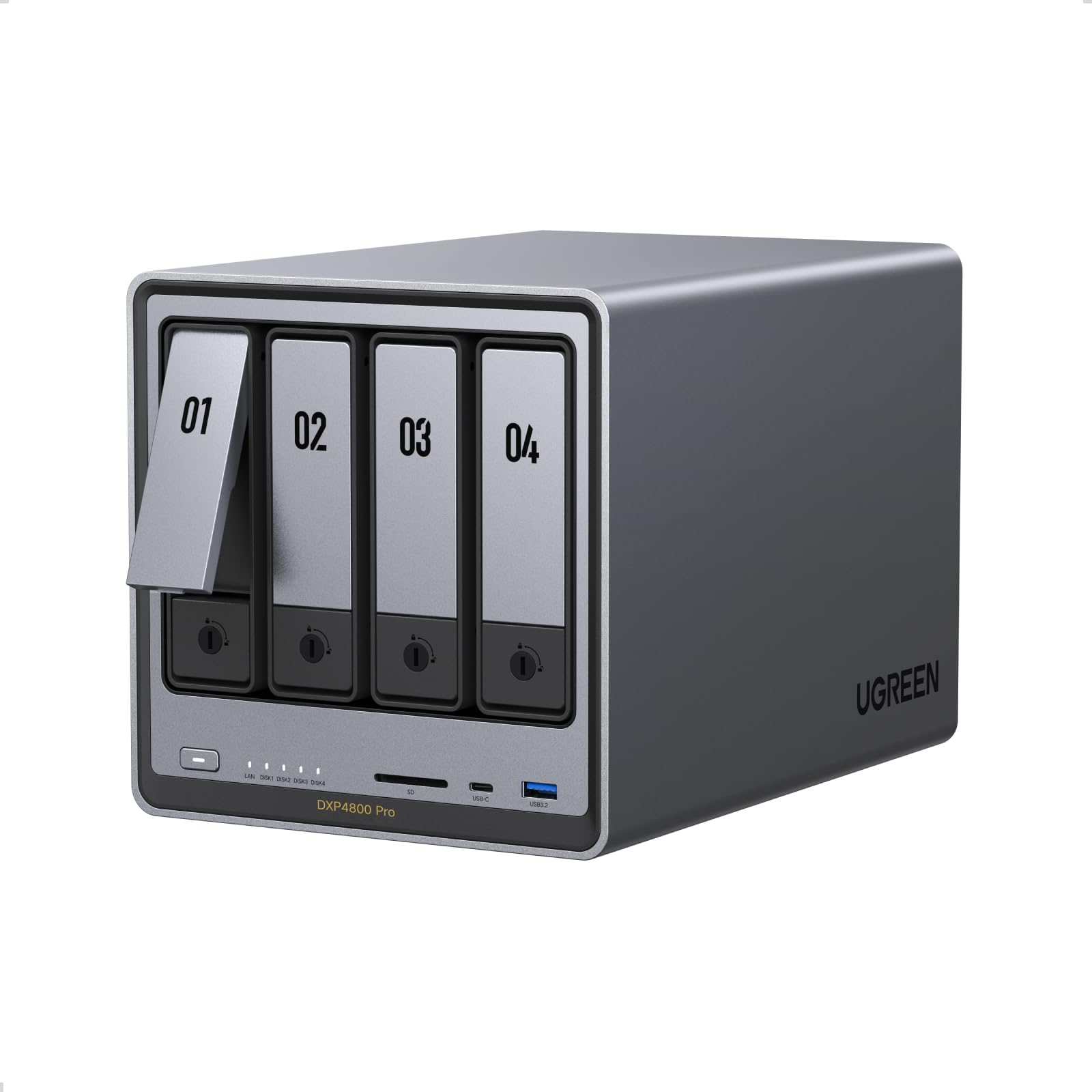
Stop paying more: Above $700, you get 10GbE networking, AI photo organization, and room for 144TB of storage. Stop here unless you need rackmount enterprise gear.
When to upgrade: For even more power, consider a DIY build with TrueNAS, but be prepared for a steeper learning curve.
Common Mistakes to Avoid
Using desktop drives instead of NAS drives
Standard desktop drives lack TLER and vibration protection, causing them to drop out of RAID arrays unexpectedly during rebuilds.
Cost of getting it wrong: An array failure can cost you all your data if no backup exists—recovery services range from $500 to $2,500.
Underestimating future storage growth
A 2TB drive seems roomy now, but 4K videos, RAW photos, and system backups add up fast.
Cost of getting it wrong: Replacing all drives later is more expensive than buying larger ones upfront; a 4TB to 8TB upgrade can cost an extra per drive.
Running RAID 0 without a backup
RAID 0 stripes data for speed but provides zero redundancy. One drive failure means total data loss.
Cost of getting it wrong: Losing a 20TB media library could mean months of ripping and re-downloading, or losing irreplaceable family photos.
Find Your Match
How many drive bays do you need?
Frequently Asked Questions
How much should I spend on a NAS?
<p><strong>A solid 2-bay NAS starts while high-performance 4-bay units can reach or more.</strong> Most home users will be well-served with a $250–$300 unit and a pair of 4TB drives. Avoid overspending on features like 10GbE unless you're editing video directly from the NAS.</p>
What's the difference between a NAS drive and a regular hard drive?
<p><strong>NAS drives are built for 24/7 operation with vibration resistance and error recovery control, preventing them from dropping out of RAID arrays.</strong> Regular desktop drives lack these features and may fail prematurely in a multi-drive enclosure. For any NAS with more than one bay, stick with drives rated for NAS use.</p>
Do I need 10GbE for my home NAS?
<p><strong>Not for most households. 4K video streaming requires only about 25 Mbps, and a 1GbE connection can handle multiple streams at once.</strong> 10GbE becomes necessary only for pro workloads like editing 8K RAW footage or simultaneous multi-user file transfers. Save the money and invest in larger drives instead.</p>
What are the most common mistakes when buying NAS storage?
<p><strong>Many beginners buy non-NAS drives, which can cause RAID failures, or choose too few bays, forcing a costly upgrade later.</strong> Others select RAID 0 for speed without a backup, risking total data loss. Plan for growth, use NAS-rated drives, and always maintain a separate backup for critical files.</p>
Can I use a NAS to replace cloud subscriptions like Dropbox or iCloud?
<p><strong>Yes, and it often pays for itself in a few years. A NAS with a pair of 4TB drives upfront, vs. /year for 2TB of cloud storage.</strong> With a NAS, you own your data and can access it remotely without recurring fees. Synology's mobile apps make the transition seamless.</p>
Which NAS brand has the easiest setup for beginners?
<p><strong>Synology is widely regarded as the most beginner-friendly, thanks to its intuitive DSM operating system. </strong> UGREEN's UGOS is also newcomer-focused, with AI photo organization that automatically tags your memories.</p>
How we wrote this guide
We synthesized data from 17,946+ verified Amazon reviews, professional testing from Wirecutter and PCMag, and in-depth video reviews from top NAS YouTube channels. Manufacturer specs were cross-referenced to confirm reliability claims. Prices checked weekly on Amazon.
About this guide
Mubboo Editorial Team. Our picks are rooted in real buyer experiences and expert evaluations, not commission rates. This guide is designed to help you find the right NAS for your needs and budget.