Gaming Monitor Quick Pick: The Best for Your Setup in 2026
Answer 3 quick questions to find your ideal gaming monitor
By Mubboo Editorial Team · Updated May 28, 2026 · 4 min read
At a Glance
Answer 3 questions, find your match in 30 seconds
Answer these 3 questions
What is your budget?
r/Monitors users often debate the best value at different price points.
What screen size do you prefer?
What is your priority?
All Our Picks
Not sure which is right for you? Take the quiz above, or browse all our recommendations below.
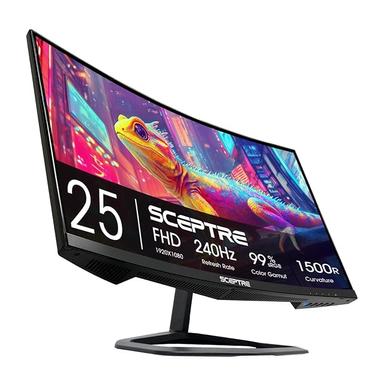
Sceptre C255B 24.5-inch Curved 1080p 240Hz
Budget king for esports at 240Hz
Skip if: You want a larger screen or higher resolution
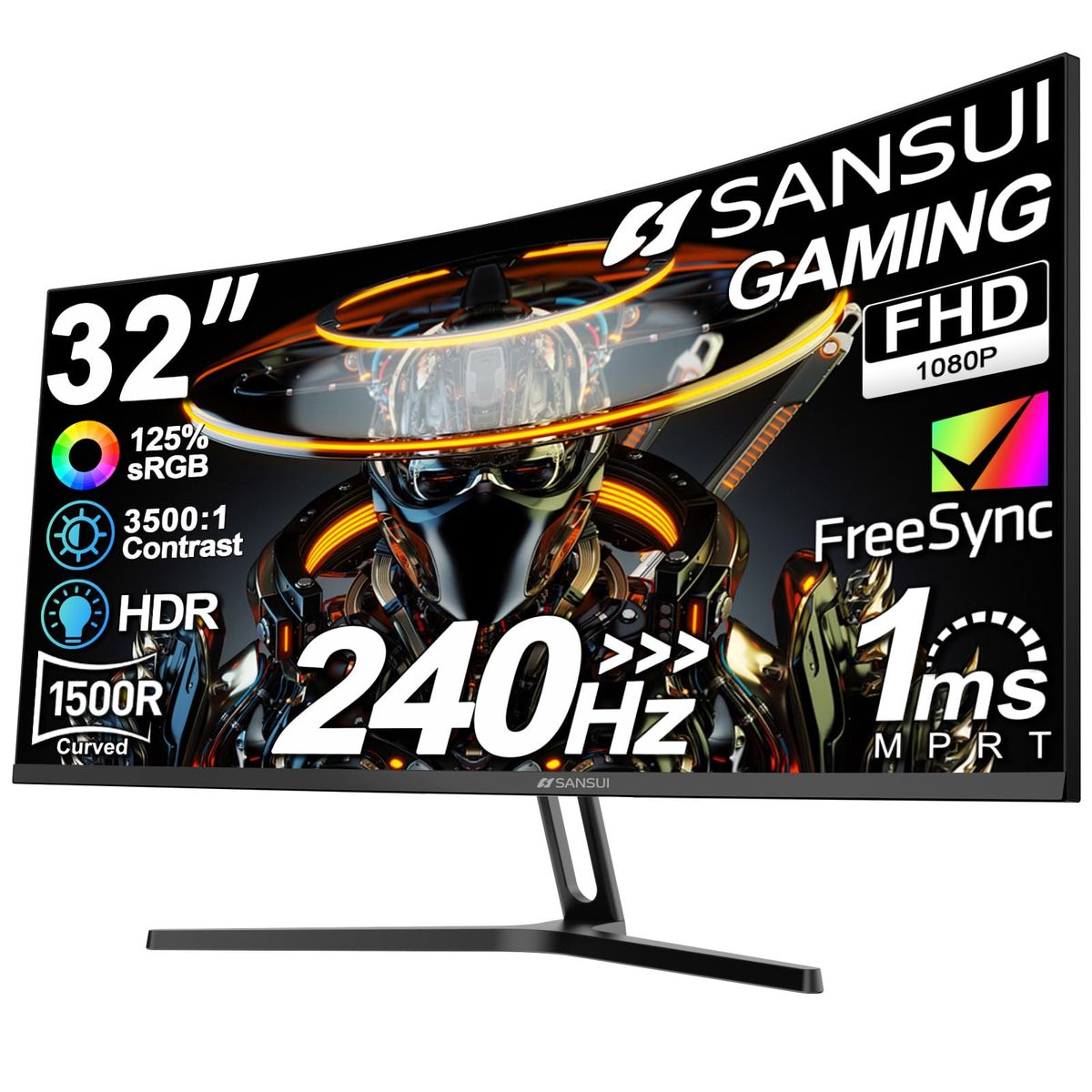
SANSUI 32 Inch Curved 240Hz Gaming Monitor
Large 32-inch 240Hz at a great price
Skip if: You prefer 27-inch or need 1440p
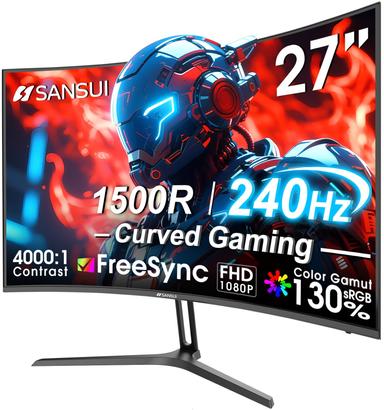
SANSUI 27 Inch Curved 240Hz Gaming Monitor
Affordable 27-inch 240Hz for competitive play
Skip if: You want a larger display or 4K
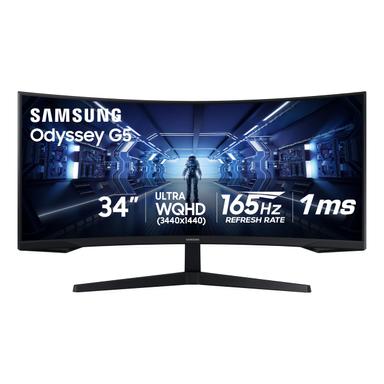
Samsung 34" Odyssey G5 Ultra-Wide WQHD 165Hz
Immersive ultrawide with 165Hz
Skip if: You need a higher refresh rate or desk space is tight
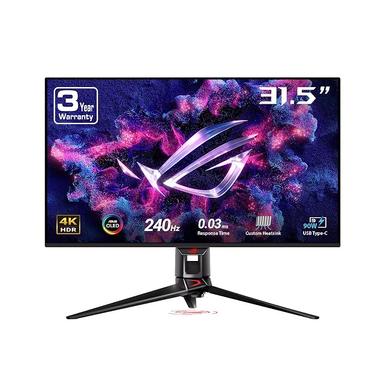
ASUS ROG Swift OLED PG32UCDM 32-inch 4K 240Hz
Stunning 4K OLED with blazing 240Hz
Skip if: You are on a budget or concerned about burn-in
What Real Buyers Say
Synthesized from 5 discussions across r/Monitors and r/Battlefield
High refresh rates valued. Across gaming communities, 240Hz monitors are praised for seamless motion in competitive shooters. Many users note that once you go 240Hz, 60Hz feels sluggish.
— r/Battlefield, r/Monitors
Debate on resolution vs frame rate. Some players prefer 1080p for maximum frame rates, while others advocate for 1440p or 4K for better visuals. The choice often depends on the GPU and game type.
— r/Monitors
What Experts Say
Wirecutter: OLED displays offer near-infinite contrast and sharp motion, bringing games to life without extra processing power. Near-instant response times reduce blur during fast-moving action.
Where experts agree
High refresh rates and responsive panels are key for gaming.
How We Picked
We analyzed 17,736, cross-referenced ratings from Wirecutter, and monitored 5 Reddit discussions across r/Monitors and r/Battlefield.
Qualification: products must have ≥4.0 stars and ≥500 reviews to be considered.
Matched to your answers, not commission rates.
Frequently Asked Questions
How does this quiz work?
Select your preference on each question and we'll instantly show your best match — no scrolling required. Each recommendation is based on your answers, product specs, and thousands of buyer reviews.
How do you pick these products?
We analyze verified buyer reviews, expert opinions from Wirecutter, and community feedback from Reddit. Each product must have at least 4.0 stars and 500 reviews to qualify.
What budget should I aim for?
Under $150 gets you a solid 1080p 240Hz monitor. Between $150 and $300, you can get a 27-inch 240Hz or a 1440p ultrawide. Over $300 opens 4K or OLED options.
Is 1080p good for gaming?
Yes, 1080p is still excellent for competitive gaming, especially at high refresh rates. It allows your GPU to push more frames, which is crucial for fast-paced titles.
What should I avoid when buying a gaming monitor?
Avoid overspending on features you don't need — for example, 4K is wasted if your GPU can't drive it. Also skip monitors with poor ergonomics or limited connectivity.
Is an ultrawide monitor good for all games?
Ultrawide is great for immersion in racing, RPGs, and strategy games, but some competitive shooters don't support 21:9 properly. Check compatibility before buying.