Quick Pick: Find Your Best NAS Storage
Answer 3 questions, find your perfect drive or enclosure in 30 seconds
By Mubboo Editorial Team · Updated Jun 9, 2026 · 2 min read
At a Glance
Answer 3 questions, find your match in 30 seconds
Confused by NAS options? Our 3-question quiz cuts through the noise. Whether you need a reliable hard drive for your existing system or a brand-new enclosure with easy setup, we ll match you with the right gear.
Answer these 3 questions
Do you need a hard drive or a complete NAS enclosure?
How much storage capacity do you need?
What's your priority?
All Our Picks
Not sure which is right for you? Take the quiz above, or browse all our recommendations below.
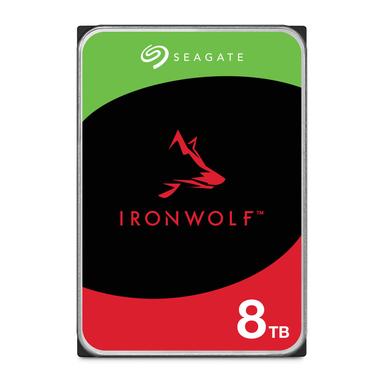
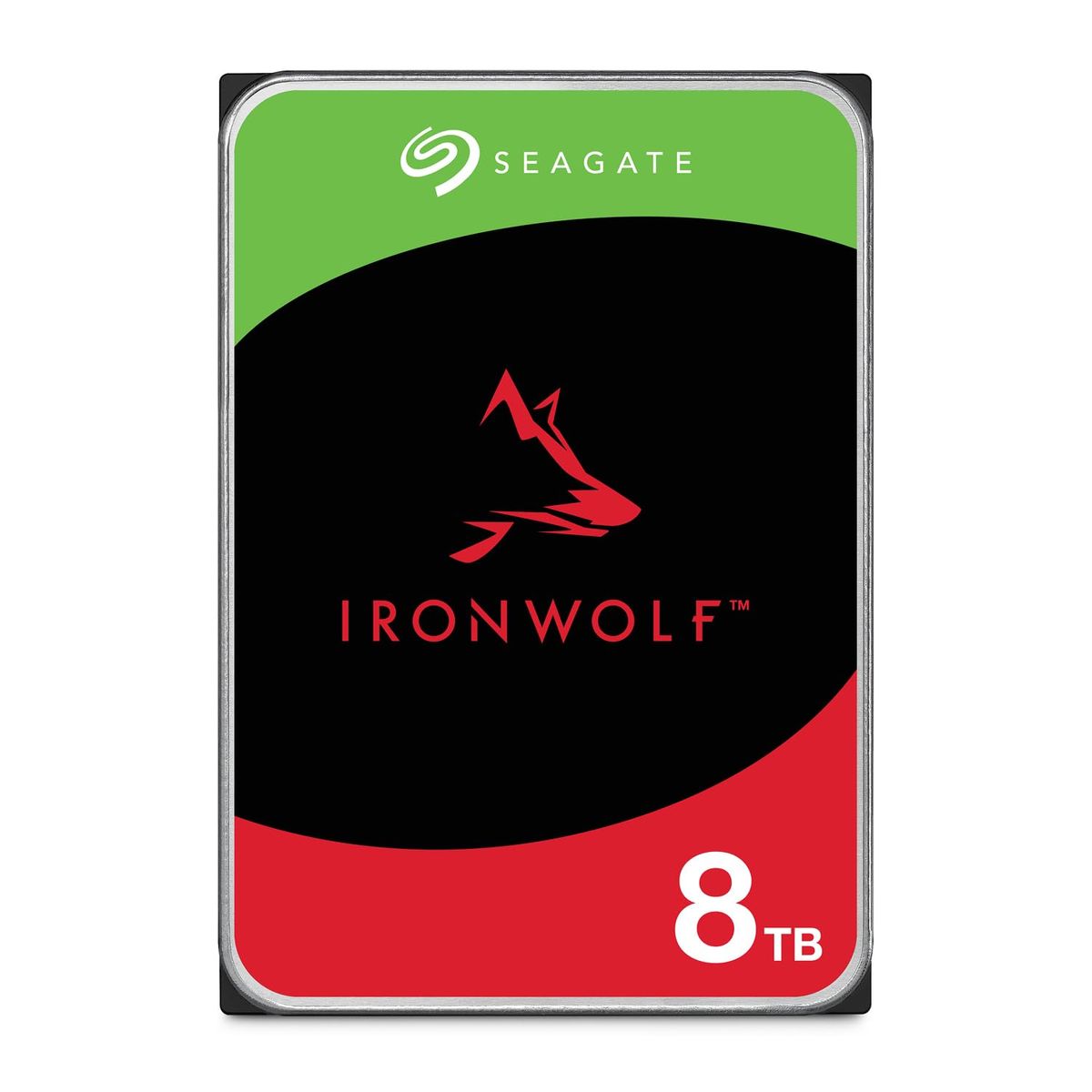
Seagate IronWolf 8TB
Best for existing NAS owners needing a dependable 8TB drive with 7200 RPM speed.
Skip if: You need more capacity or a complete NAS system — consider the 20TB Pro or a Synology enclosure.
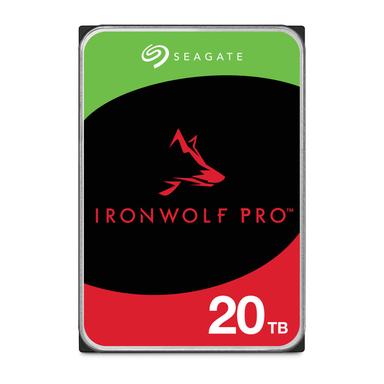
Seagate IronWolf Pro 20TB
For users who need maximum NAS capacity and enterprise reliability.
Skip if: Budget is tight and you don't need 20TB — the 8TB IronWolf is more affordable.
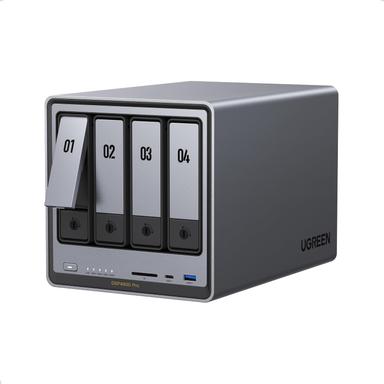
UGREEN DXP4800 Pro
Ideal for tech enthusiasts wanting a high-performance DIY NAS with modern hardware.
Skip if: You prefer a simpler, user-friendly ecosystem — Synology DSM is easier to manage.
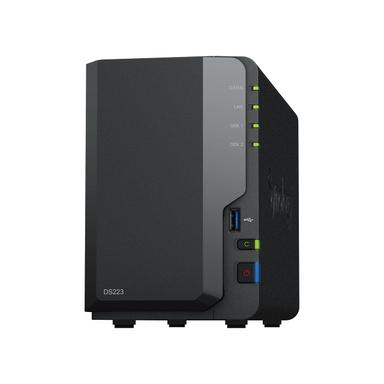
Synology DS223
Choose this for a straightforward, secure home backup hub with Synology's polished software.
Skip if: You need high performance and 10GbE networking — the UGREEN DXP4800 Pro is faster.
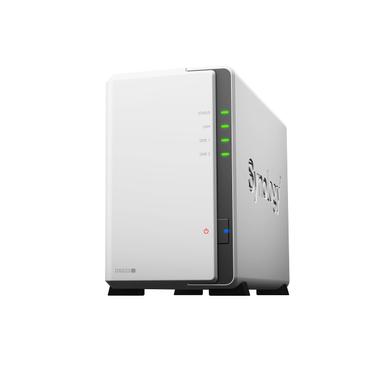
Synology DS223j
Best for budget-minded users who want Synology's software for basic backups and media sharing.
Skip if: You need more than basic backups or plan to run heavy apps — the DS223 or UGREEN is better.
What Experts Say
Wirecutter: Recommends Synology DiskStation DS225+ for fast backups and media serving. Ideal for families and local media libraries.
TechRadar: Recommends Kodi as the best free media server app for versatile streaming across devices.
Where experts agree
Both sources prioritize software usability and media capabilities for a smooth NAS experience.
How We Picked
We analyzed 17,172, cross-referenced ratings from Wirecutter and TechRadar.
Qualification: products must have ≥4.0 stars and ≥500 reviews to be considered.
Matched to your answers, not commission rates.
Frequently Asked Questions
How does this quiz work?
Just select your preference on each question and we'll instantly show your best match — no scrolling required. Our algorithm compares your answers against our curated product database, factoring in real-world performance and buyer feedback.
How do you pick these products?
We analyzed over 17,000 verified buyer reviews and cross-referenced expert opinions from Wirecutter and TechRadar. Only products with ≥4.0 stars and ≥500 reviews made the cut, ensuring you get reliable, tested recommendations.
What's the difference between a hard drive and a NAS enclosure?
A hard drive is just the storage component that you install into a NAS enclosure or computer. A NAS enclosure is a dedicated mini-server that holds one or more drives and connects to your network, providing file sharing, backups, and media streaming. You need both to build a full NAS system.
Should I buy a drive or an enclosure?
If you already have a NAS and just need more space, get a compatible drive like the Seagate IronWolf. If you're building from scratch, choose an enclosure that fits your needs — Synology for ease of use, UGREEN for high performance.
What about data protection with RAID?
RAID can protect against drive failure by mirroring or parity, but it's not a backup. For critical data, always maintain an external backup. The enclosures recommended here support RAID 0, 1, 5, and 10 to balance speed, capacity, and redundancy.
How long do NAS hard drives last?
NAS-optimized drives like the IronWolf line are built for 24/7 operation, with MTBF ratings up to 2.5 million hours and workload limits of 550TB per year. They typically outlast standard desktop drives, often lasting 3-5 years with proper cooling and monitoring.
How we wrote this
We analyzed 17,172 verified buyer reviews and cross-referenced expert opinions from Wirecutter and TechRadar to select these top picks. All products are available on Amazon with up-to-date pricing.
About this Quick Pick
Mubboo Editorial Team. Picks based on verified buyer reviews and expert evaluation. Prices update weekly from Amazon.